
1.7
Feedler Unlimited
Trending Stories
Feeds Discover
Fixes
- Introducing ∞ Feedler Unlimited: one subscription for unlimited feeds, sync services and iCloud sync, with a 7-day free trial
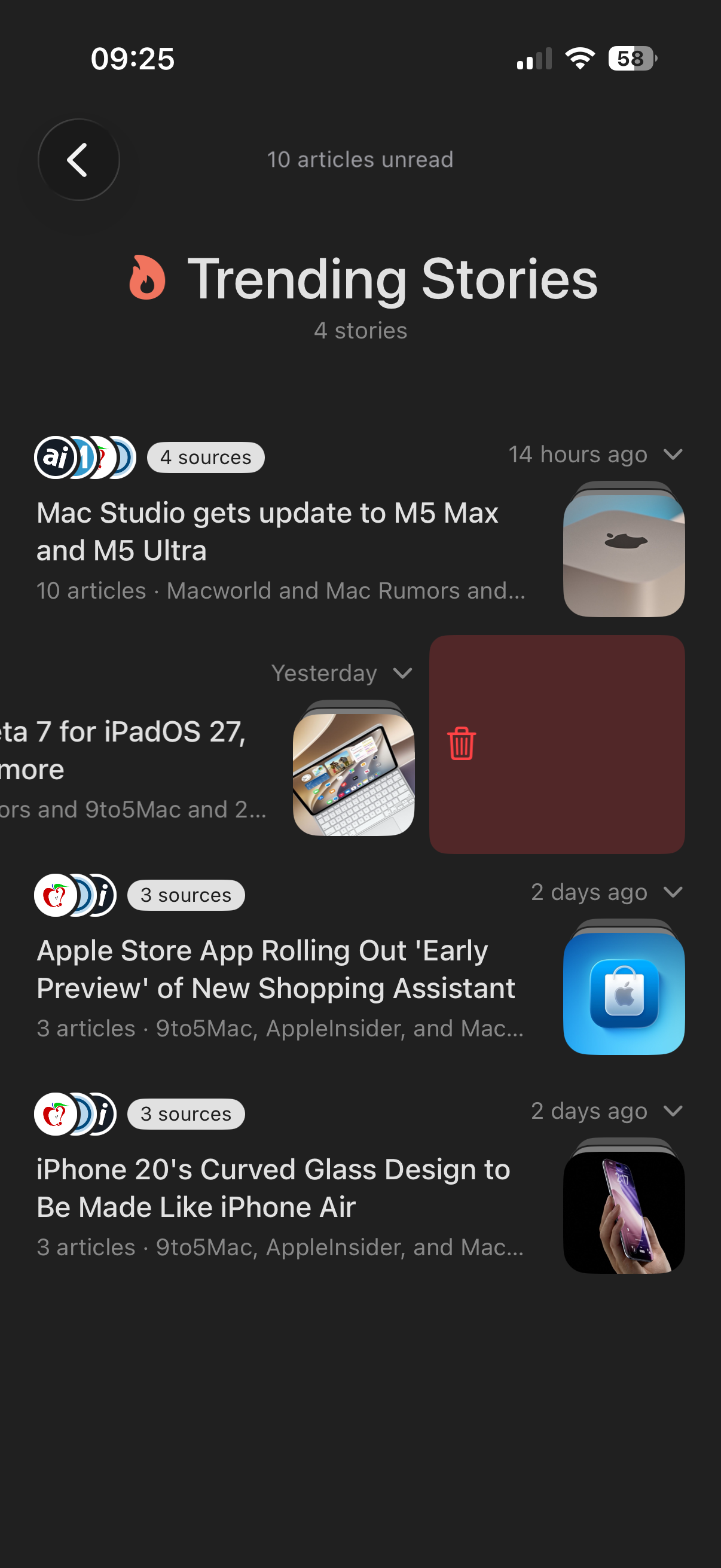
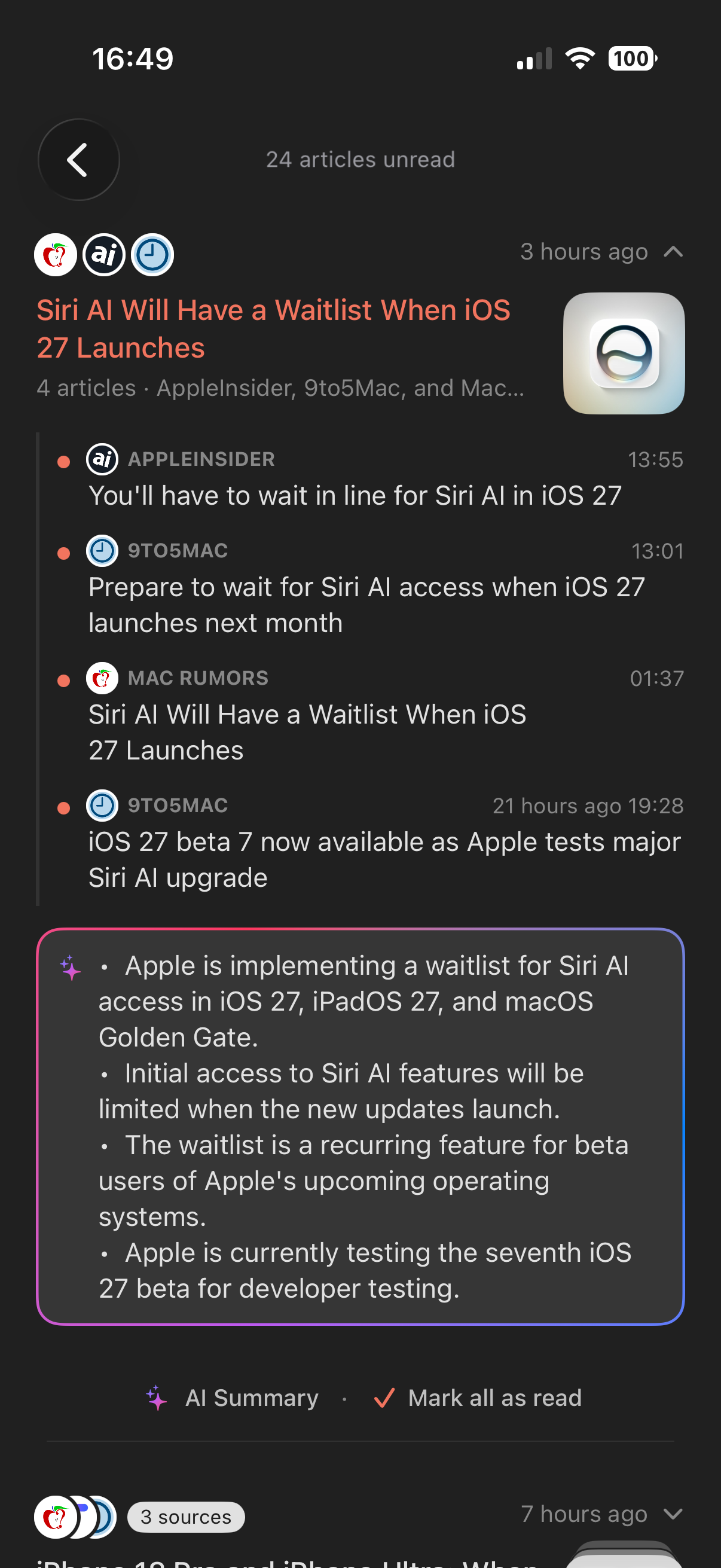
- Trending Stories: a new smart list that spots the topics several of your feeds are covering right now, with an on-device AI summary per story
- Feeds Discover: hand-picked packs and topic suggestions in five languages: every source tested by hand, and the catalog updates itself
- Two new sync services (The Old Reader and BazQux) plus round feed icons, image hiding rules, and a large batch of fixes
- And a whole lot more
Feedler Unlimited
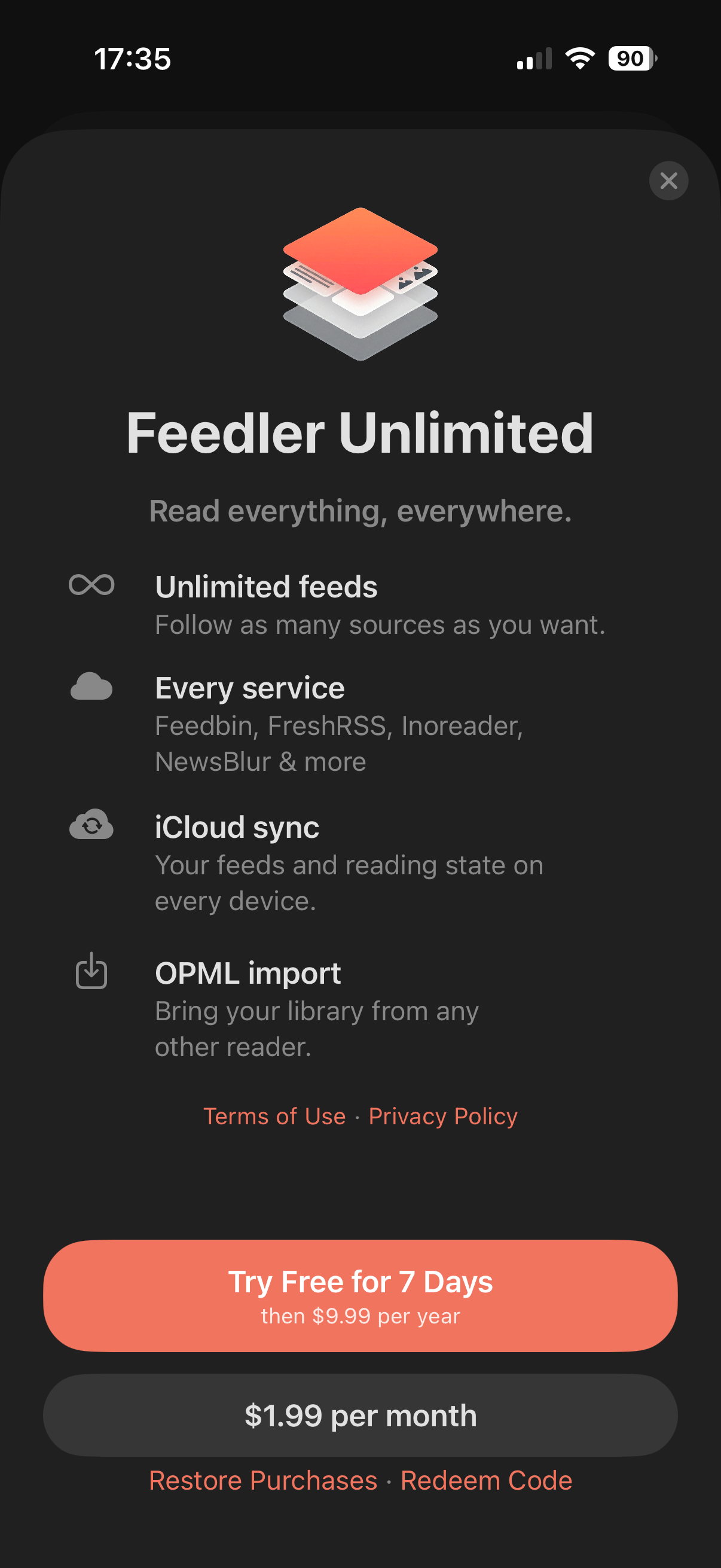
- Feedler now offers a subscription: ∞ Feedler Unlimited: monthly or yearly, with a 7-day free trial on the yearly plan
- Unlimited unlocks unlimited feeds, sync services (Feedbin, NewsBlur, FreshRSS, BazQux, The Old Reader and more), iCloud sync across your devices, and OPML import
- One subscription, the whole family: ∞ Feedler Unlimited works with Family Sharing
- The free experience keeps every reading feature (Reader View, galleries, Trending Stories, full customization) with up to five feeds
- If a subscription ever lapses, nothing is deleted and nothing is locked away: extra feeds simply pause, everything stays readable, and OPML export always works: resubscribe and it all resumes exactly where it was
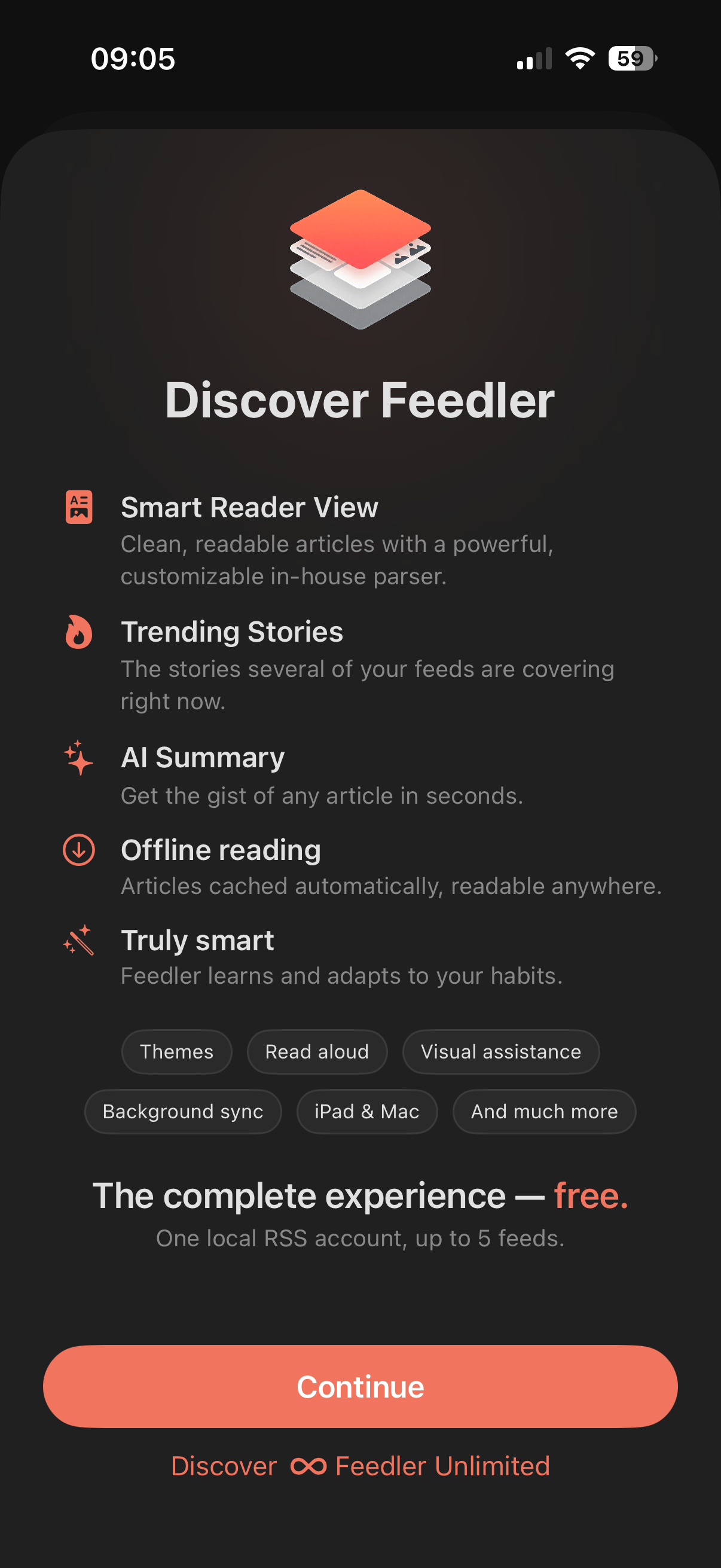
- A new welcome screen greets first launches, and Settings gains a Subscription page with live status, Manage, Restore and offer codes
- Offer codes redeem on iPhone and iPad: the subscription then unlocks on every device
- Wondering why Feedler chose a subscription? The FAQ answers that question honestly
During the TestFlight beta, subscribing is free: Apple's test environment handles the billing, and no real charges are ever made. See the details in the FAQ.
Trending Stories
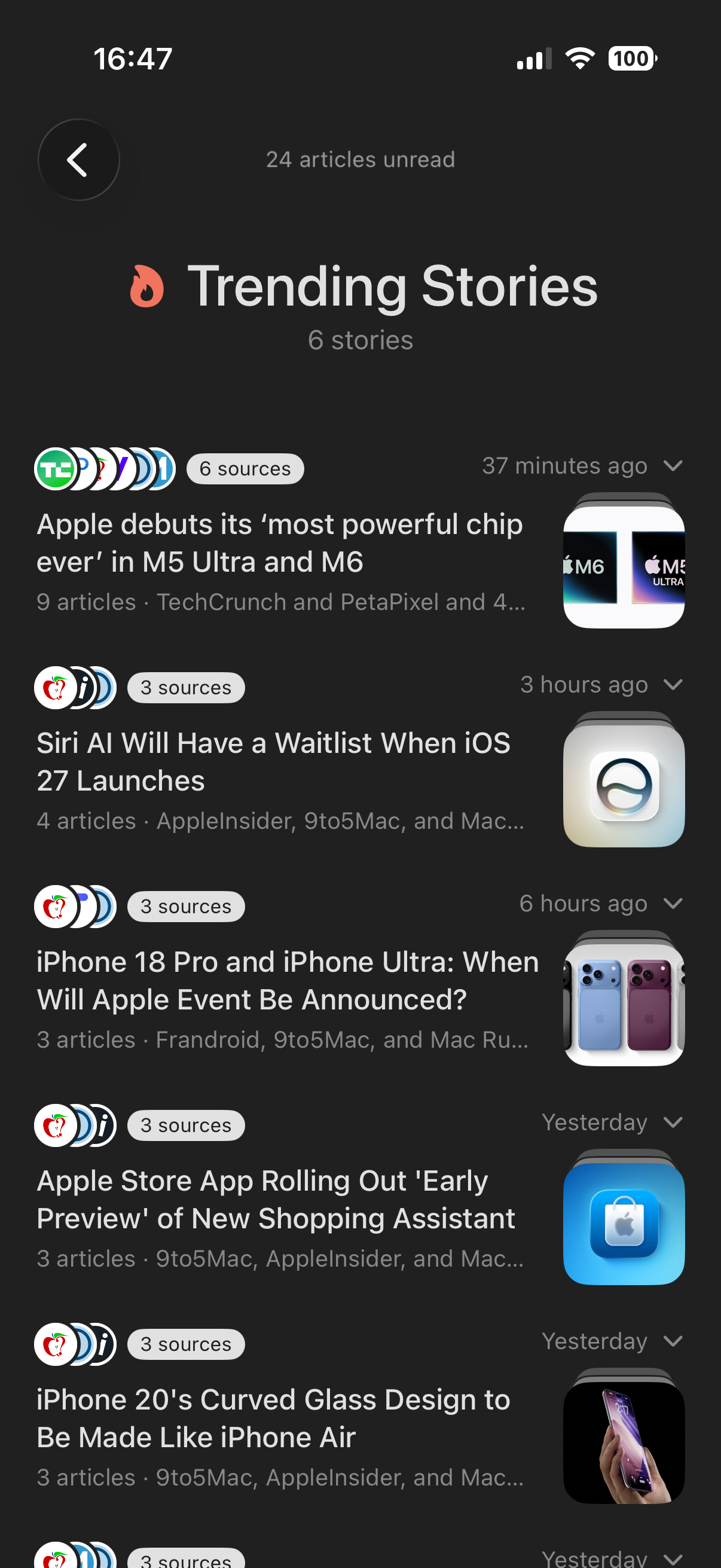
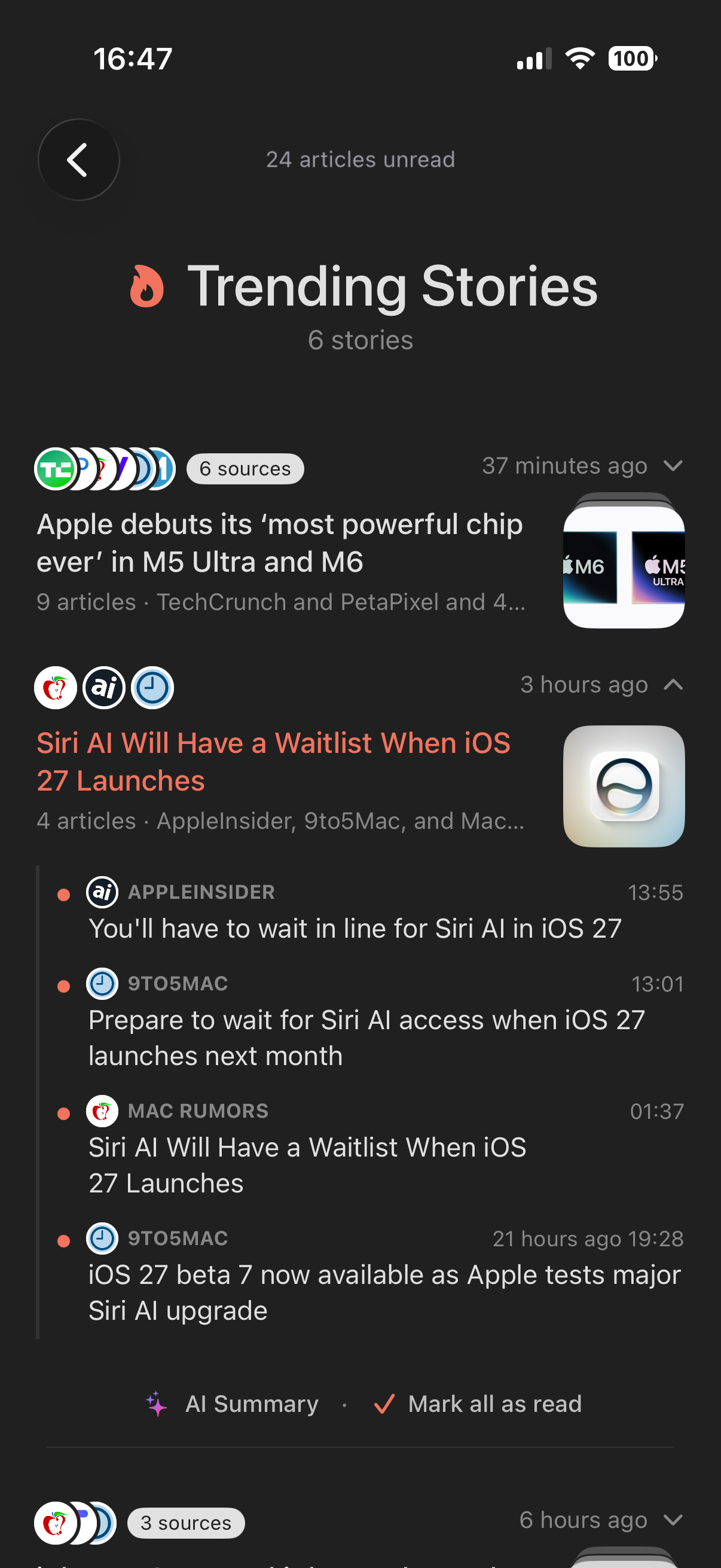
- A new smart list gathers the topics several of your feeds are covering at the same time, grouped into stories: the covers stack up, the sources line up, and unread counts stay live
- Built on a fast on-device algorithm (not AI) so it works on every iPhone, iPad and Mac, understands 13 languages, and can even group stories across languages
- Open a story to read its articles one by one: the story stays put while you read it, and marking articles read can hop you straight to the next story
- On devices with Apple Intelligence, one tap summarizes the whole story, in your language
- Swipe to delete a story you're done with (with Undo), and restore deleted stories any time from Settings
- Make it yours in Settings › Trending Stories: time window, minimum number of sources, or hide the list entirely
- After each sync, Feedler quietly tells you how many new stories appeared
- Full keyboard navigation on iPad and Mac: arrow through stories and their articles without touching the screen
- How stories form, what each gesture does: the FAQ covers it all
Feeds Discover
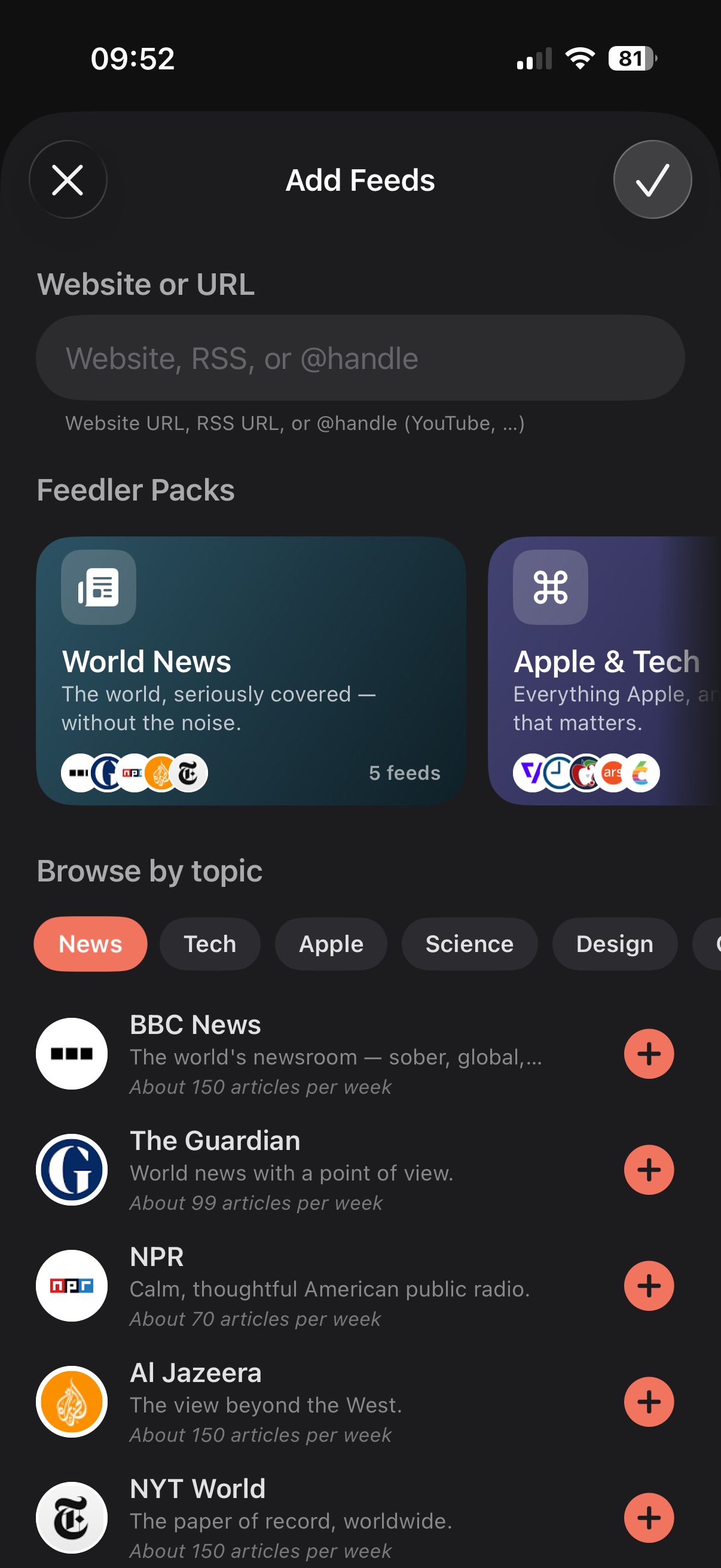
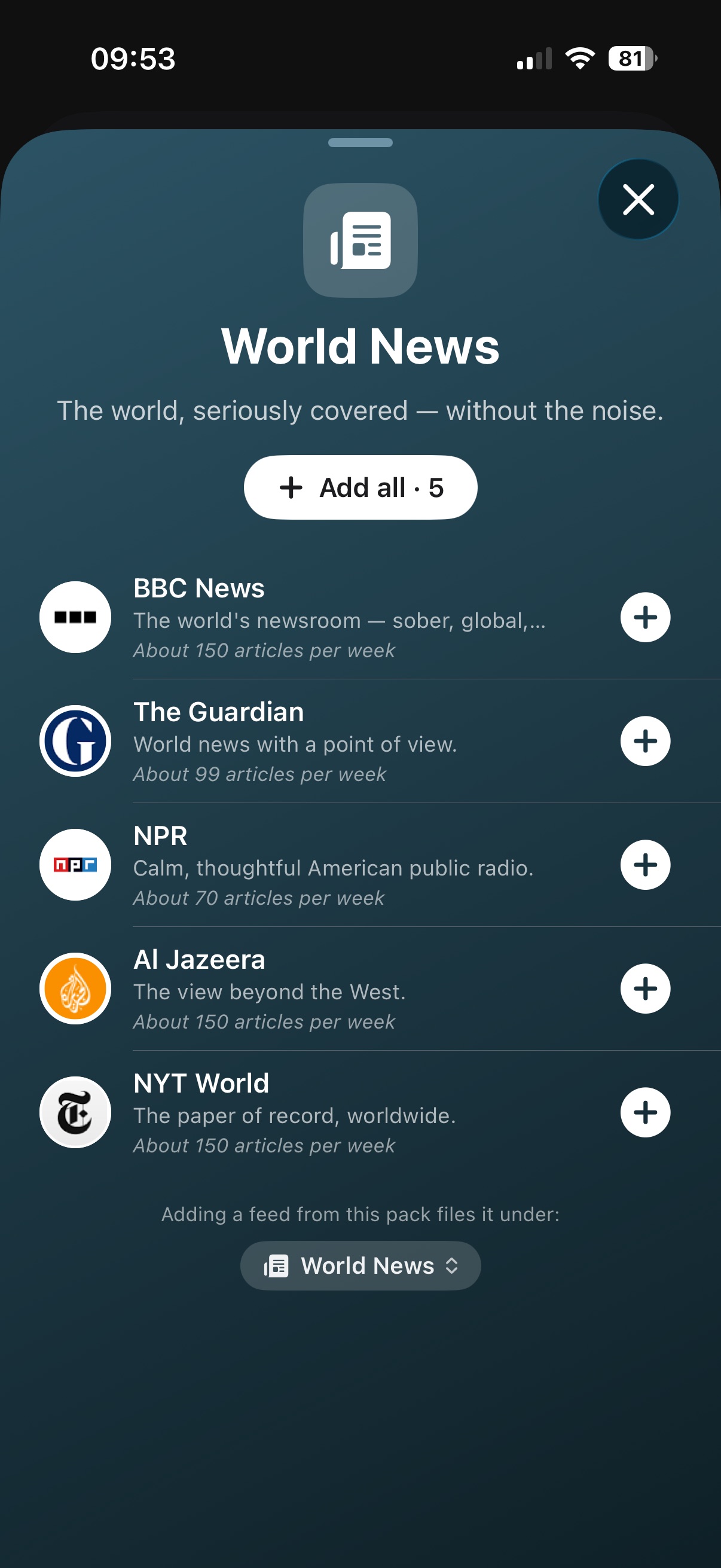
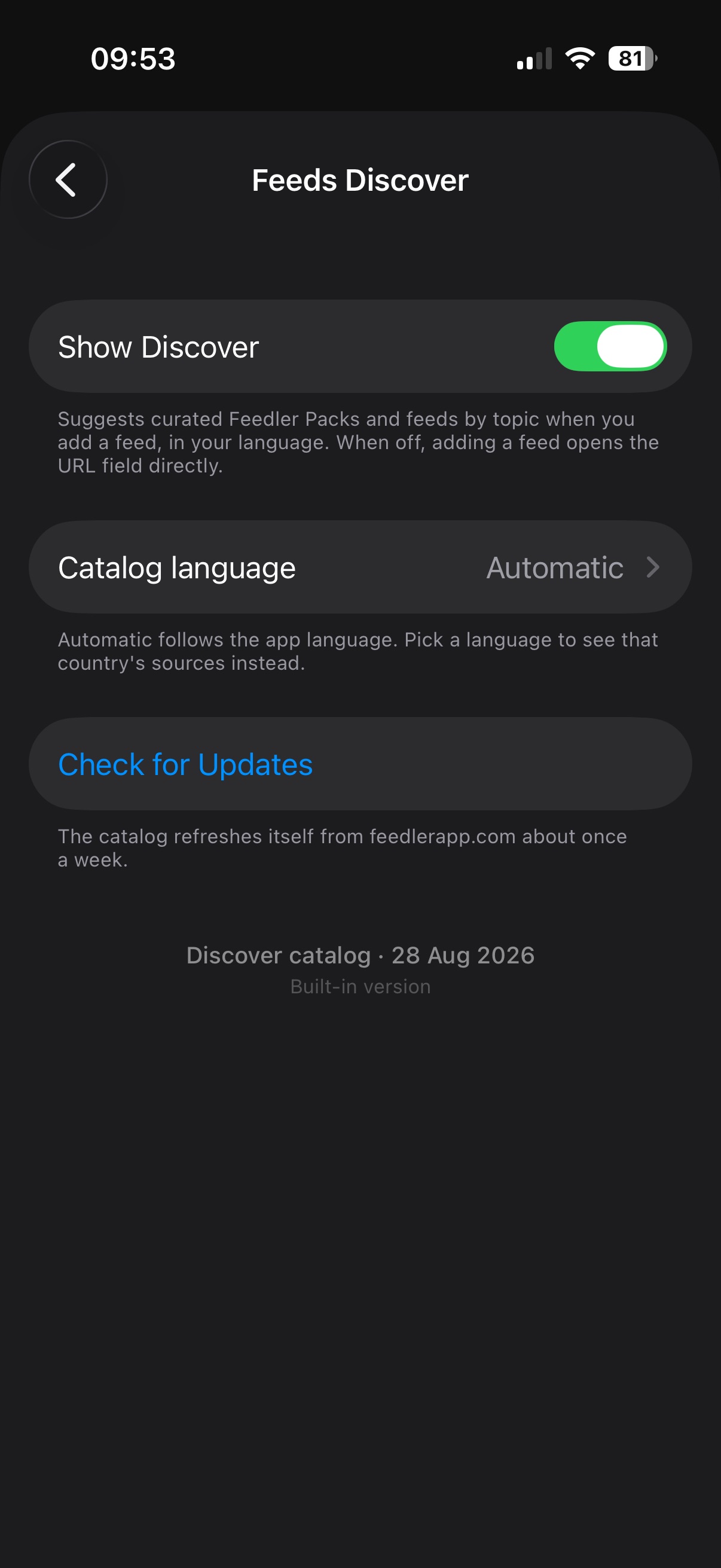
- Add Feeds now opens on Feeds Discover: Feedler Packs (ready-made sets of quality sources) and suggestions topic by topic
- Five catalogs: English, French, German, Italian, Spanish: every source is picked, added and tested by hand, article display included
- Build your starter set in one visit: tap to add, tap again to undo, pick a destination: one single sync when you're done
- The catalog refreshes itself quietly, so new sources reach you without waiting for an app update
- A new Settings page: show or hide Discover, choose the catalog language, and check for catalog updates on demand
- And this is only the beginning: soon you'll be able to create your own packs and share them, and suggest sources for the catalog
New sync services
- Two new sync services join the family: The Old Reader and BazQux: sign in and your subscriptions, folders, read states and favorites sync both ways
- You can now connect up to 8 accounts side by side
Feed icons
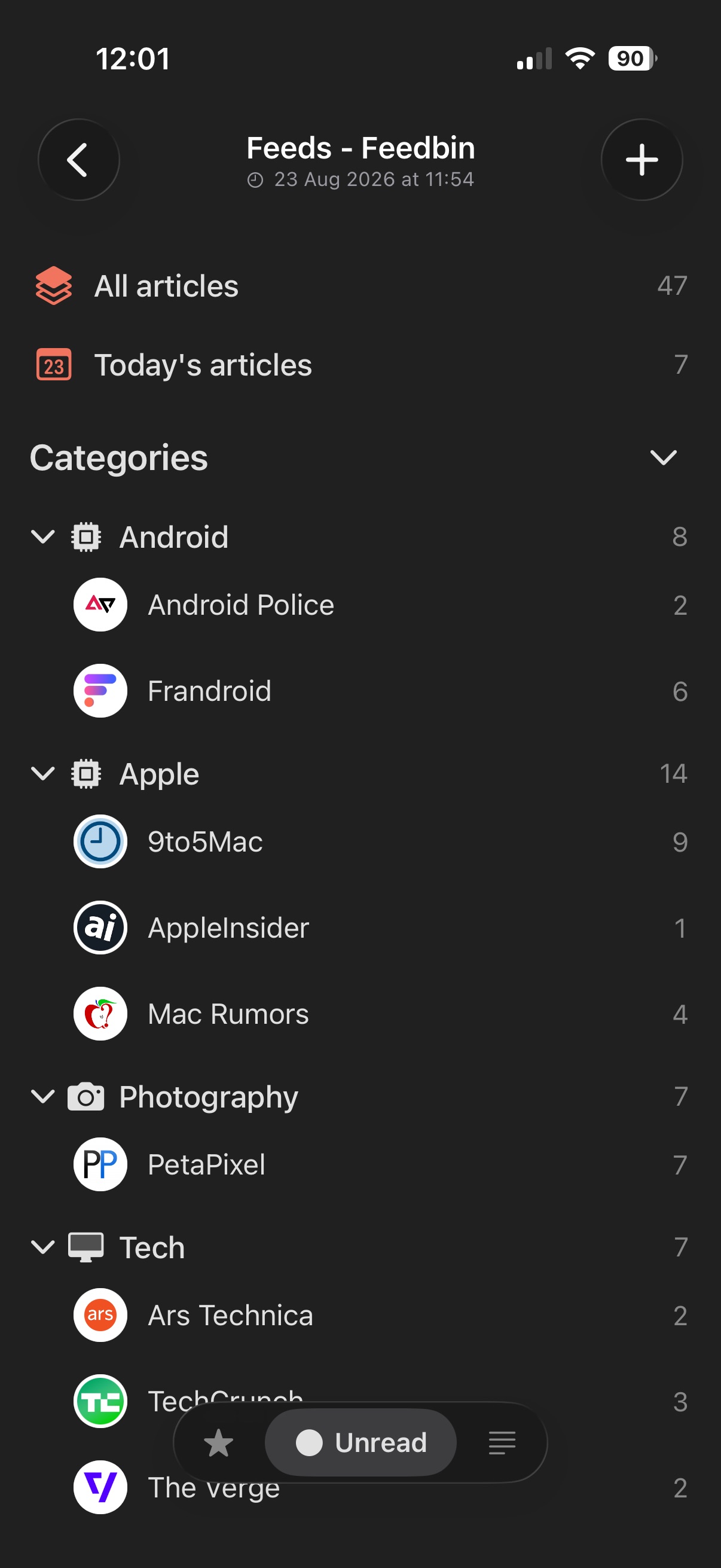
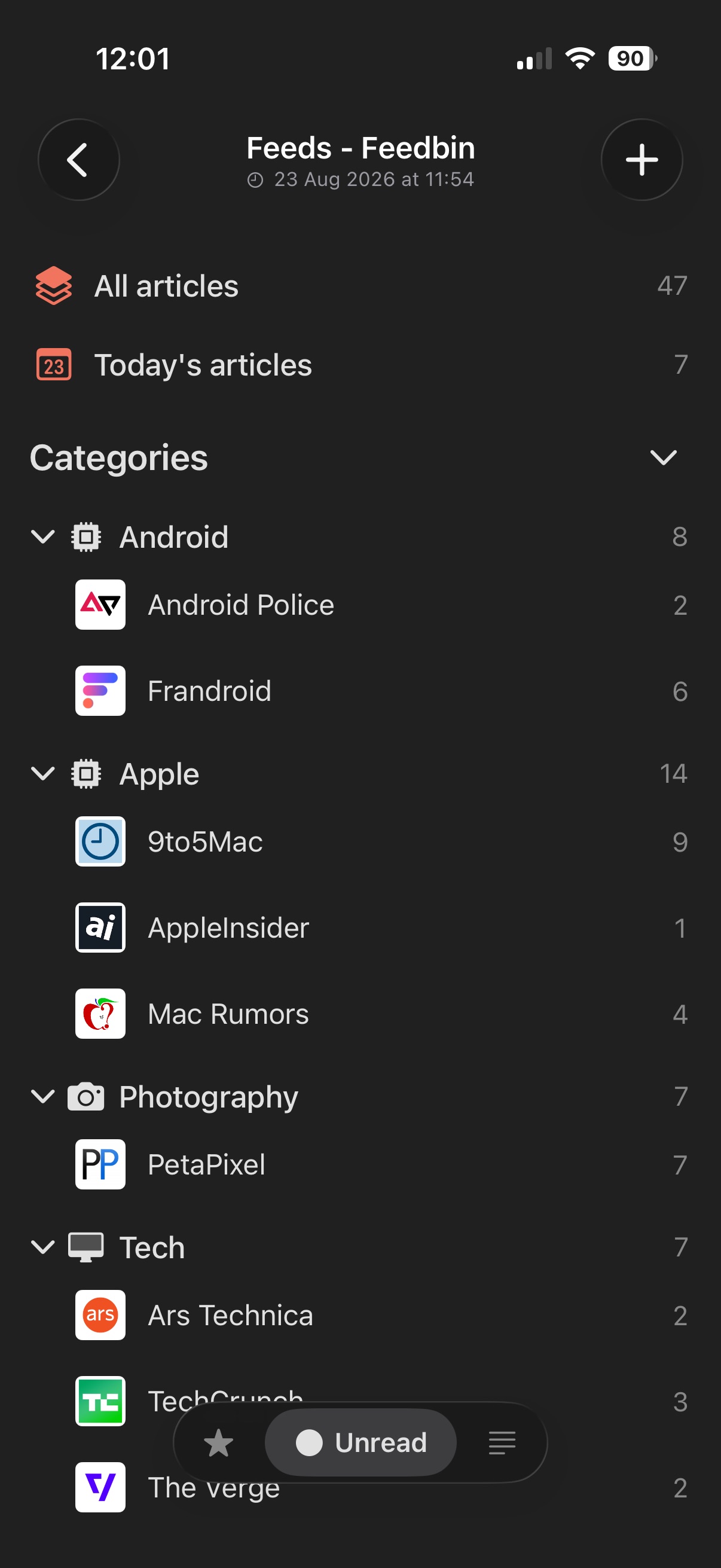
- Choose the shape of your feed icons (Round or Square) in Settings › Appearance; round is the new default
- Every icon is analyzed individually for the round shape: full logos crop into a clean disc with a uniform breathing ring, light glyphs stay fitted and are never cropped
- Applied everywhere icons appear: the feeds list, article lists, story cards, feed settings
- The icon picker got honest: only icons that actually load are suggested, with more real choices per site and the best one preselected
- Not happy with a feed's icon? Changing it takes two taps
Parser customization
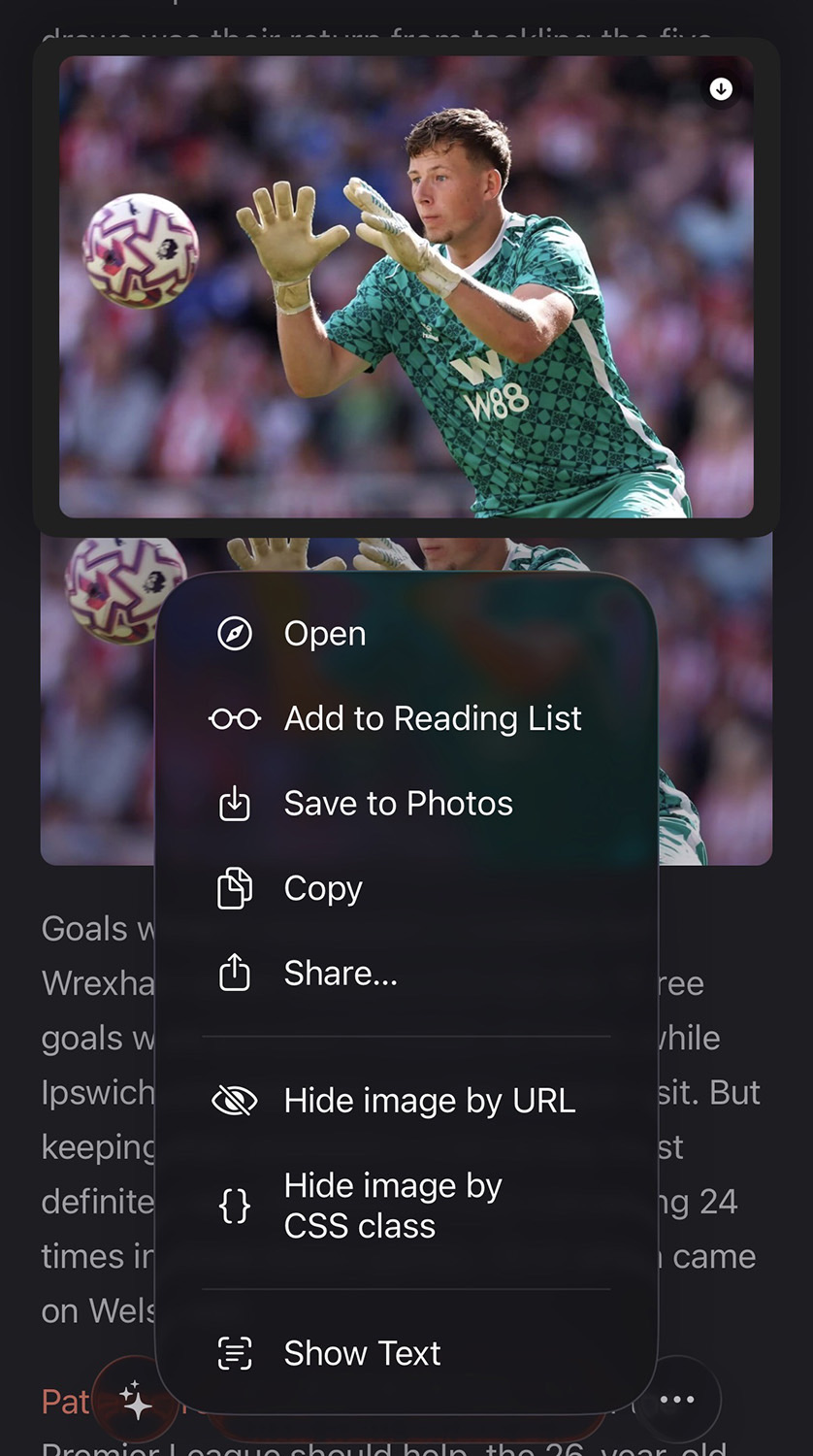
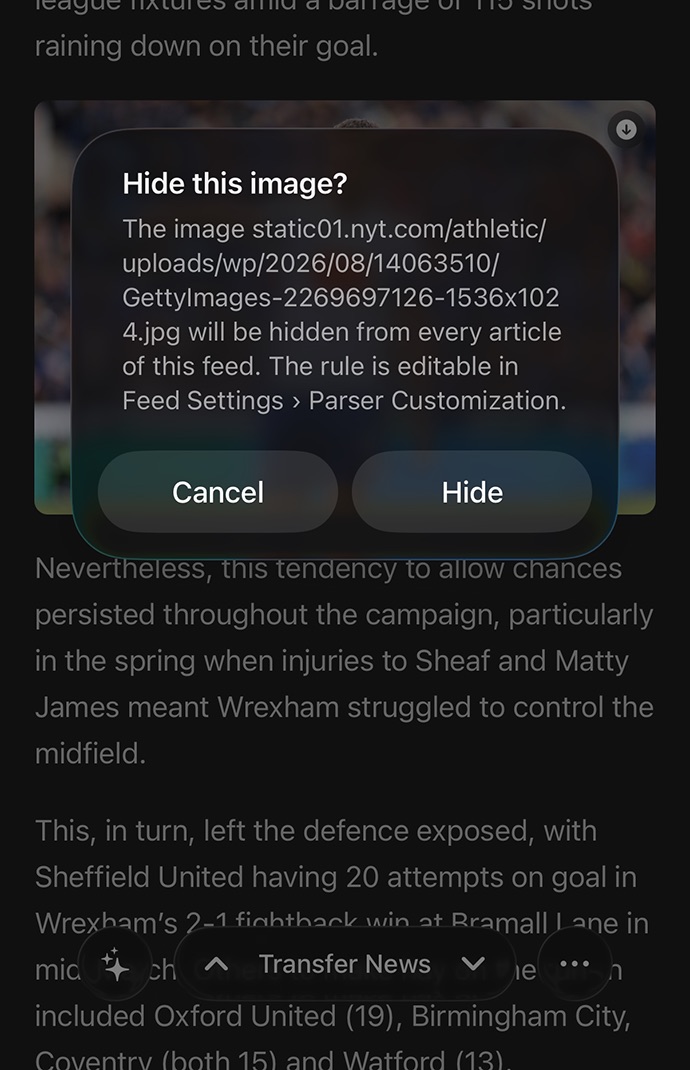
- Long-press any image while reading to hide it, by exact URL (that image disappears from every article of the feed, whatever size the site serves it at) or by CSS class (perfect for promo slots that change picture but keep their styling)
- A new Hidden images list in Parser Customization keeps them all in one place, easy to remove
- Rules now apply themselves: change or remove any rule and already-cached articles re-parse automatically: no cache clearing, no re-downloading
- Sturdier rules: one malformed CSS entry no longer disables the others, bare words just work (promo finds .promo), and comma-separated selectors become separate rules
- Hide content now catches lists, figures, quotes and tables too
- There's much more you can tune per feed: the FAQ walks through all of it
Sync & feeds
- OPML files now open straight in Feedler, from Mail, Files or AirDrop, choose "Open in Feedler" and the import preview appears (more on OPML in the FAQ)
- Feeds in the earliest RSS dialects now work, and a single oddly-formatted date no longer rejects a whole feed: several long-running news and science sites benefit
- Feeds that only answer over http can finally be added
- Reddit feeds are more dependable: older URL forms are recognized and legacy addresses are corrected automatically
- Stopping a sync now asks for confirmation, and the Activity Log shows each sync's duration, with cancelled syncs telling you exactly where they stopped
- Mark all as read gives its little haptic buzz from every surface
Website
- feedlerapp.com grew alongside the app: a new blog, a press page, and brand-new FAQ sections: pricing & subscription, Trending Stories, Feeds Discover and more
- The Feedler News feed now brings you blog posts alongside release notes: follow it right from Settings › Changelog
Also
- Fixed two crashes: Mark all as read on iOS 27, and a rare one while preparing extremely convoluted pages
- Articles you read while a sync is running stay read
- Article lists are calmer: rows no longer collapse in front of you when you come back from reading, and a feed you just emptied leaves the list quietly, off-screen
- In the All and Favorites filters, a fully-read feed no longer shows as empty right after a sync
- More sites show their complete article text, image captions no longer overlap the paragraph above, and missing images on some sites are back
- The AI summary button only appears on devices where Apple Intelligence is actually available
- iOS 27: clearer filter selection, readable notifications in dark themes, tidier empty states
- Under the hood: updated image and parsing engines: smoother scrolling, leaner memory