Press
Everything you need to write about Feedler
About Feedler
Feedler is the smart RSS reader for iPhone, iPad and Mac. It fetches the whole article, groups the news your feeds share into stories, and works offline.
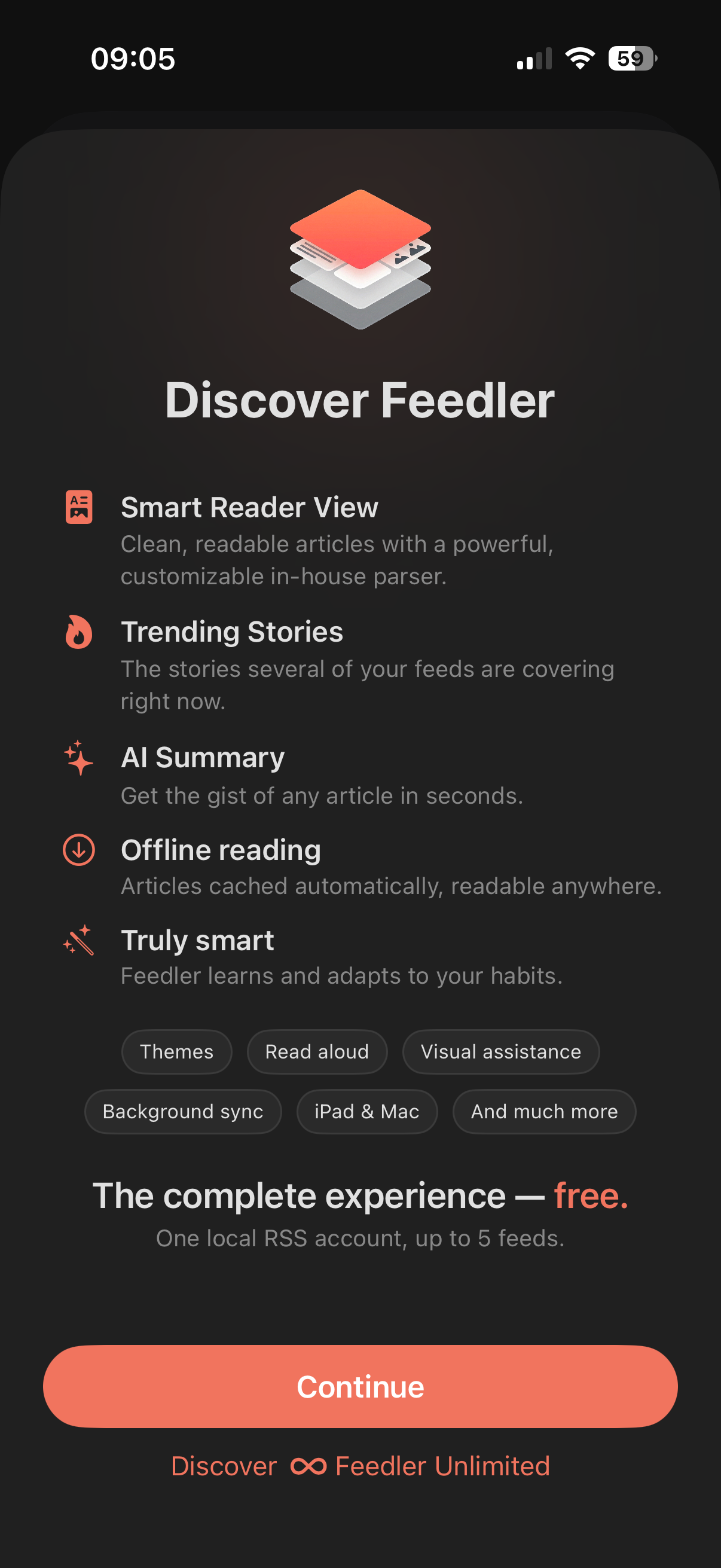
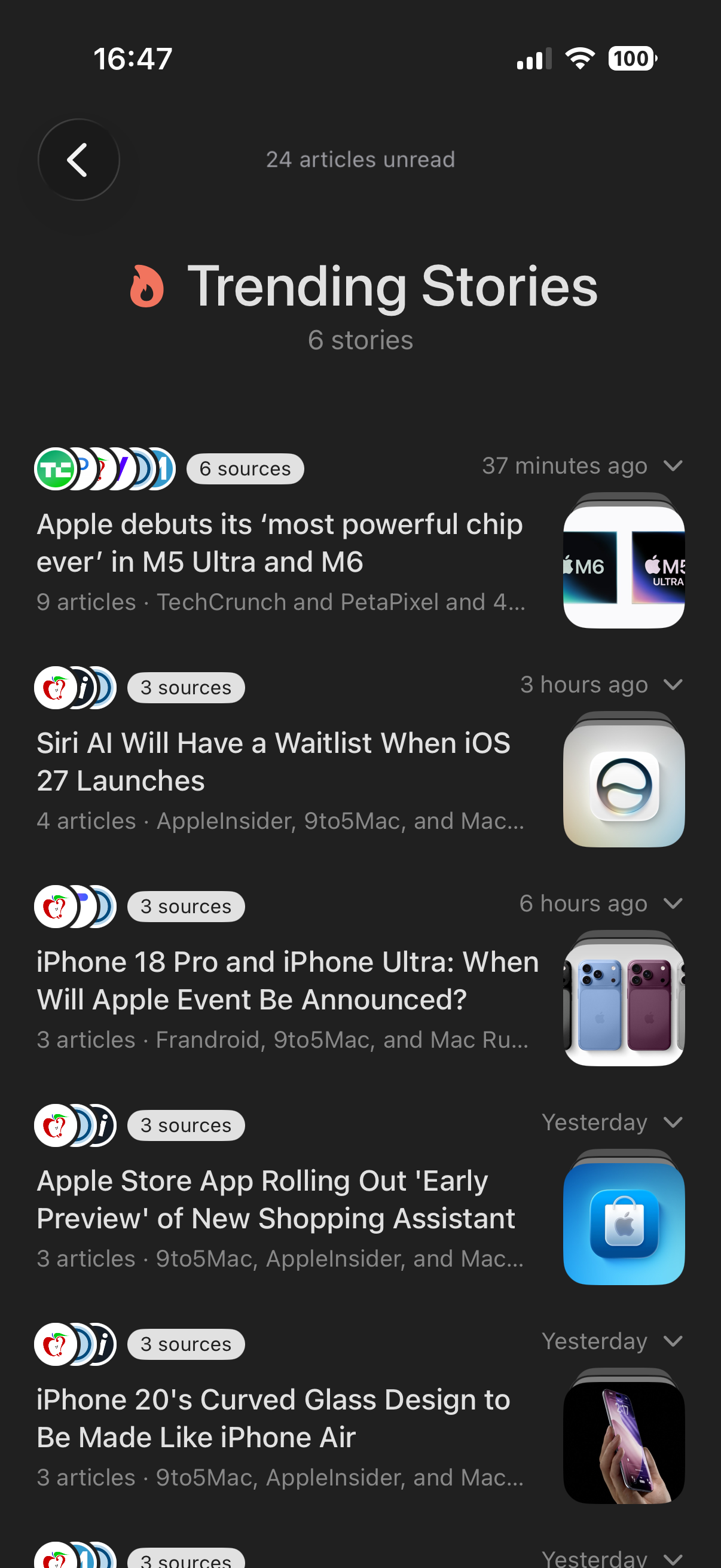
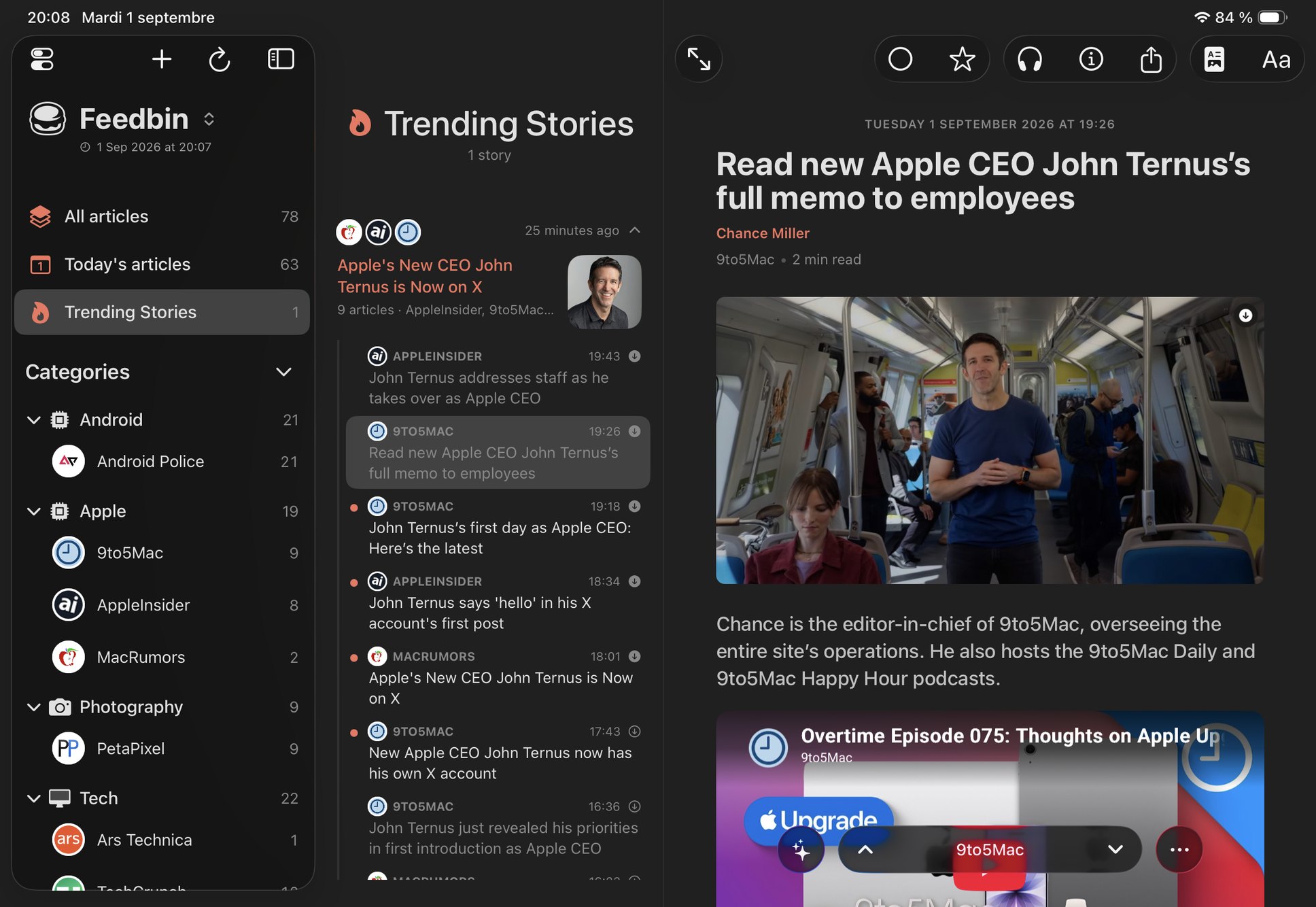
Feedler is an RSS reader for iPhone, iPad and Mac. Its article parser is built in-house rather than taken from a generic extraction library: it fetches the whole article from most sites, even when the feed only has a preview. Trending Stories groups the articles that several of a user's feeds publish about the same news into one story. The grouping runs on the device and uses no AI. Articles and their images are cached, so they remain readable offline.
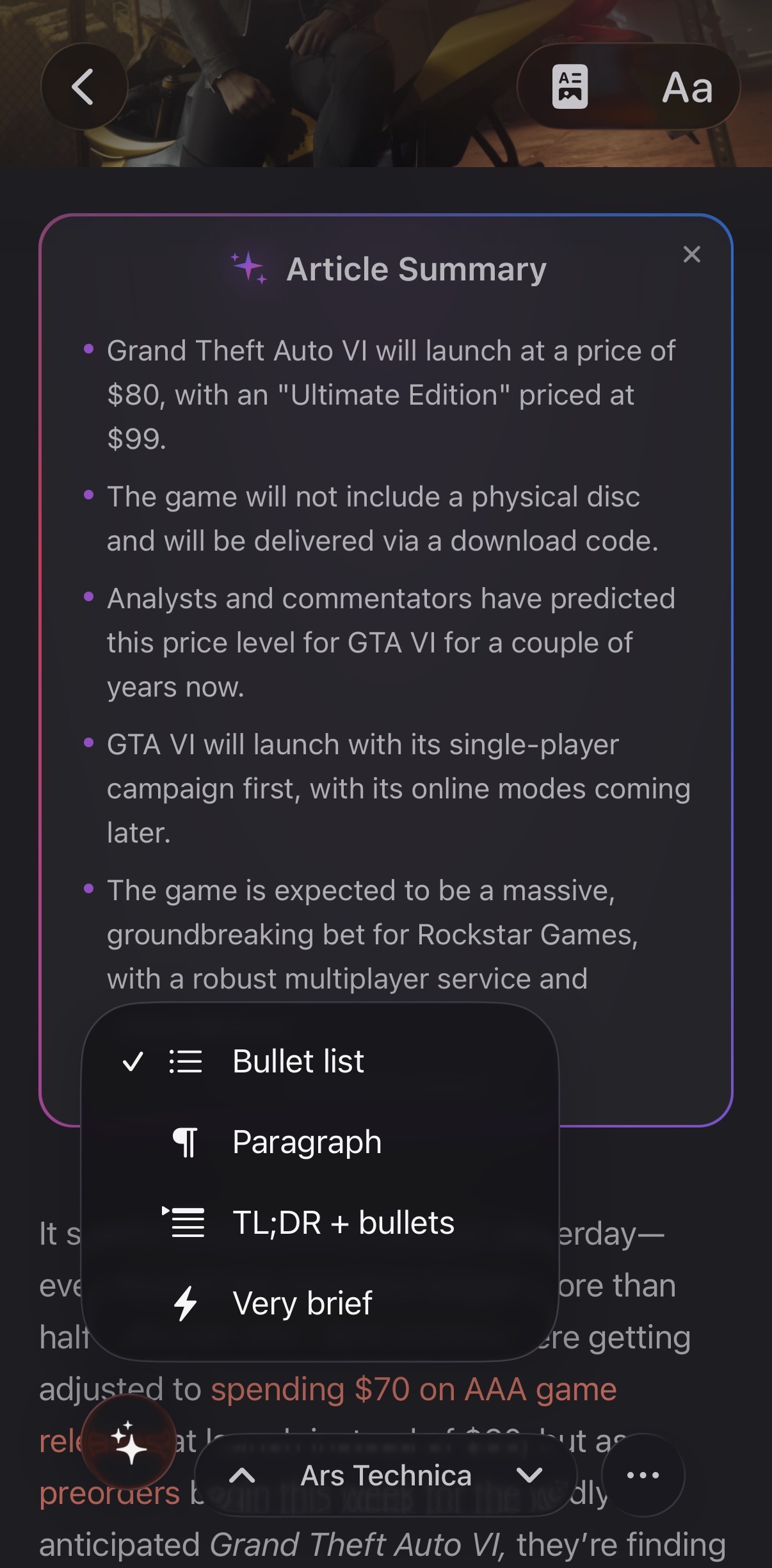
Feedler also includes optional AI summaries and text-to-speech, themes and settings at the global, account and feed level, reading-assistance modes, and support for refresh rates up to 120 Hz on compatible devices. No Feedler account is required, and Feedler includes no tracking or ads. Feedler is in public beta on TestFlight, and the App Store release is coming.
Fact sheet
- Name
- Feedler
- Tagline
- The Smart RSS Reader
- Platforms
- iOS, iPadOS and macOS
- Accounts
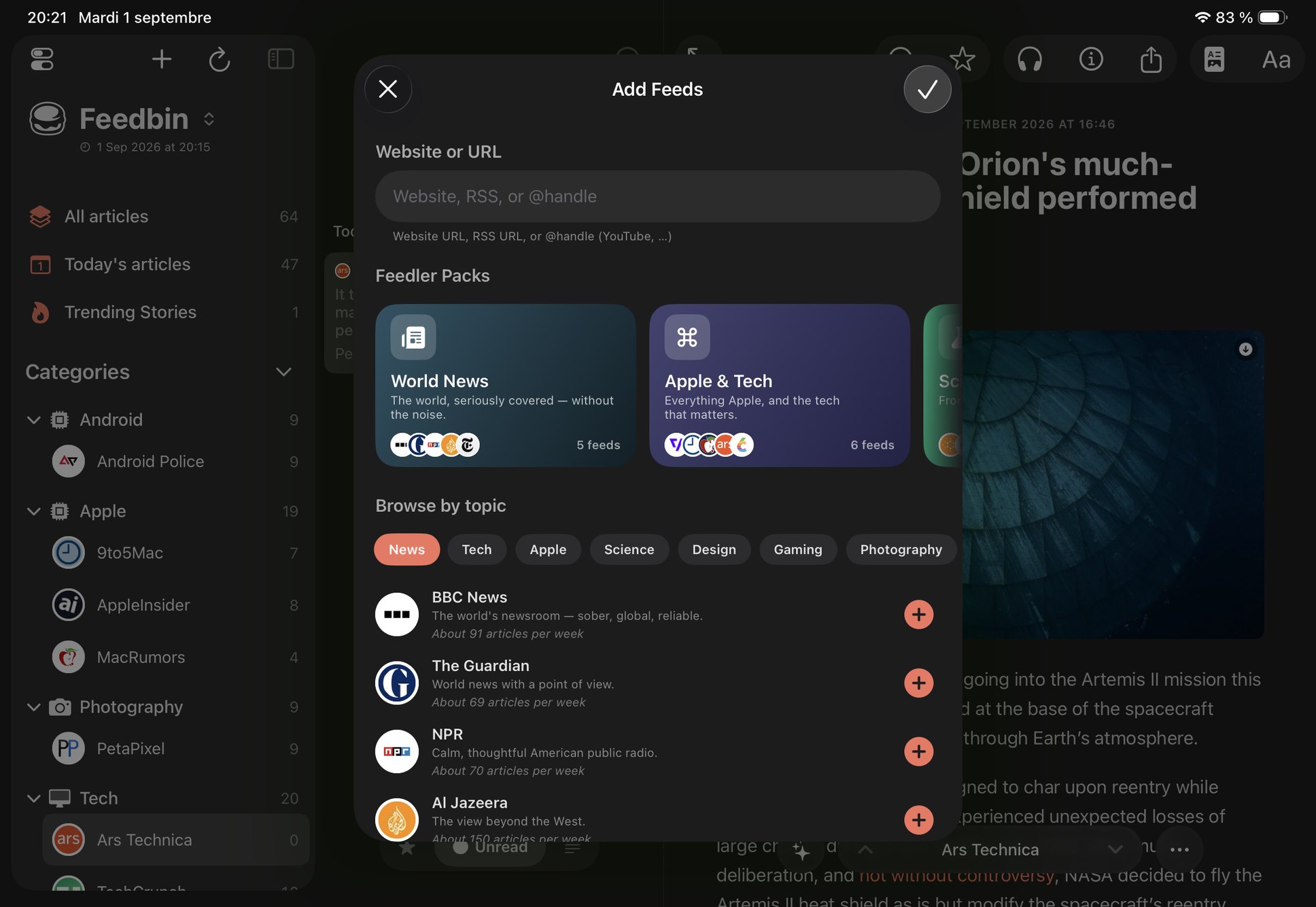
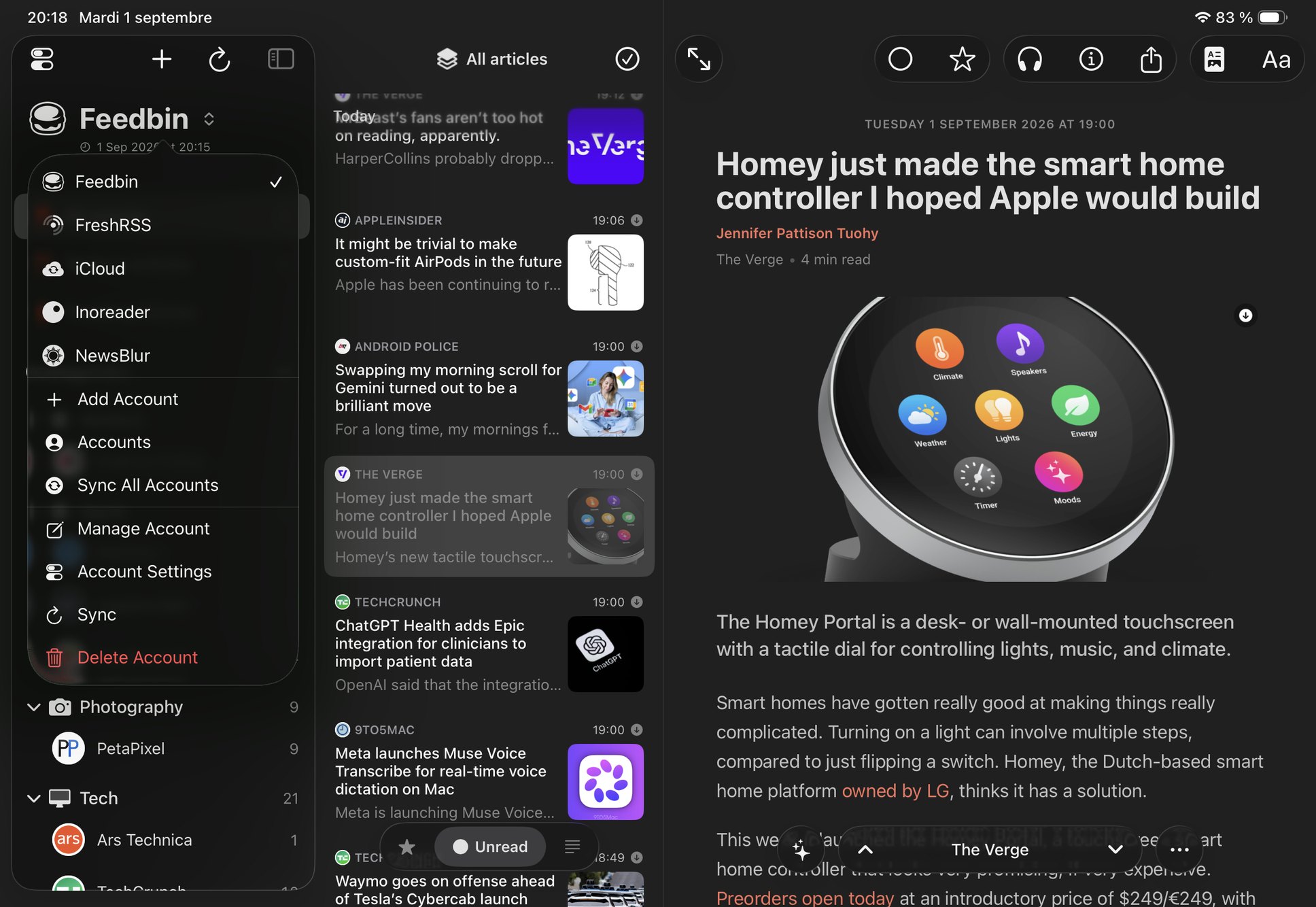
- Local RSS (on-device), iCloud RSS, and sync services: Feedbin, Inoreader, NewsBlur, BazQux, The Old Reader, FreshRSS, Miniflux, Tiny Tiny RSS. Several accounts of each can run side by side
- Availability
- Public beta on TestFlight. App Store release upcoming
- Price
- Free for one Local RSS account and up to 5 feeds, with every reading feature included. ∞ Feedler Unlimited (€9.99/year with a 7-day free trial, or €1.99/month, local pricing elsewhere) adds unlimited feeds, sync services, iCloud sync and OPML import
- Languages
- English, French
- Made by
- An independent developer
- Website
- feedlerapp.com
What makes Feedler different
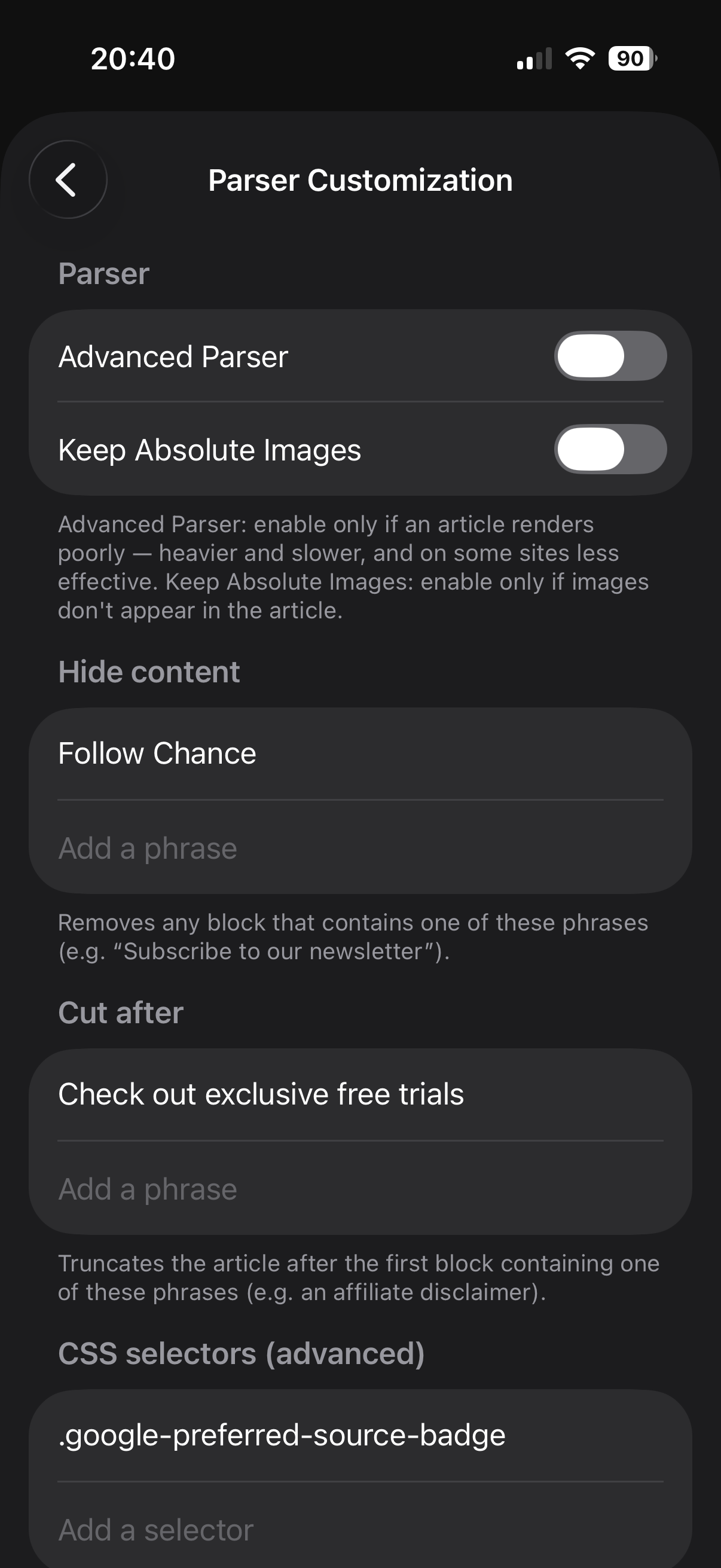
- An in-house article parser, unique to Feedler. It is not a generic extraction library. It fetches the whole article from most sites, even when the feed only has a preview. When a page still needs help, users can correct the extraction, either by selecting text directly or from a per-feed Parser Customization panel.
- Trending Stories. When several of your feeds cover the same news, their articles are grouped into one story. Stories are built on the device from the user's own feeds only, with no editor and no AI involved.
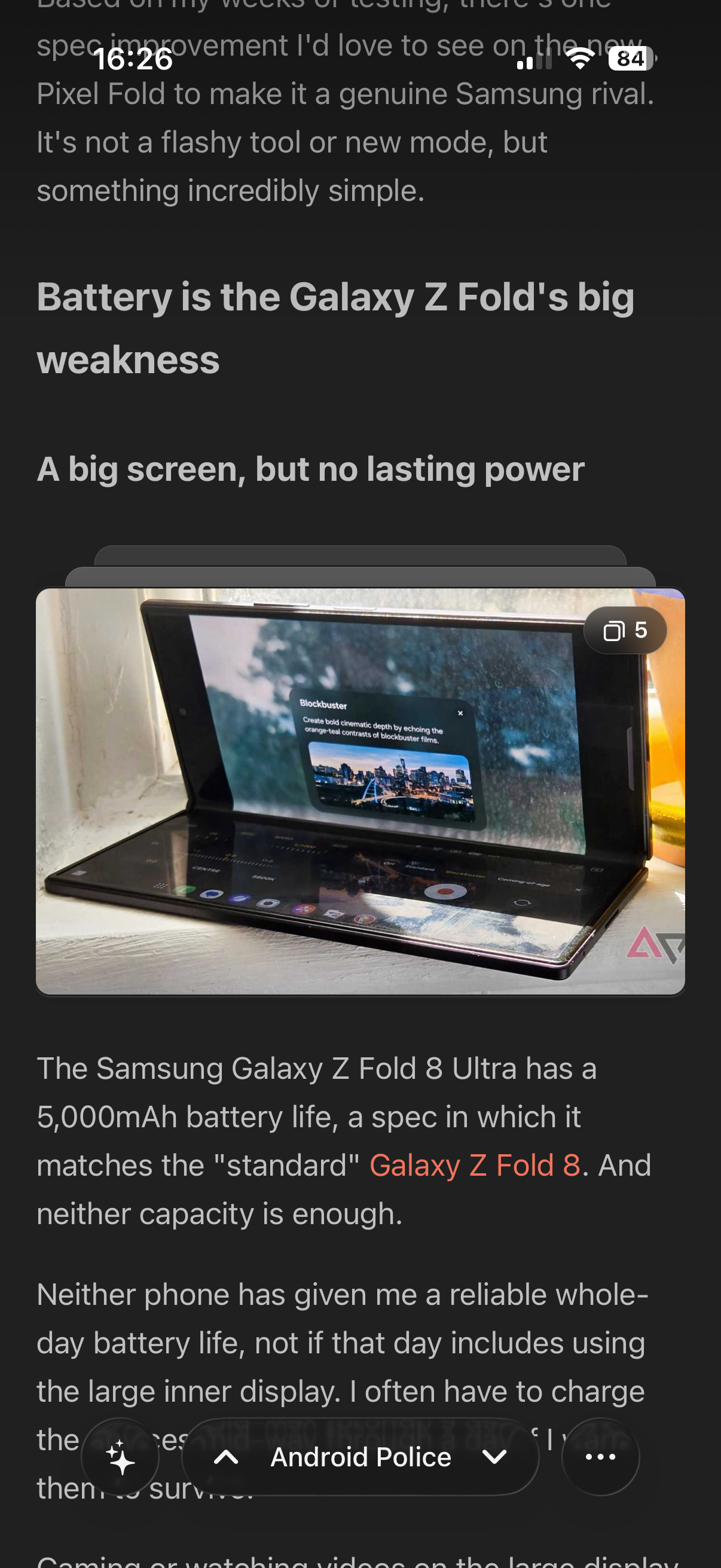
- Galleries, video and embeds. Image galleries become a grid, a side-by-side pair or a stack of cards with a fullscreen carousel. YouTube plays inside the article, and social posts show as real embeds.
- True offline mode. Articles and their images are cached on the device, and smart caching preloads what you're most likely to read.
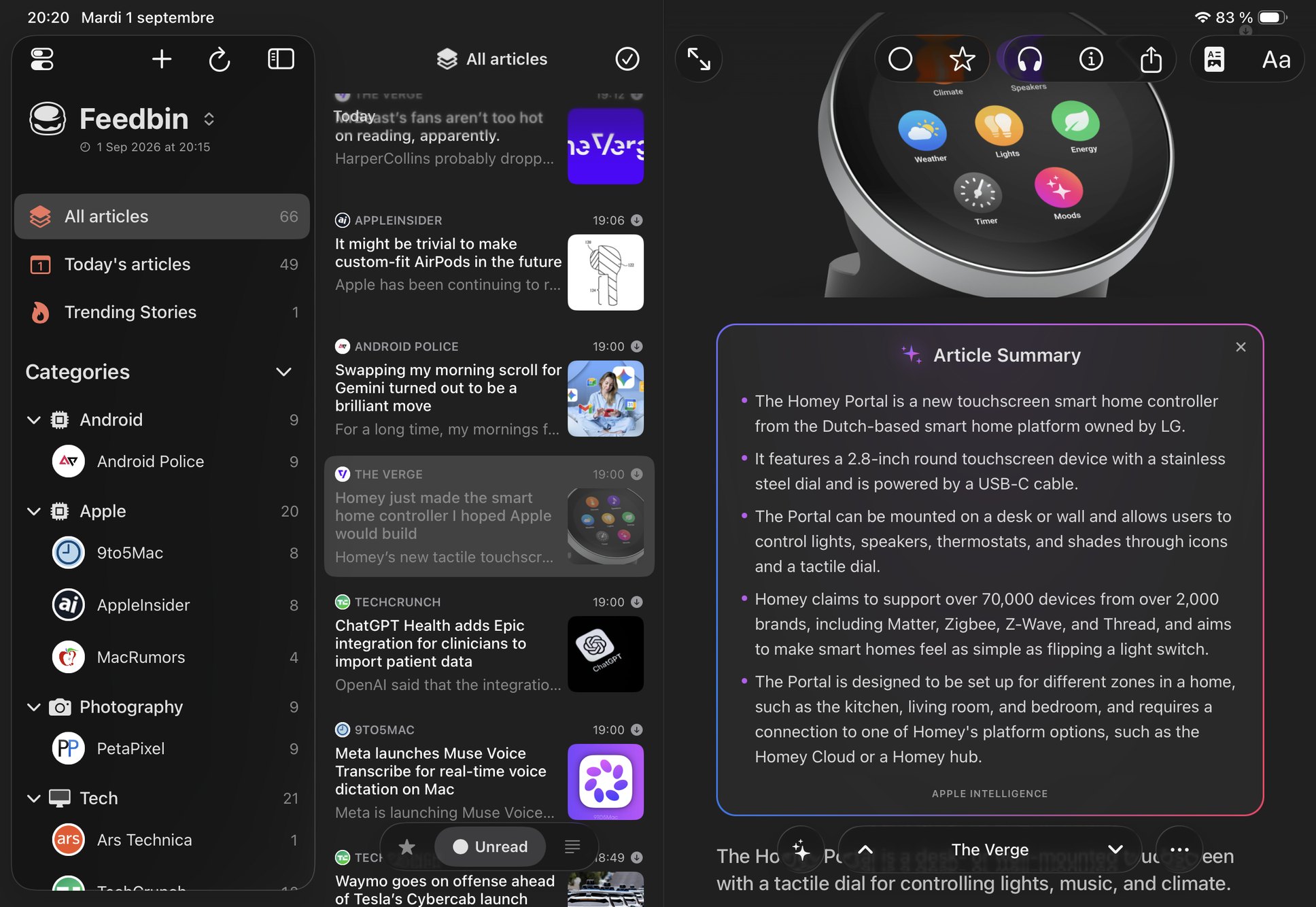
- AI where it helps. Optional summaries of an article or of a whole story, and text-to-speech to listen to any article.
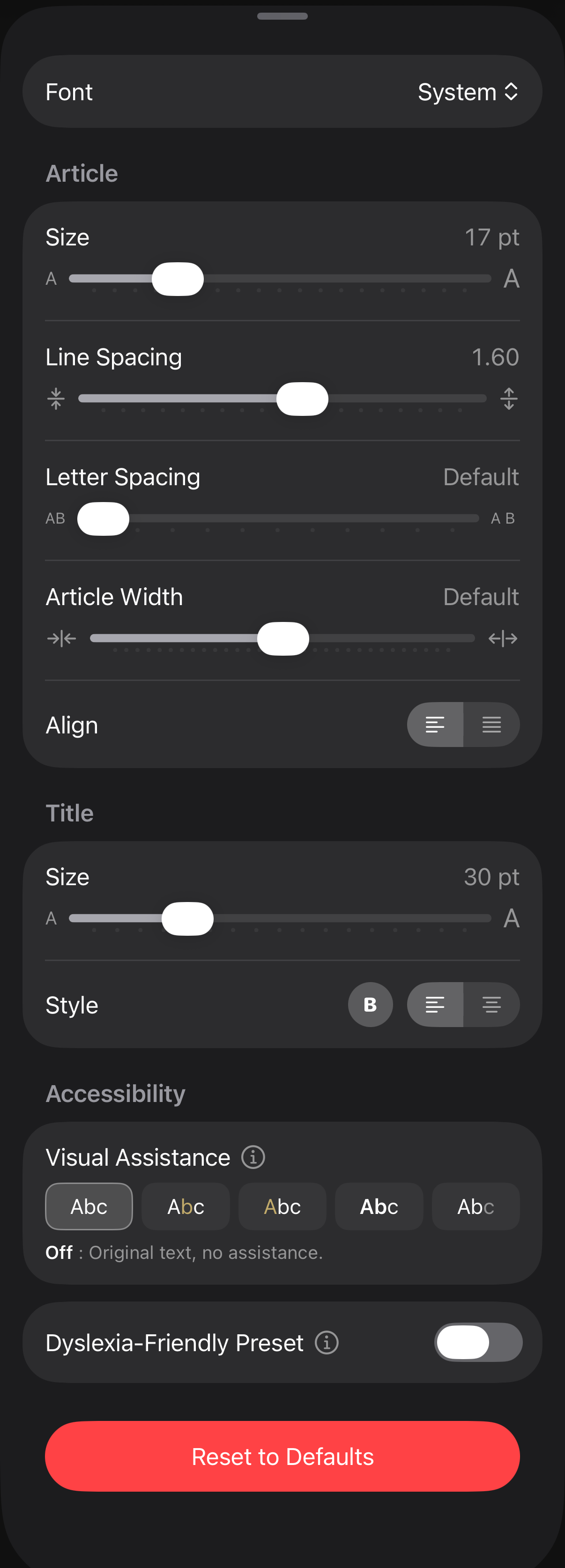
- Reading comfort, built in. Font, size, spacing and column width, plus reading-assistance modes (anchors, soft bold, progressive fading) designed to make long-form reading easier to follow.
- Deep customization. Themes, the reading view, per-feed and per-account settings, and a clean icon found automatically for each feed.
- Local and synced RSS accounts. Local RSS on the device, iCloud sync, or a sync service (Feedbin, Inoreader, NewsBlur, BazQux, The Old Reader, FreshRSS, Miniflux, Tiny Tiny RSS). You can also use several accounts from the same service side by side.
- Private by design. No account required, no tracking, no ads. Feedler collects nothing about what you read, and settings are backed up to the user's private iCloud account.
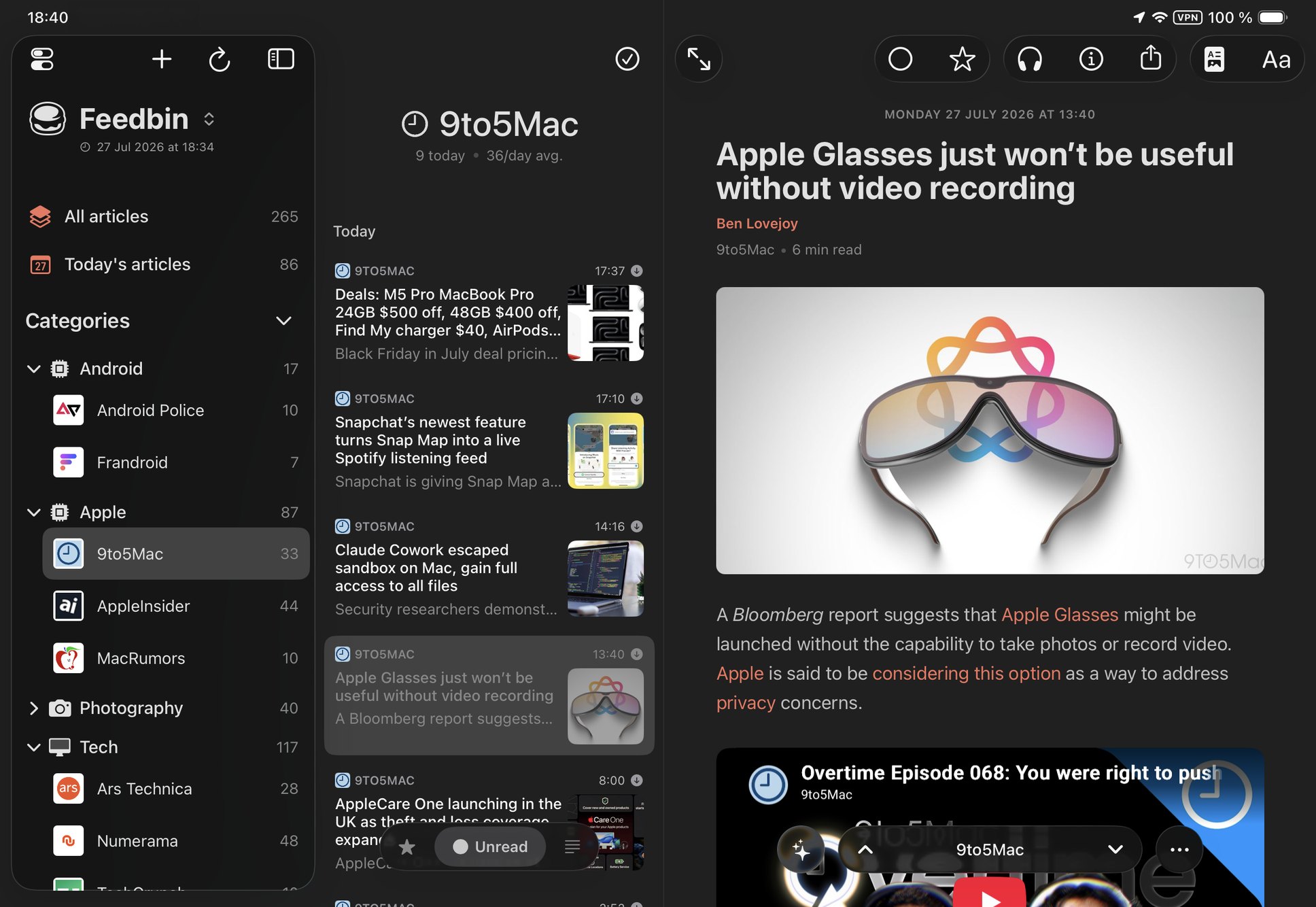
- iPhone, iPad and Mac. The layout adapts to the window, a large iPhone shows the list next to the article in landscape, and every window reopens where the user left it. Feedler supports refresh rates up to 120 Hz on compatible devices.
Screenshots & logo
Download the press kit (ZIP, ~33 MB): the app logo and the screenshots below at full resolution. Please credit "Feedler".
Need something else, such as additional screenshots, specific sizes or background information? Just ask.