Changelog

Every Feedler release, at a glance

1.6.1

August 1, 2026 Latest
Reading comfort iPad & Mac Reddit & Discovery Sync & Stability
  • A full reading-comfort toolkit — new fonts, width and spacing sliders, visual assistance modes
  • Complete arrow-key navigation on iPad and Mac
  • Far more reliable Reddit feeds and feed discovery
  • Large batch of sync and stability fixes

Reading Comfort (new Aa toolkit)

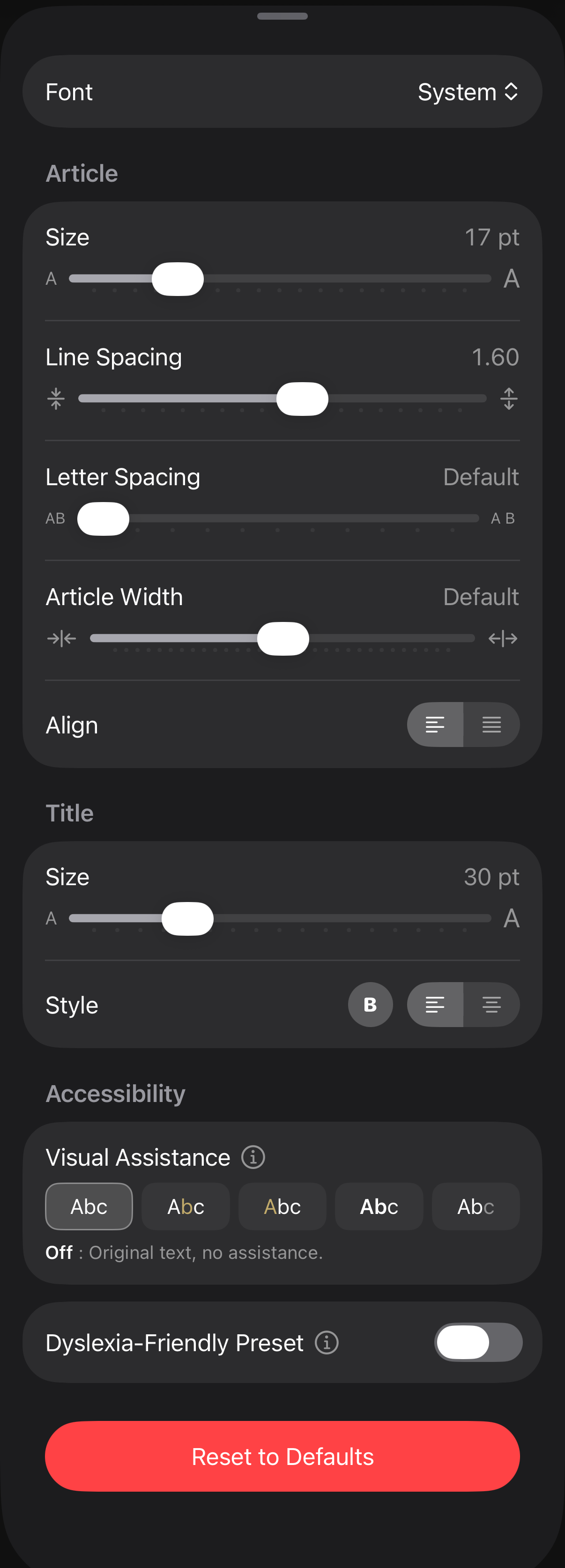
  • New Article Width and Letter Spacing sliders, tuned for every screen size
  • Three new reading fonts: Literata, Atkinson Hyperlegible Next and OpenDyslexic
  • New Visual Assistance settings: 4 optional eye-guidance modes with a per-theme customizable highlight color
  • New Dyslexia-Friendly preset: one switch applies the research-backed combination
  • The Aa panel is now expandable on iPhone and a floating palette on Mac
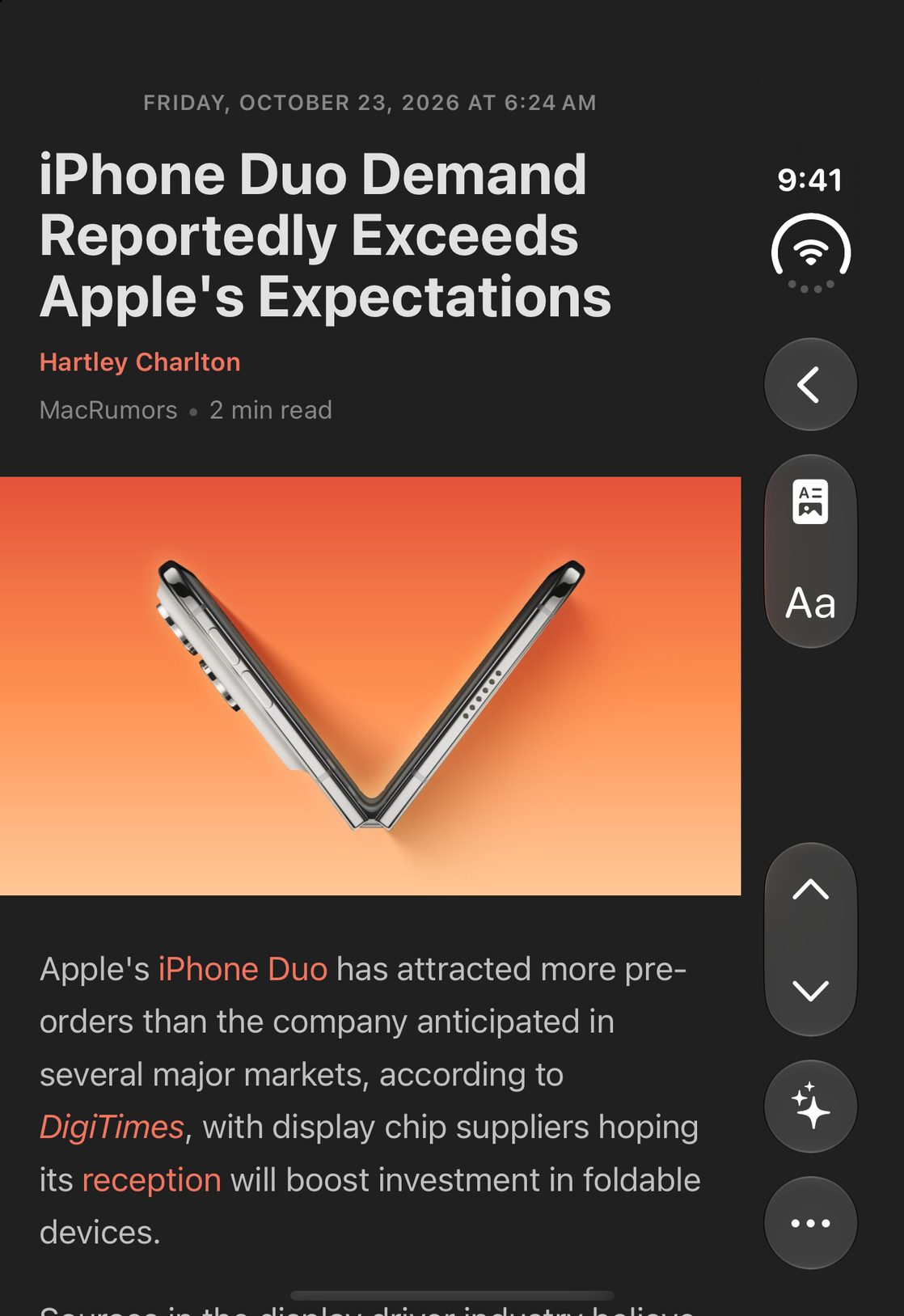
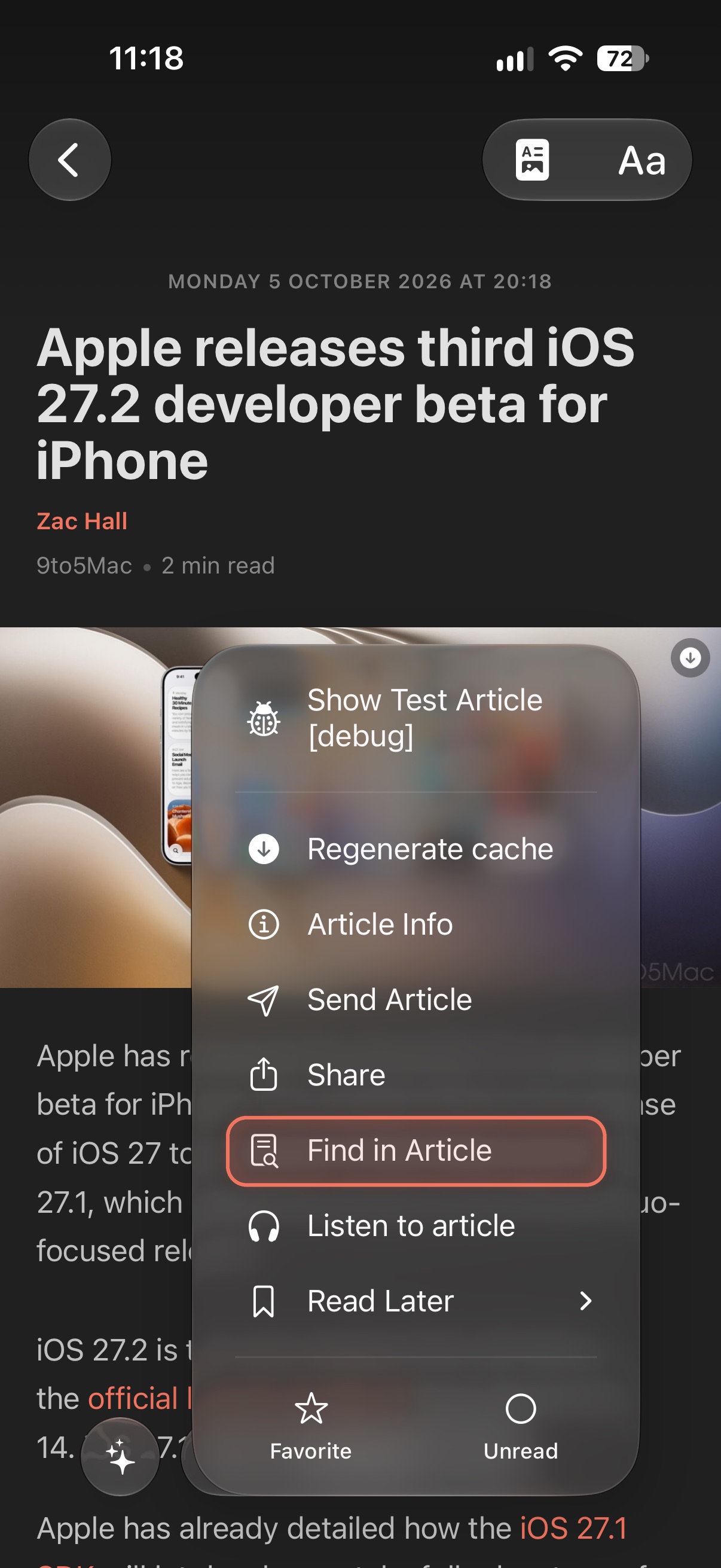
The Aa reading-comfort panel with fonts, sliders and visual assistance
The new Aa reading-comfort panel
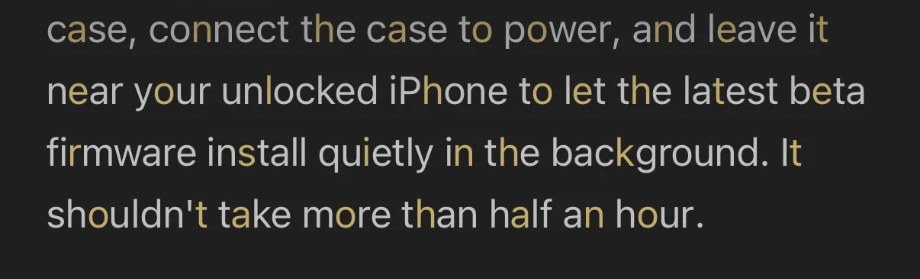
Visual Assistance Anchor mode: one colored letter per word
Anchor — a colored letter per word
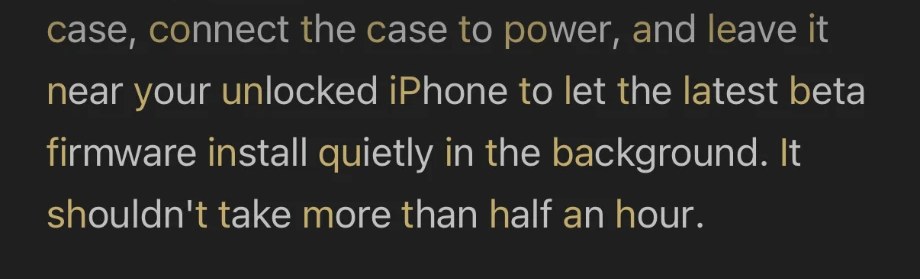
Visual Assistance Onset mode: tinted first letters
Onset — tinted first letters
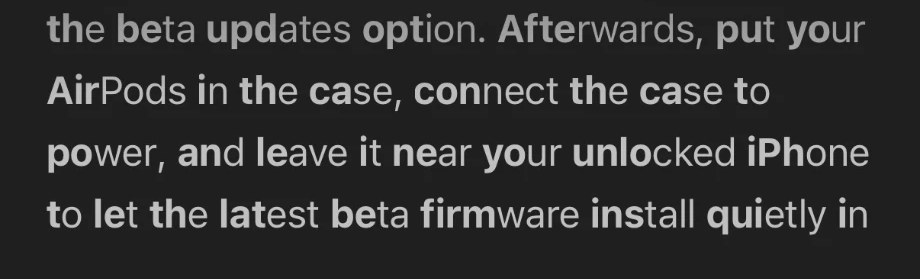
Visual Assistance Soft Bold mode: bolded word starts
Soft Bold — bolded word starts
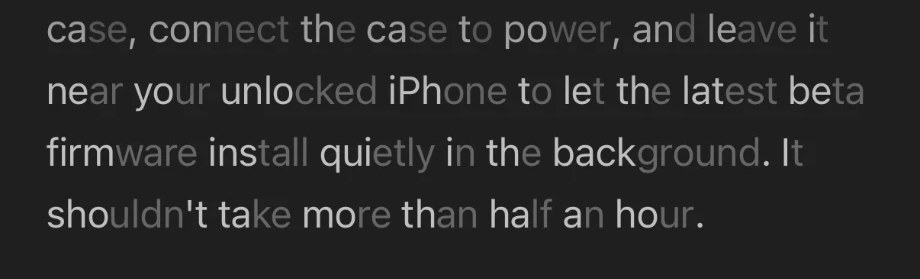
Visual Assistance Faded mode: softened word endings
Faded — softened word endings

iPad & Mac

  • Navigate everything with the arrow keys: up/down move through feeds and articles, left/right move between columns, and reaching the end of a list jumps to the next feed without marking anything read
  • A subtle accent ring shows where the keyboard cursor is
  • Right-clicking a feed or article now highlights the row the menu belongs to
  • The article you are reading no longer disappears from the list or sidebar while filters update

Reddit & Discovery Improvements

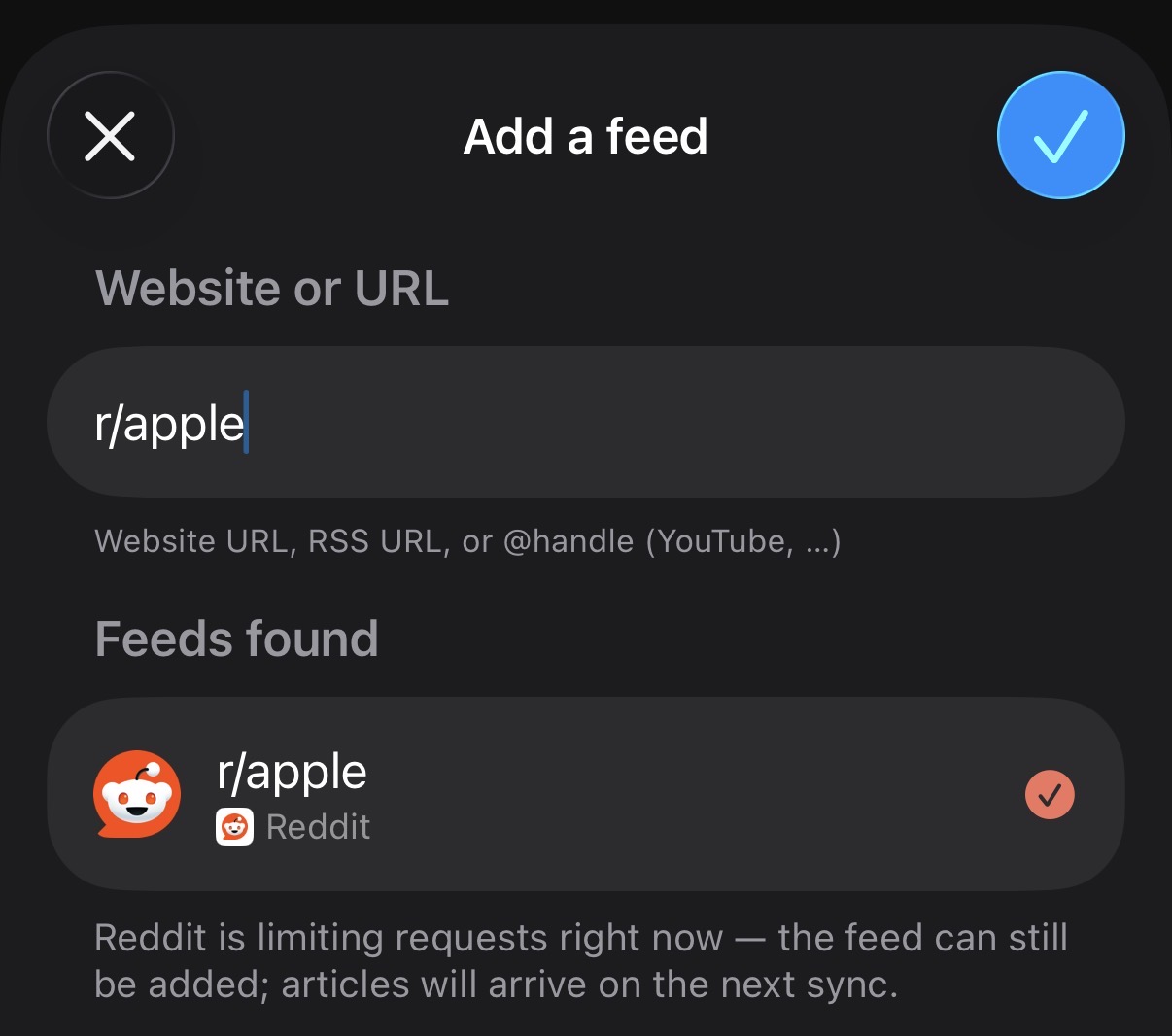
  • Reddit is far more reliable: adding respects Reddit's rate limits (a pending feed can still be added and fills up on the next sync), and typing r/apple is enough to follow a subreddit
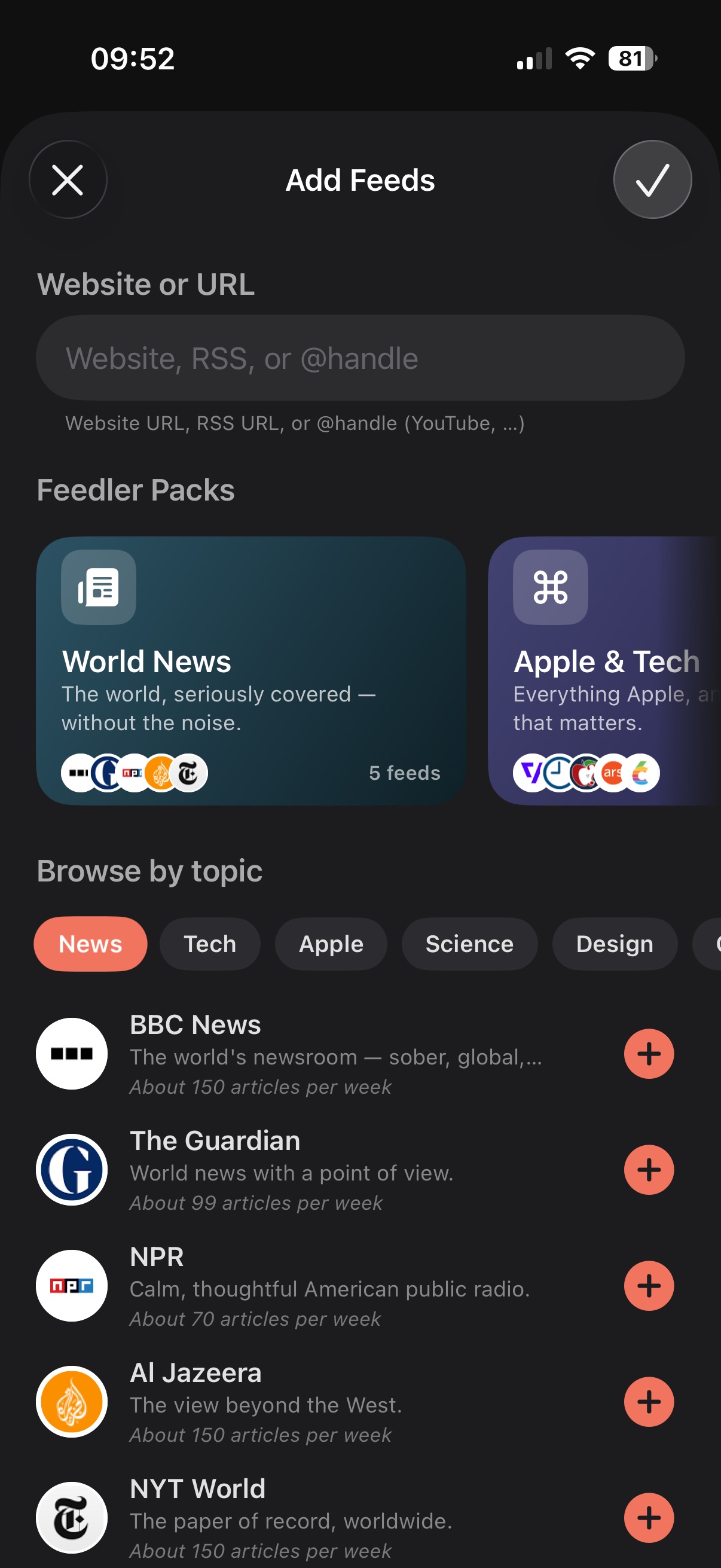
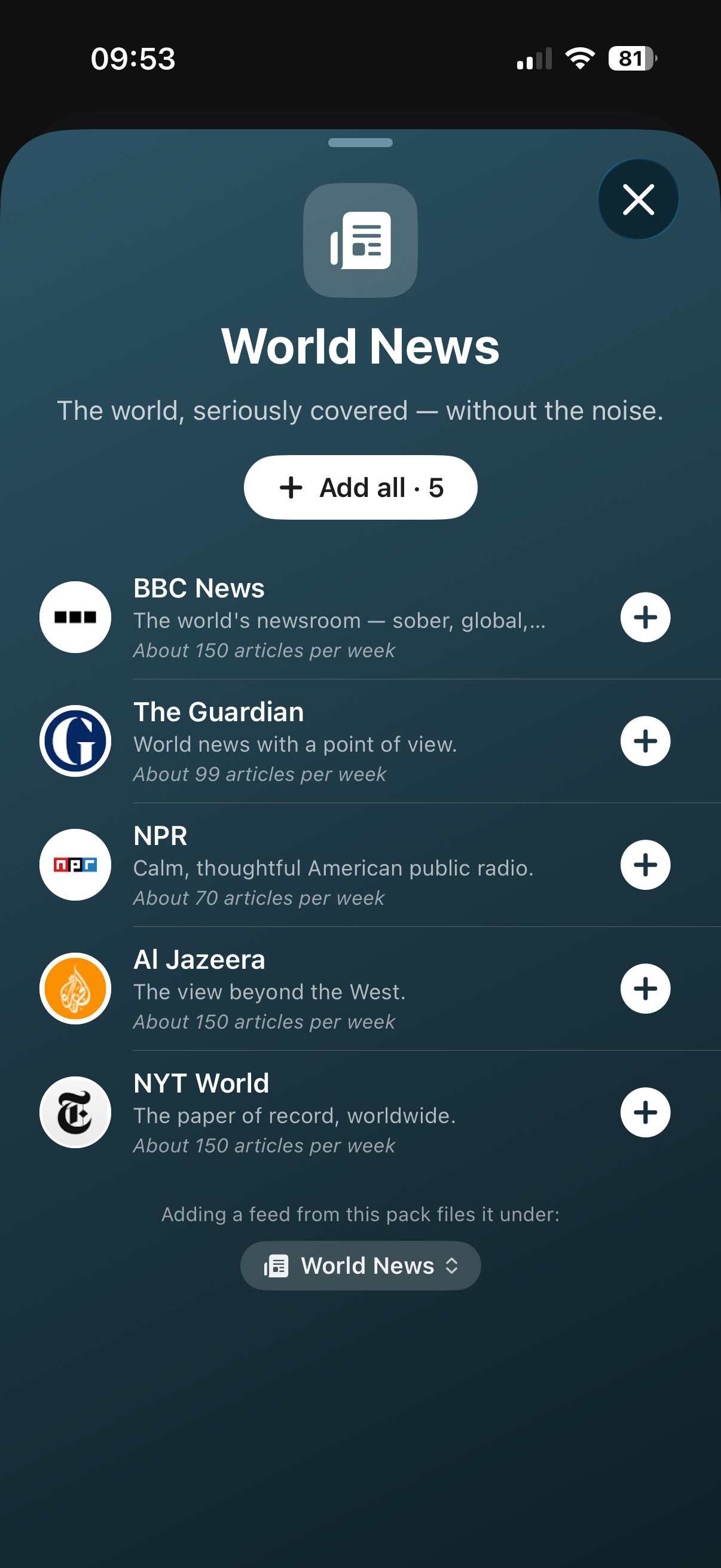
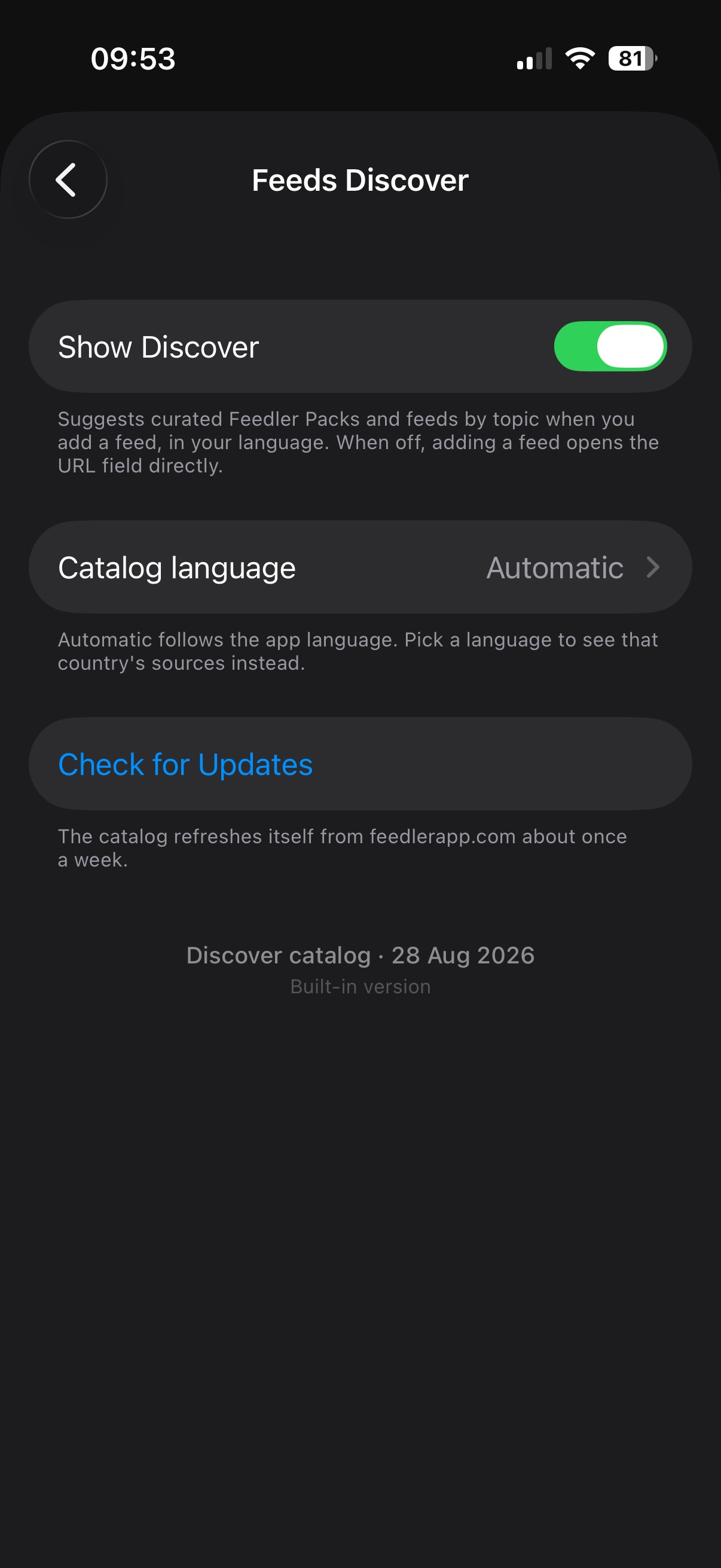
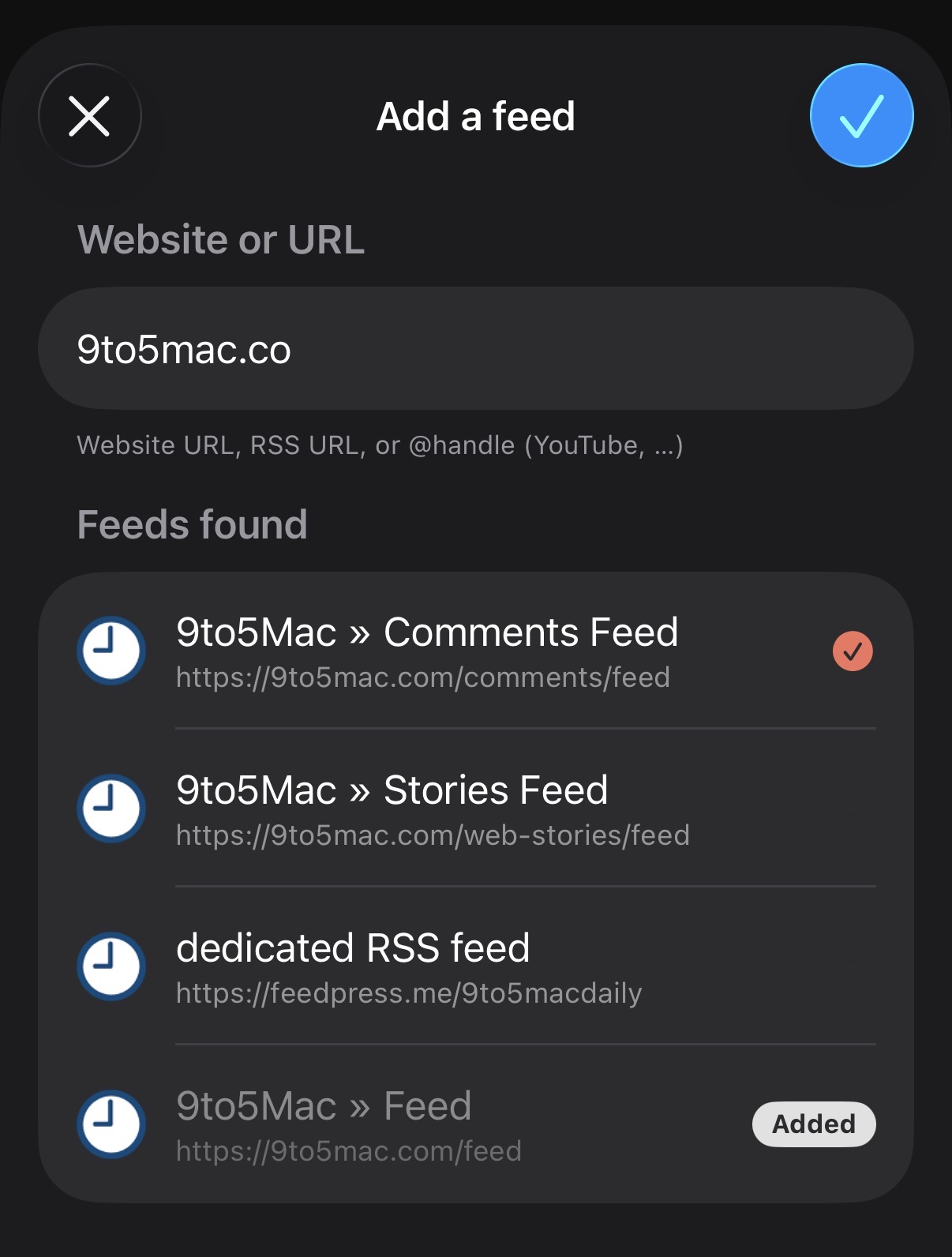
  • Smarter feed discovery: sites group into expandable cards, regional domains are suggested, RSS directory pages are scraped
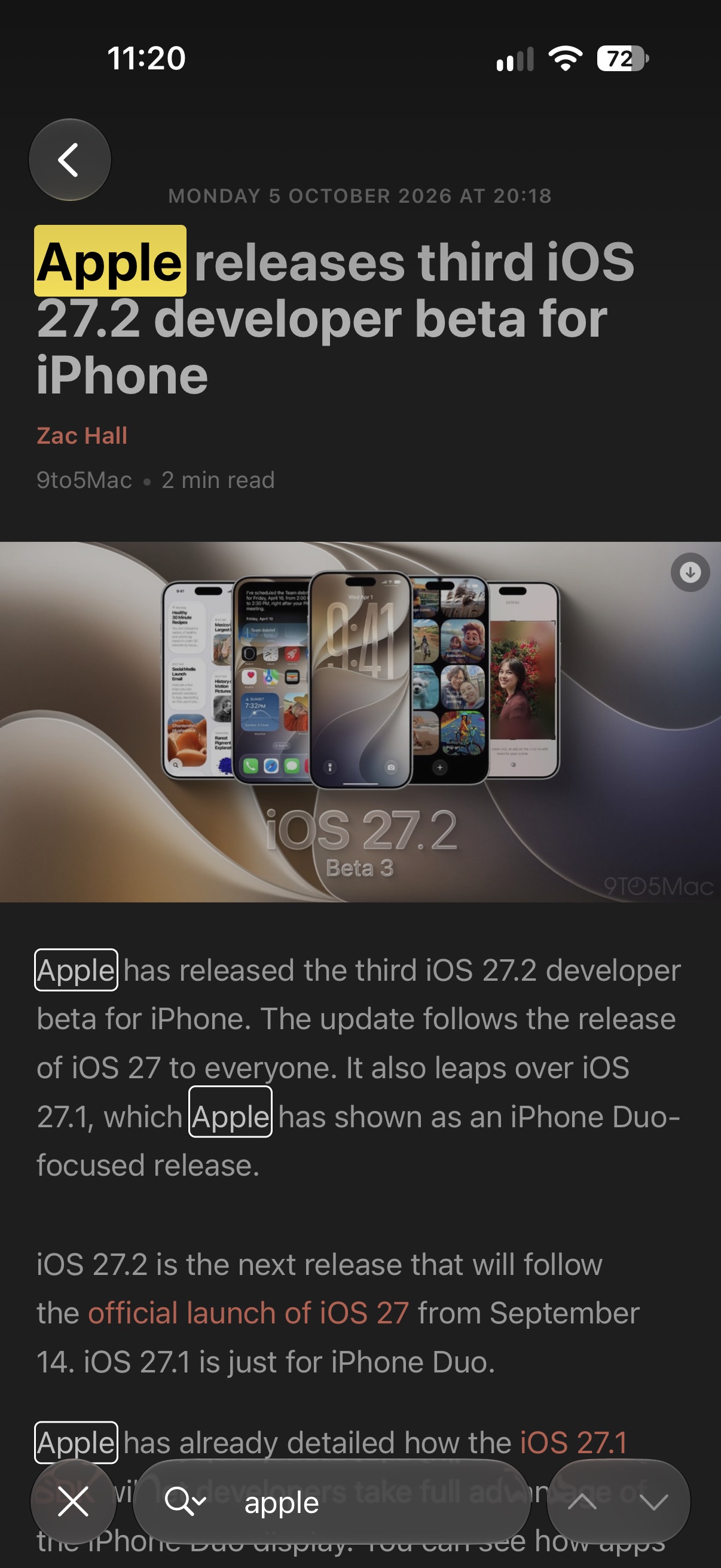
Adding a subreddit by typing r/apple
Type r/… — follow a subreddit instantly
Smart feed discovery grouping a site's feeds
Type a website — Feedler finds the feed

Sync & Stability

  • iCloud account: robustness fixes for multiple device scenarios
  • Background refresh is more reliable on weak connections; the Activity Log now shows refreshes iOS granted but interrupted
  • Hardened against iOS/macOS 27 beta crashes reported by testers
  • "Mark Below as Read" now covers very long lists entirely
  • The in-app browser closes at full 120Hz and should no longer leave the article shifted
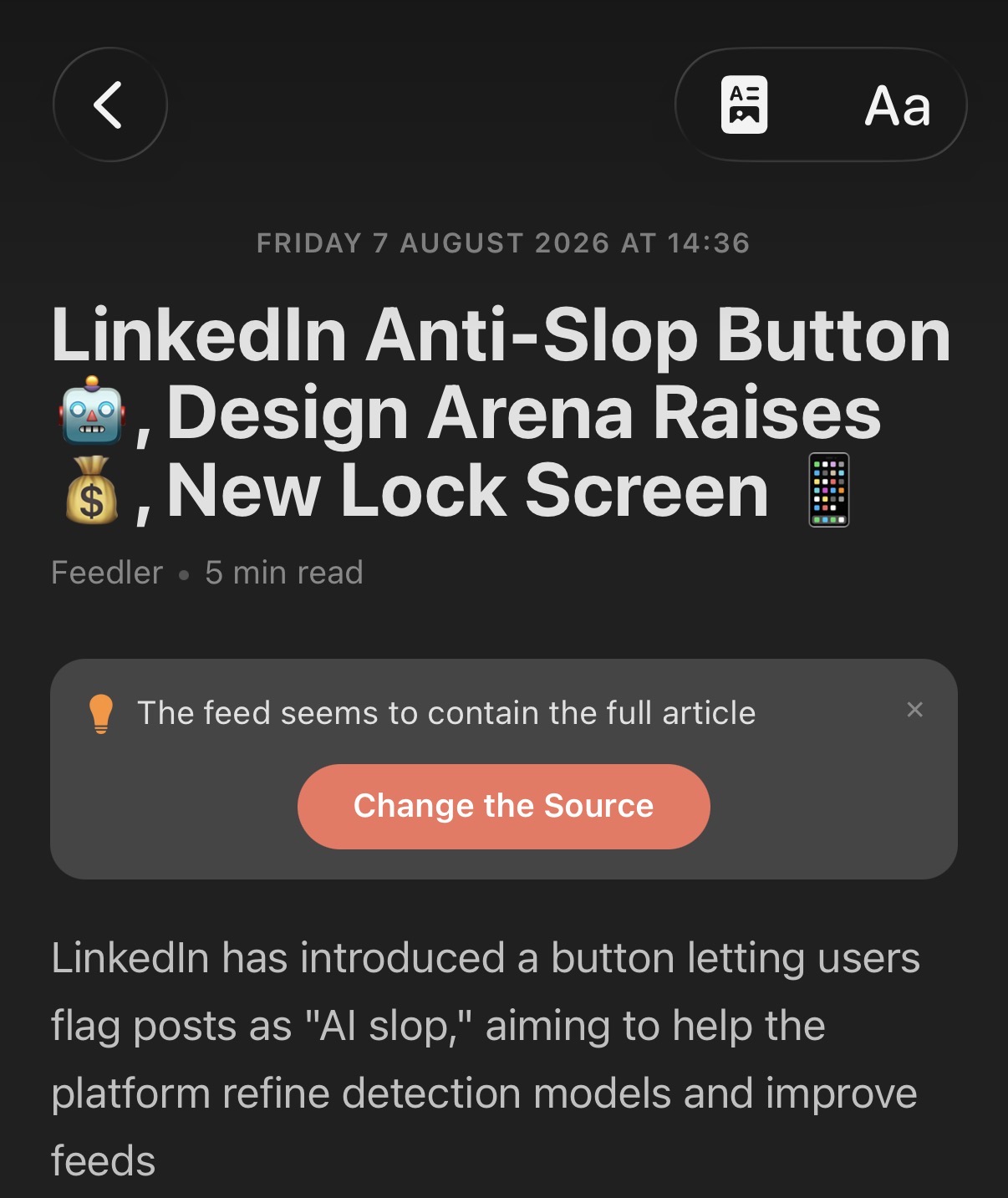
  • Provider accounts show the feed's full content when the feed provides it
  • Article display and cleanup improvements on several sites
  • Feedbin: sign-in accepts plain usernames

1.6

July 28, 2026
iPad & Mac Smart sync Activity Log
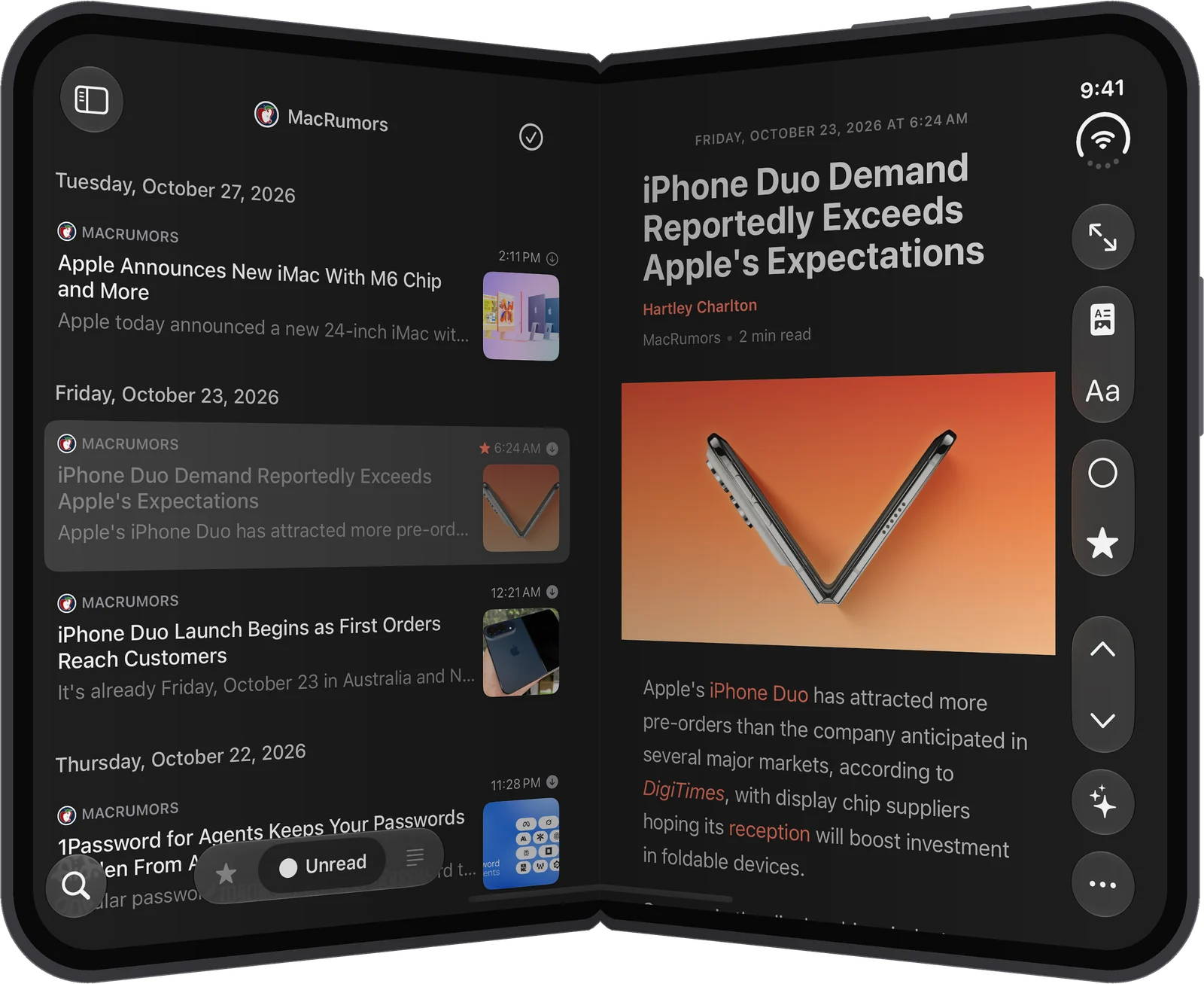
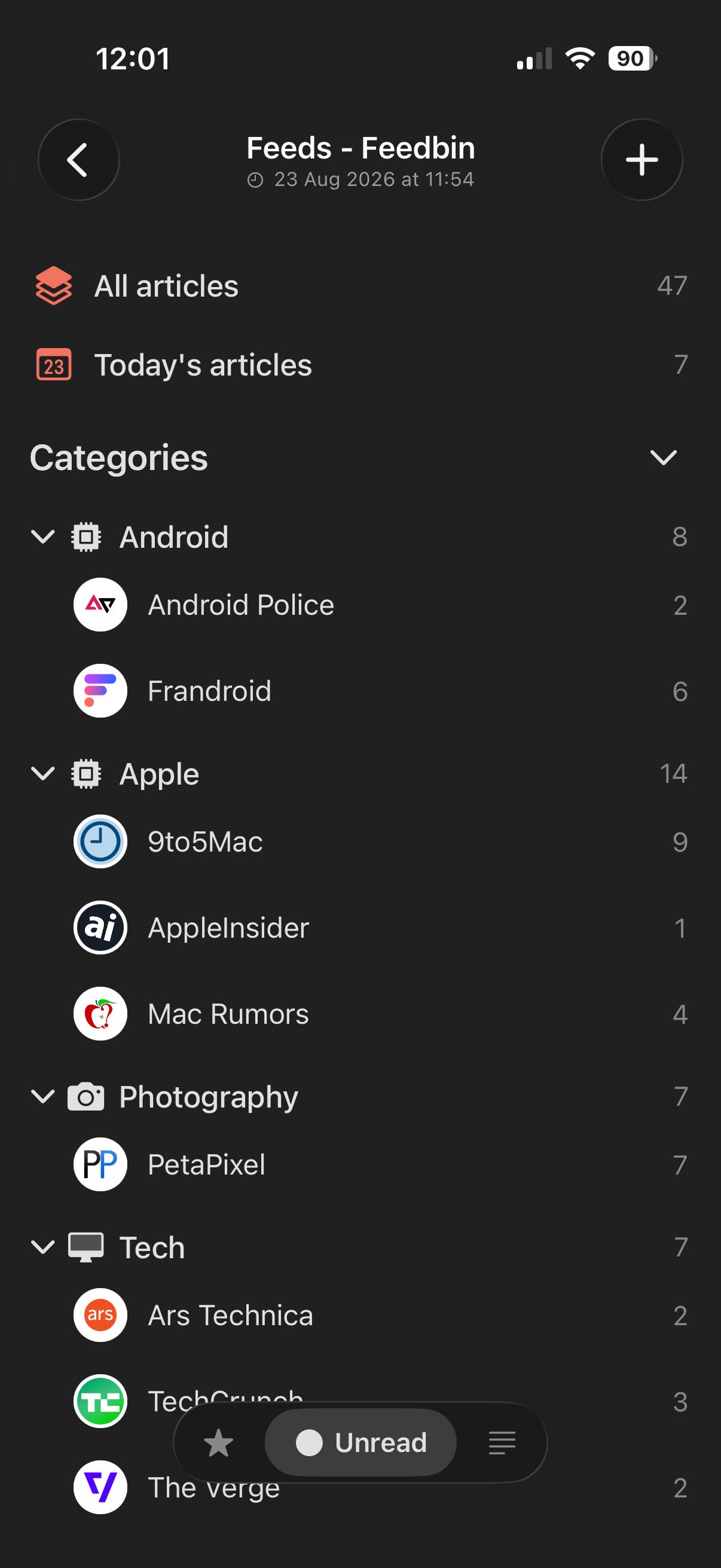
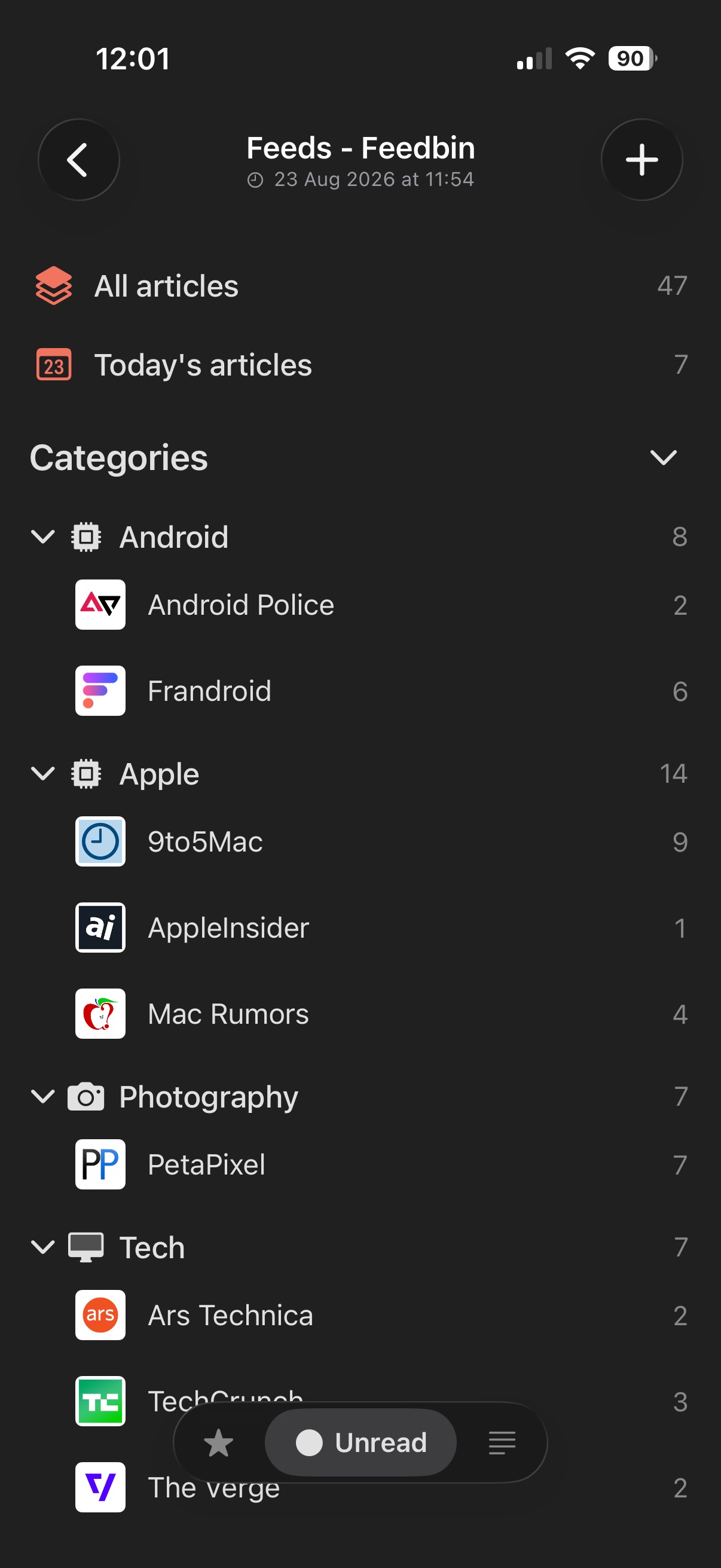
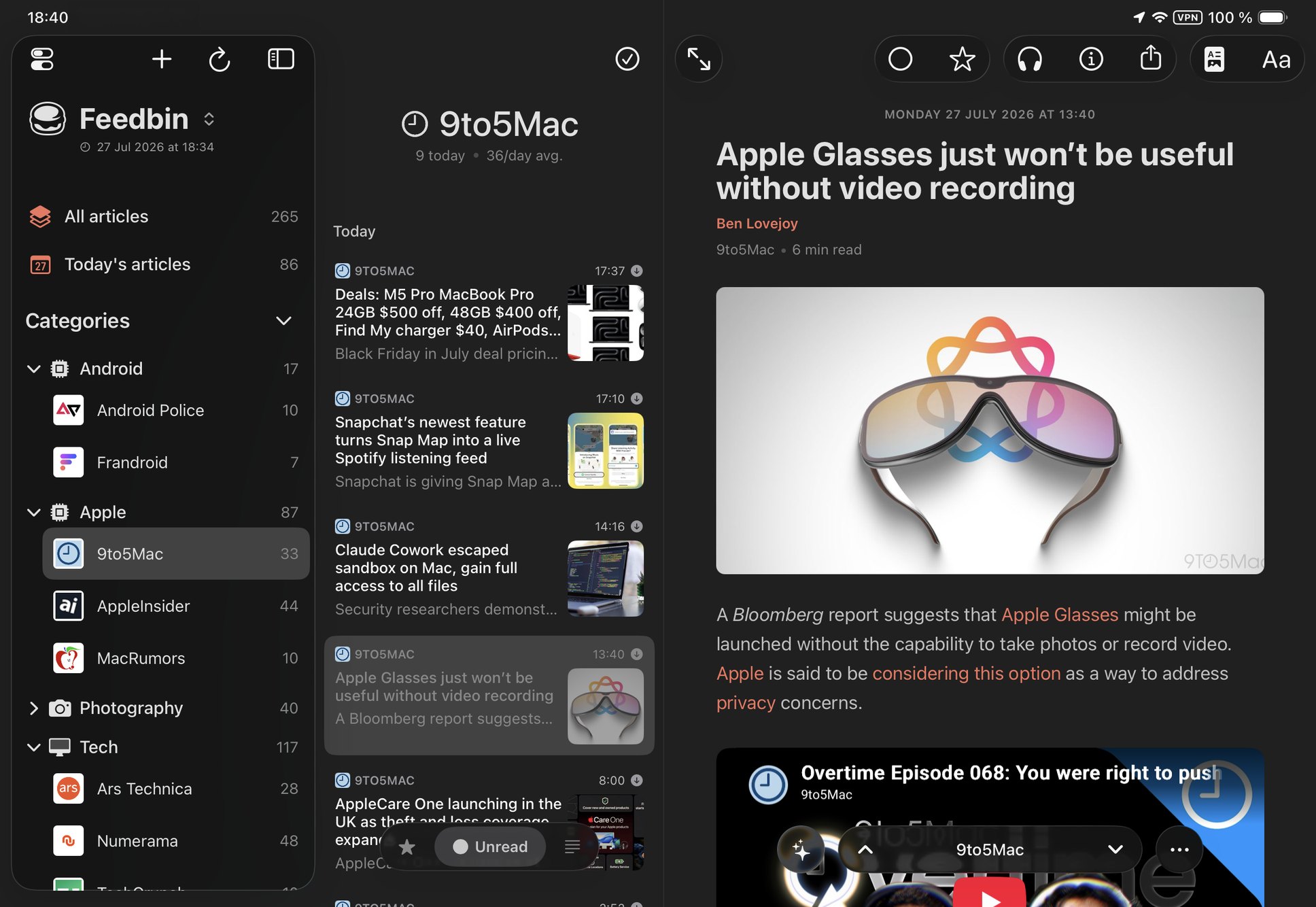
  • Feedler comes to iPad: a three-column layout with a persistent reading pane
  • A faster, smarter sync — article text first, images follow quietly in the background
  • Image downloads: Never, Smart or Always, globally, per account or per feed
  • A much richer Activity Log that records exactly what every sync did

An all-new iPad experience

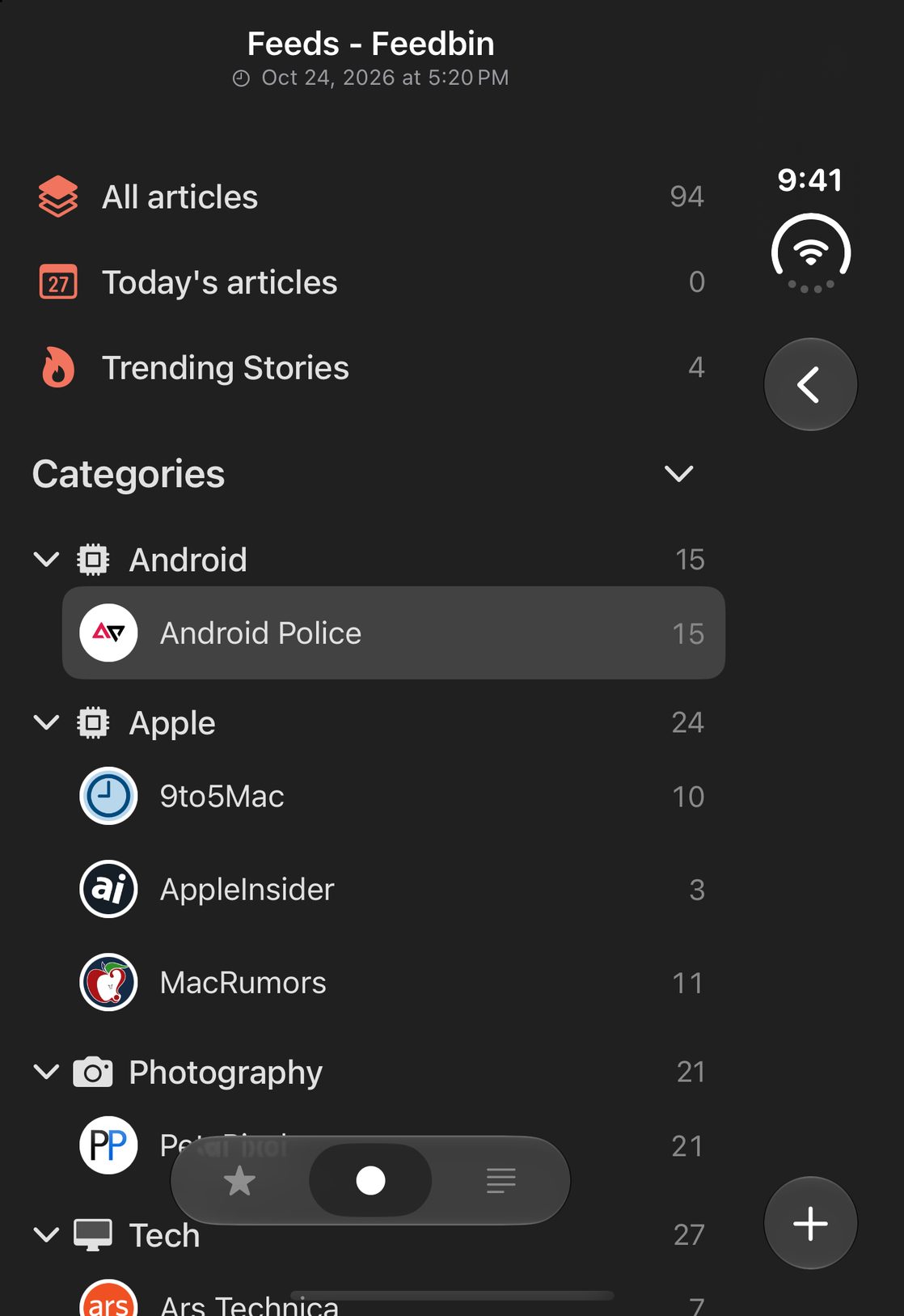
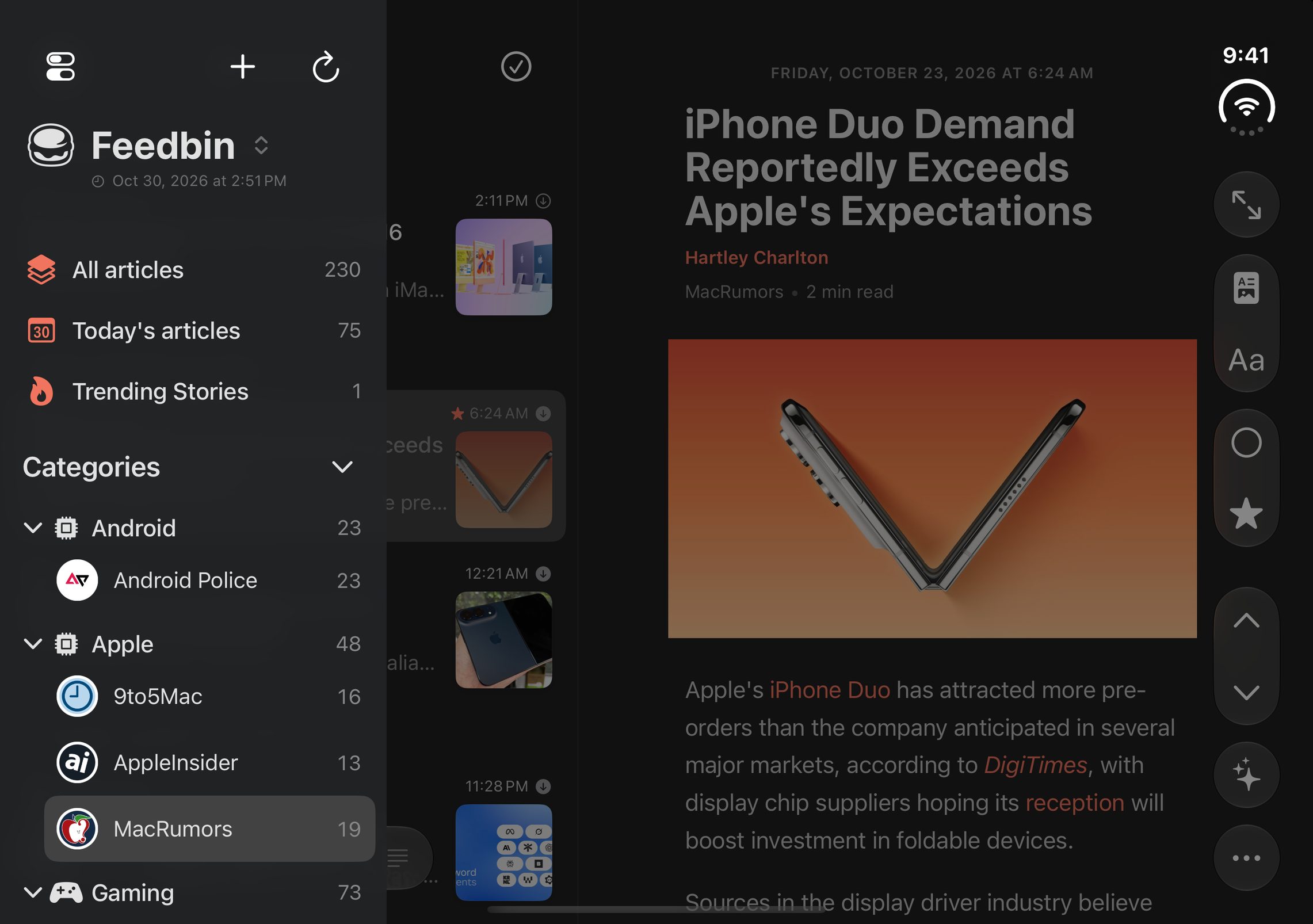
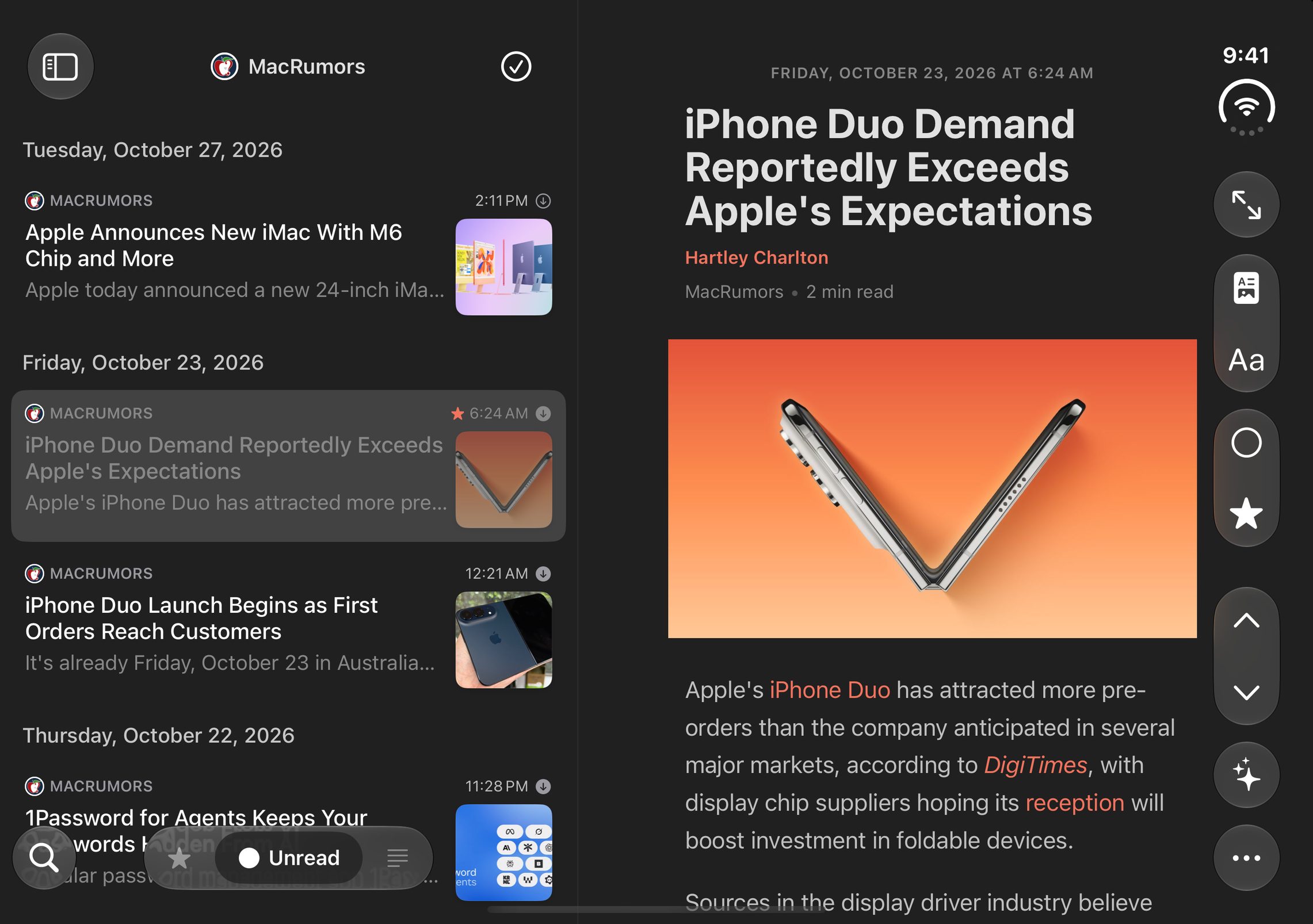
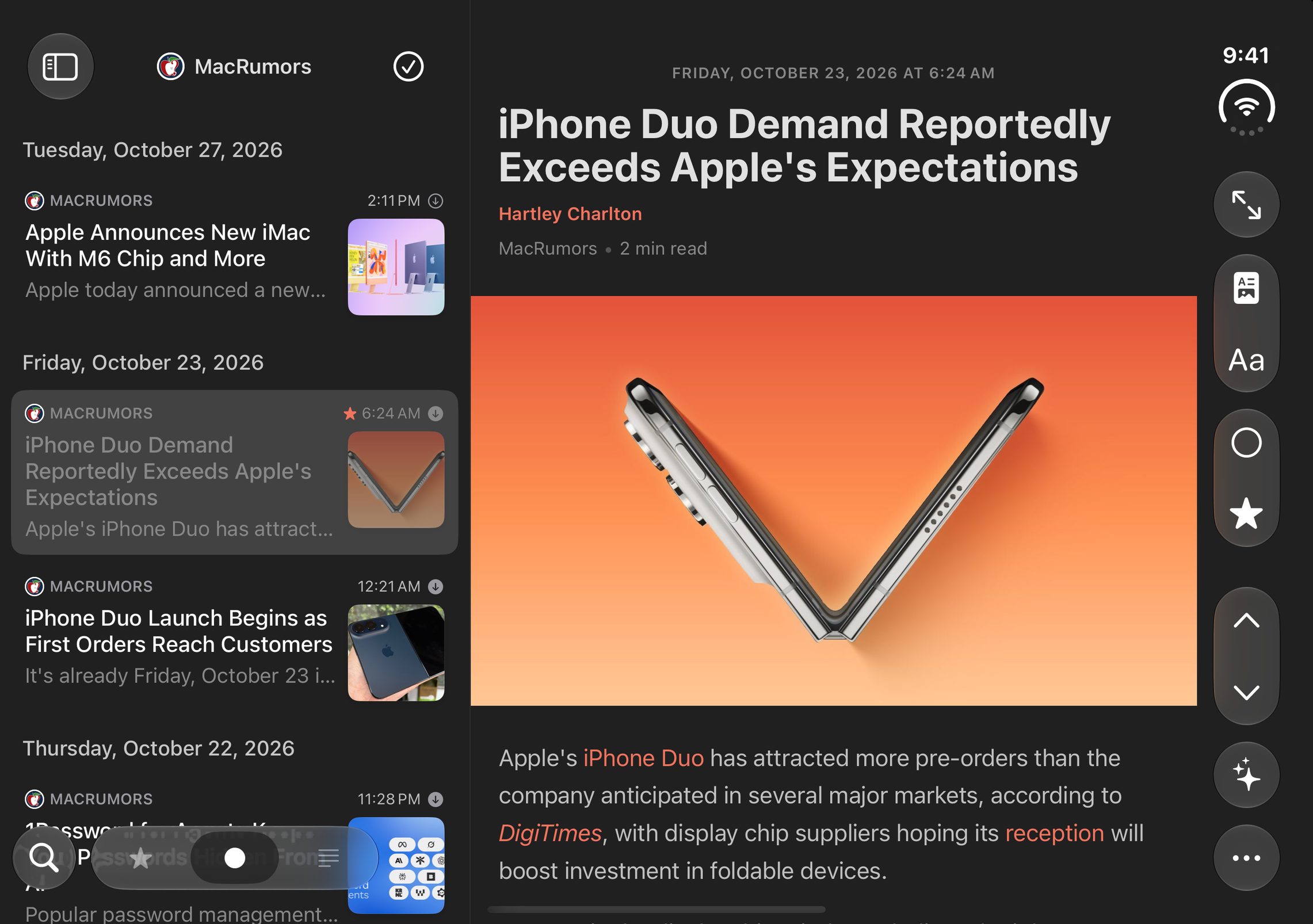
  • Three-column layout: feeds sidebar, article list and a persistent reading pane, with smooth column animations and a full-screen reading mode
  • Redesigned account hub in the sidebar, with sync status at a glance
  • Pull up or down at the end of an article to jump to the next or previous one, with a brand-new indicator animation — now on iPhone too
  • Info sheets and popovers properly sized for the big screen
  • Display settings are now stored per device, so your iPad and iPhone can each keep their own setup

Feedler also runs better on the Mac — the layout is the same as on iPad, but it isn't fully optimized yet; that's coming in a future update.

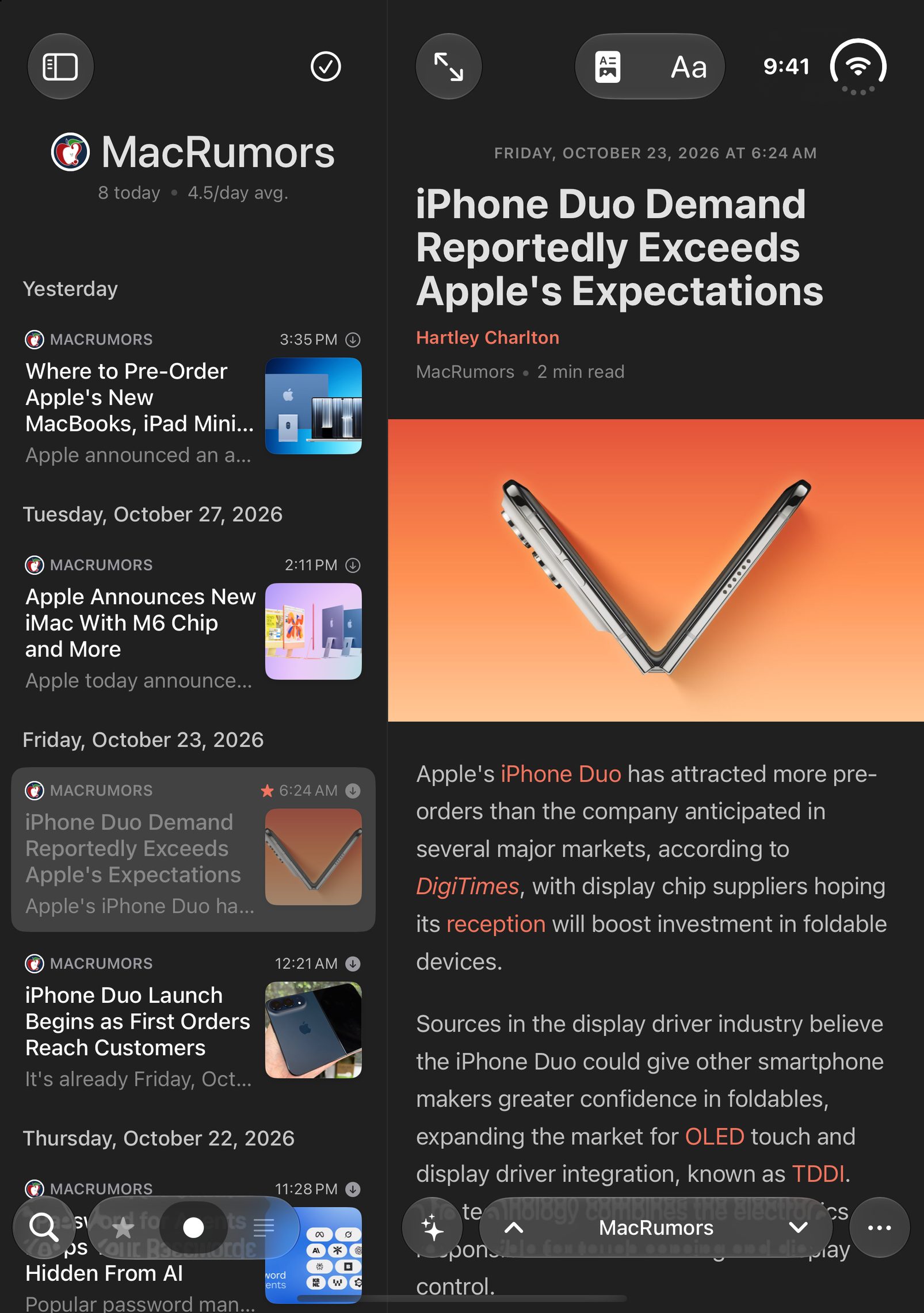
Feedler's three-column layout on iPad: feeds sidebar, article list and reading pane
The new three-column layout on iPad

A faster, smarter sync — especially on slow networks

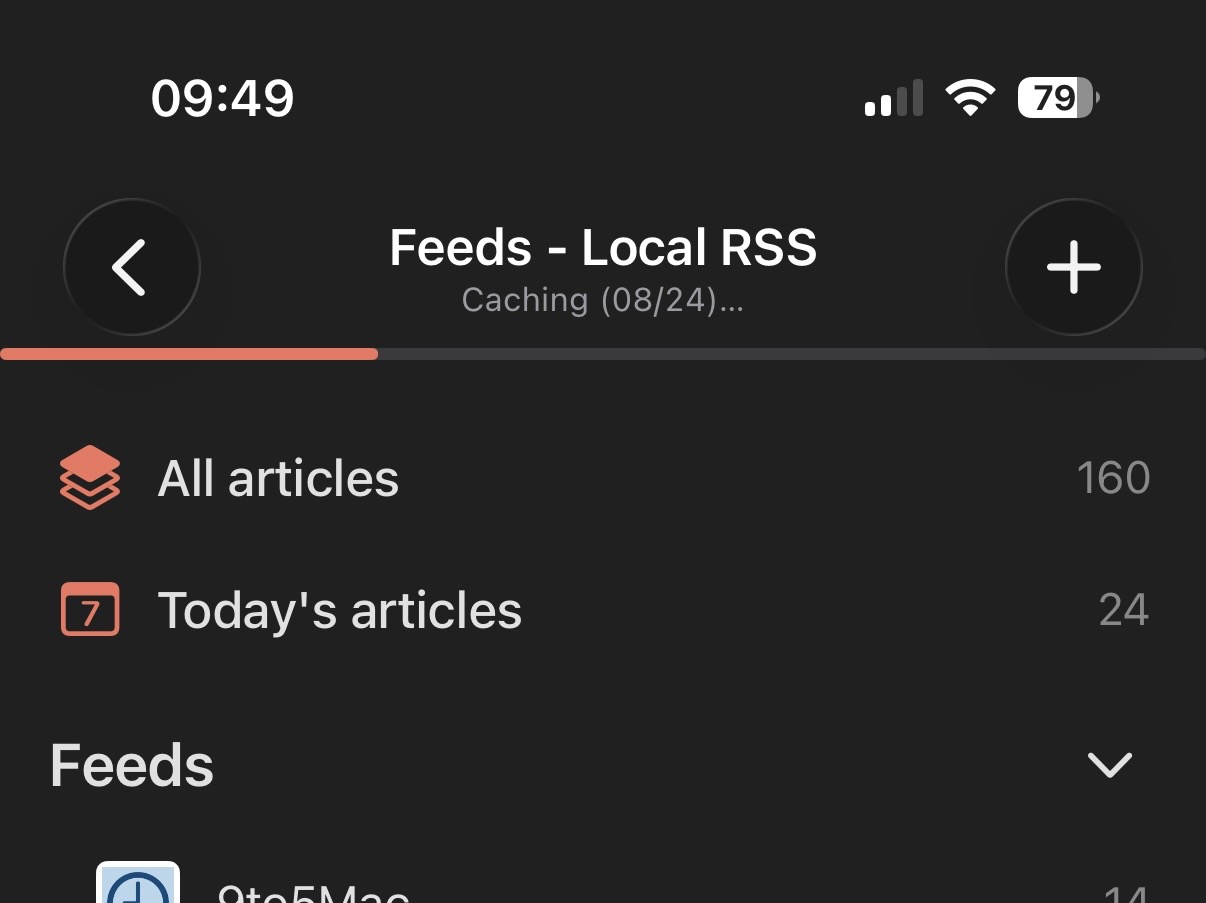
  • Sync now saves article text first and fetches images afterwards, so your articles are ready to read much sooner
  • Images keep downloading quietly in the background, with a progress indicator and a one-tap cancel
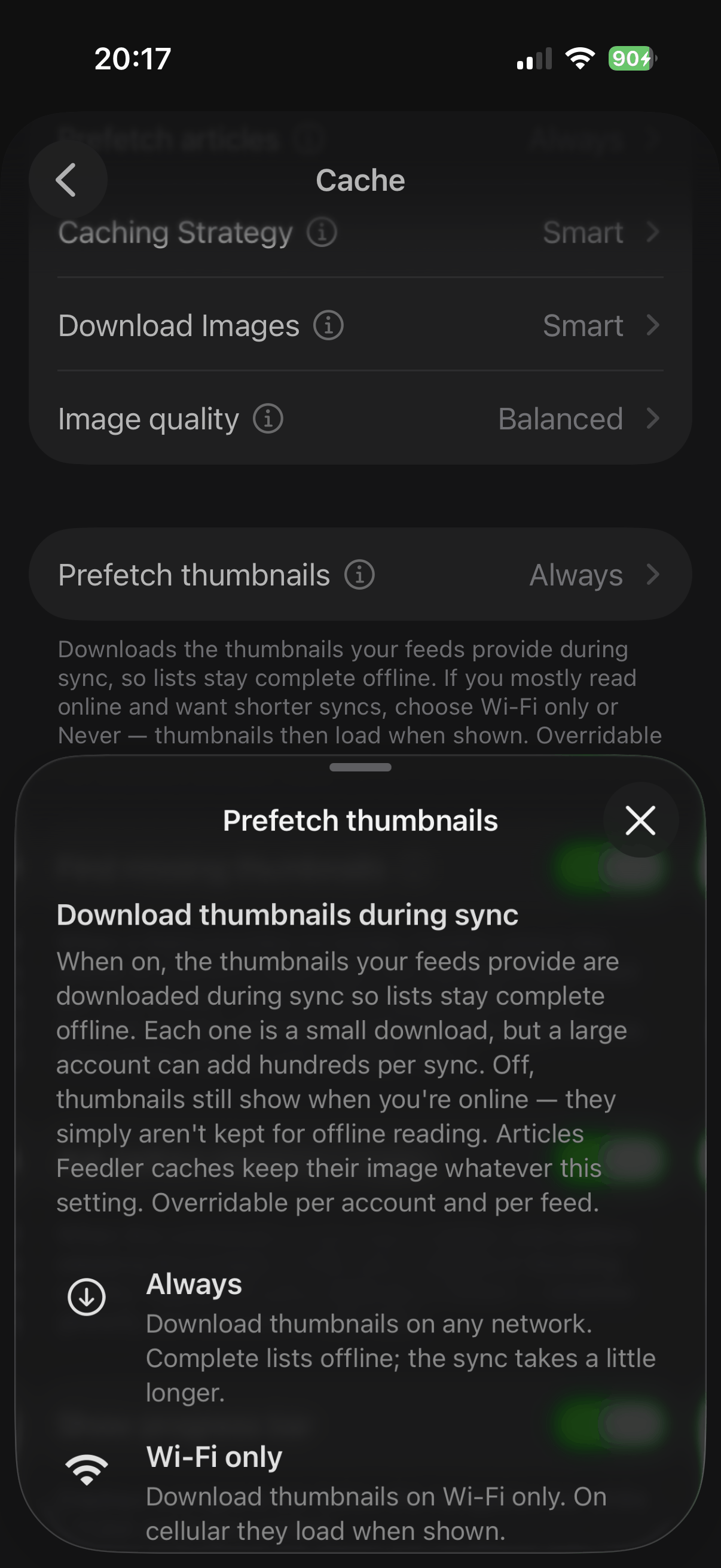
  • New image download setting: Never, Smart or Always — globally, per account or per feed. Smart watches your connection and checks with you before starting a heavy download on a slow network
  • A sync can now be cancelled at any time
  • Smarter disk usage: the cache limit now applies to article content only, and thumbnails get their own separate cap — the oldest ones are cleaned up automatically and simply reload from the network when you're online

This new sync changes how articles are stored. Articles cached by previous versions are converted automatically on first launch — if some older articles still look wrong, clear the cache in Settings and sync again.

The caching progress indicator under the feeds title
Images download quietly, with live progress

A much richer Activity Log

  • Every sync now records exactly what it did: new articles, articles cached, and images downloaded with their total size and duration
  • The detail page breaks the images down feed by feed, so you can see which feeds fill your cache
  • Images skipped on a slow network are counted separately from failures, so you always know why something isn't cached yet
  • Cancelled syncs are now marked as such in the history, and unreachable self-hosted servers leave a trace too

And the rest

  • Sync All Accounts: refresh every account in one tap, from the account hub or a long press on an account card
  • Automatic refresh now also works while the app is open, not just in the background
  • Restoring on a new device brings every account back, with content filling in automatically
  • Unreachable self-hosted servers now fail fast instead of stalling the sync
  • Many stability and performance improvements, especially for large accounts

1.5.4

July 14, 2026
Polish Activity Log NewsBlur Feeds
  • A major round of UI polish: animations, gestures and transitions reworked throughout the app
  • New Activity Log in Settings — a timeline of every sync, feed change and import
  • Sign in with NewsBlur — your password never touches the app
  • Very large article lists now open instantly and stay smooth

Reading & navigation

  • The article navigation engine was rebuilt: opening, closing and swiping between articles is now smoother and steadier, even while a sync runs
  • Very large article lists now open instantly and stay smooth while scrolling — more rows load quietly as you approach the end
  • Feeds that repeatedly fail to load now show a warning badge, with details and advice in Feed Info
  • Missing favicons fixed

Activity Log

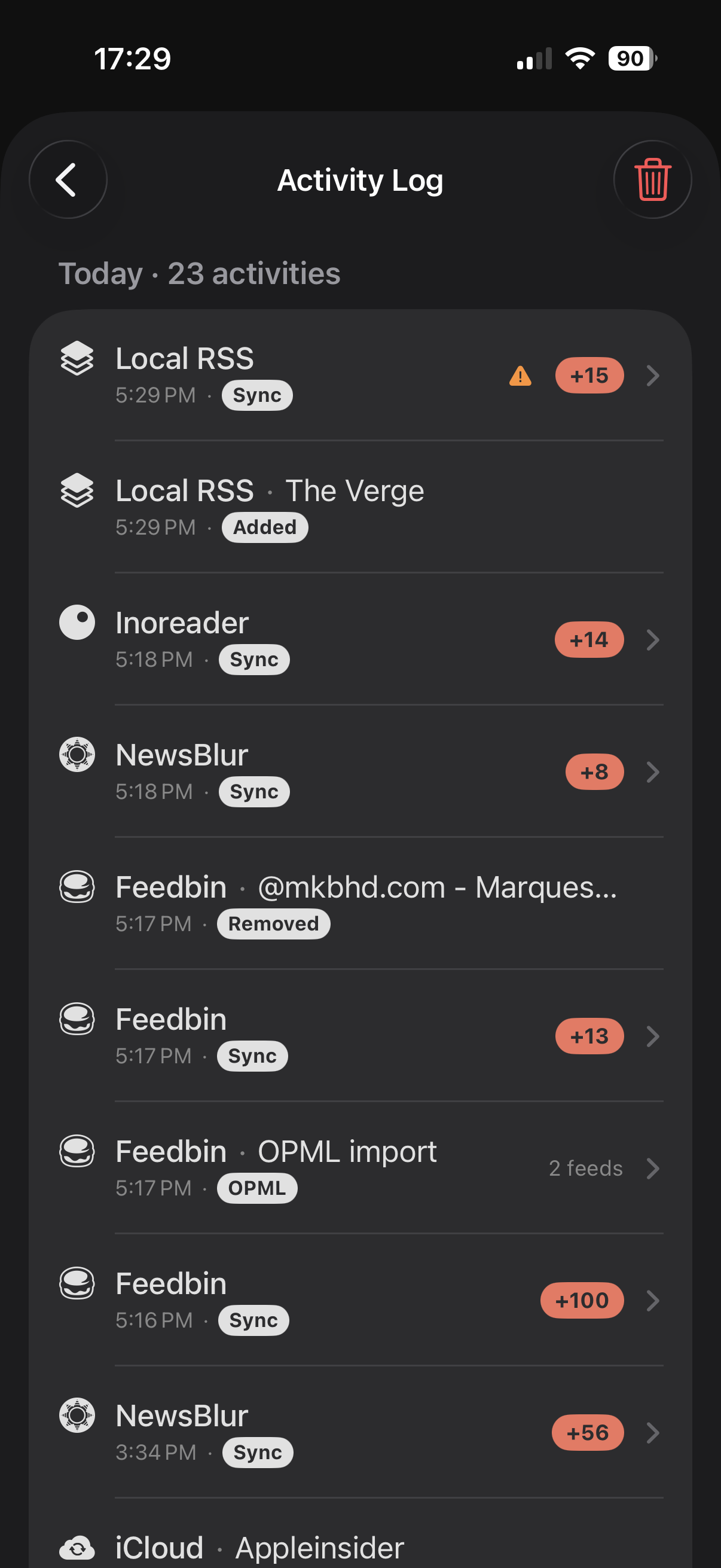
  • Settings gains an Activity Log: a timeline of every sync (background included), feeds added or removed, OPML imports and account errors
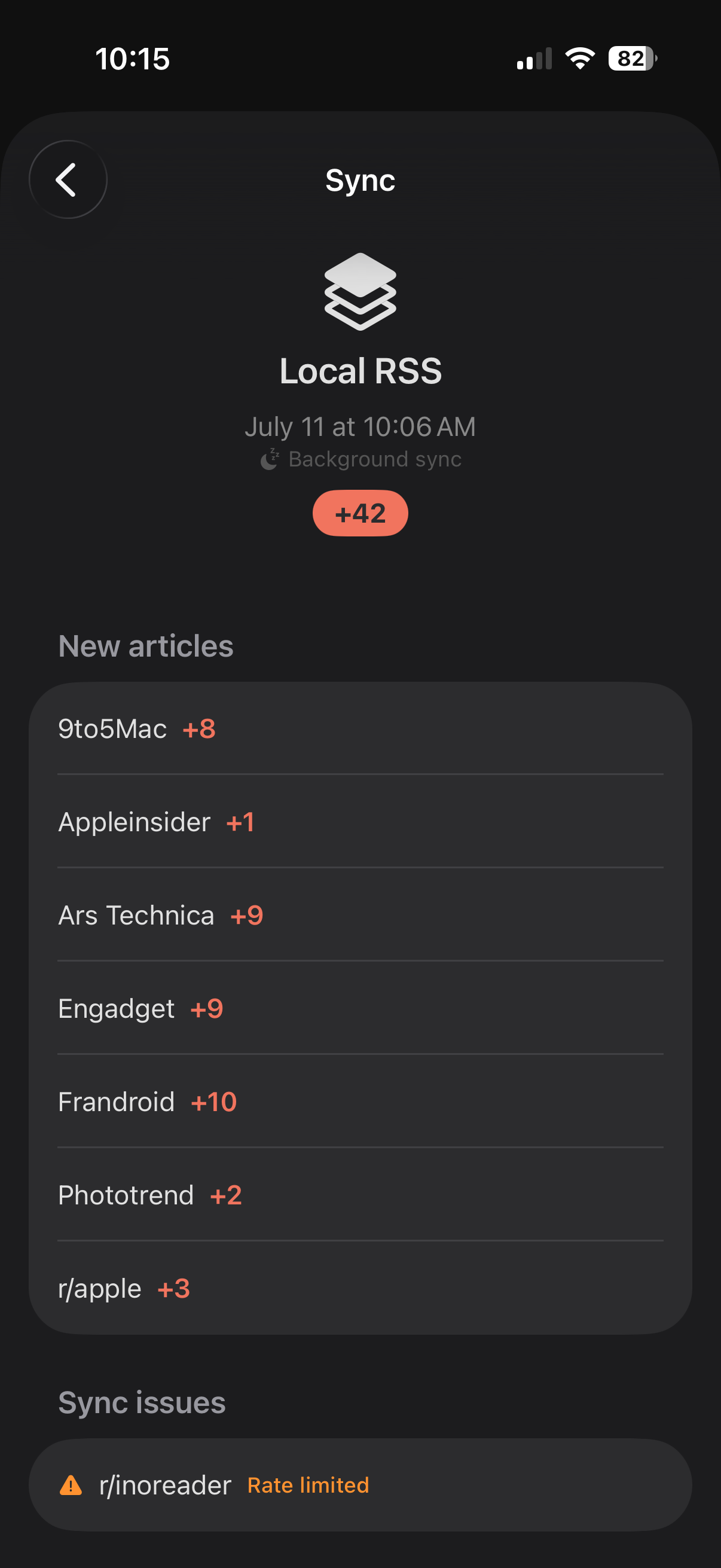
  • Tap a sync to see exactly which feeds brought new articles and how many; failed feeds are listed with the reason
  • Tap an OPML import to see the full list of imported feeds
  • Every entry names its account, and you choose how long history is kept (1 week, 2 weeks or a month)
The Activity Log timeline listing syncs, added feeds and OPML imports
The Activity Log — every sync, add and import
A sync's detail page breaking down new articles feed by feed
Sync detail — feed by feed

NewsBlur sign-in

  • Sign in with NewsBlur: authorize on newsblur.com — your password never touches the app; the classic form stays as a fallback and existing accounts keep working
  • Manage Account now shows who's signed in, with Re-authenticate and Log out

Listen to Article

  • Redesigned mini-player with the article's artwork
  • New playback speed control (0.8× to 2×), remembered across articles

Feeds & discovery

  • YouTube playlists can now be added — paste the playlist page or its share link and Feedler finds the feed; channel links resolve faster too
  • YouTube video descriptions now appear in article lists
  • Old http:// feed addresses are upgraded automatically, and OPML imports check every feed's reachability with a status badge before you confirm

1.5.3

July 12, 2026
Sync Settings Reading
  • Sync is significantly faster, especially with very large unread backlogs
  • Fixed a crash loop when a feed appeared twice — the app now repairs itself at launch
  • New settings: preferred summary language, Mark as Read on Open and on Scroll

Sync

  • Fixed a crash loop that could require reinstalling the app when a feed appeared twice — the app now repairs itself at launch
  • Removed all default import and cleanup limits: new feeds import their full history, and nothing is deleted or marked as read unless you explicitly choose a limit ("No limit" is the new default)
  • Accounts with very large unread backlogs now sync correctly and much faster
  • The sync progress bar now always completes smoothly to 100% and never jumps backwards

New settings

  • Preferred Summary Language: choose whether AI summaries follow the article's language or your device's
  • Mark as Read on Open (on by default) and Mark as Read on Scroll (off by default)

Reading & feeds

  • Feed suggestions are now verified before being shown — no more picking a suggestion only to hit "No feed found at this URL", and suggestion titles are cleaner
  • Smoother article toolbar animations and improved video handling in articles
  • Favorites are now fully protected from cache cleanup and stay readable offline
  • Sharper feed icons in more cases

1.5.2

July 9, 2026
Discovery Reddit Polish
  • Feed discovery now probes the exact address you paste — more sites resolve on the first try
  • Much better Reddit support, with its strict rate limits handled automatically
  • Sharper feed icons on hosted accounts (Inoreader, Feedbin, NewsBlur…)

Adding feeds

  • Discovery now probes the exact address you paste, path included, so more sites and pages resolve to their real feed on the first try — including awkward ones like Reddit URLs
  • Fixed adding Squarespace sites, which used to be rejected
  • Adding a feed is noticeably faster, and a new "Import OPML" shortcut lives directly in the + menu

Reddit

  • Multi-subreddit accounts improved: feeds are named r/<sub> by default, articles read cleanly in Reader View, and icons are reliable
  • Reddit strictly rate-limits its RSS feeds (roughly one request per minute per device) since June 2026. Feedler now spaces out and automatically retries Reddit requests, so Reddit feeds refresh more slowly and mostly in the background — a Reddit restriction, not a bug

Also

  • Better support for Kill the Newsletter!
  • Sharper feed icons: hosted accounts (Inoreader, Feedbin, NewsBlur…) now show real site icons instead of blurry placeholders, and the icon picker's suggestion matches the one actually in use
  • Fixed adding an Inoreader account whose subscription list contained duplicate feeds
  • The FAQ now opens inside the app, and Feedler is on Mastodon
  • Article list polish: larger date headers and tighter rows for text-only stories
  • Stability: fixed reported crashes, safer content caching, and the sync status no longer shows the wrong account after switching
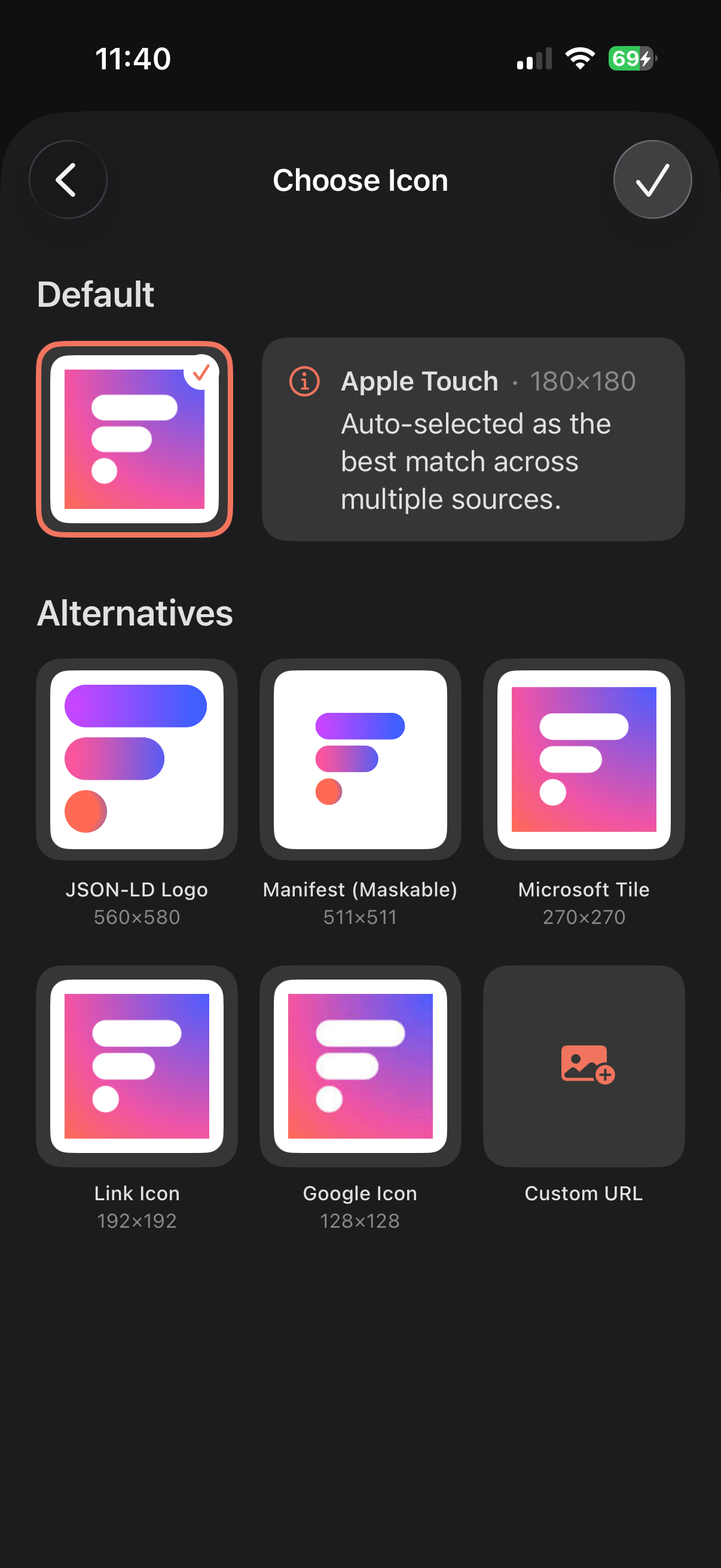
The feed icon picker with the best icon auto-selected and alternatives
The icon picker — best icon auto-selected

1.5.1

July 1, 2026
Fixes
  • YouTube videos no longer overlap the AI Summary — they reposition when it opens or closes
  • Removed a stray "preferred source" badge that showed at the end of articles on some sites

1.5

June 30, 2026
iCloud Discovery Reading
  • iCloud article sync: recent articles and favorites follow you across all your devices
  • Add feeds with one field: a website, an RSS link, or a creator's @handle
  • YouTube plays natively inside the reader — vertical Shorts included

iCloud article sync

  • Your recent articles and your favorites now sync across all your devices
  • Favorites are kept for offline reading everywhere, independent of how far back each feed reaches

Adding feeds

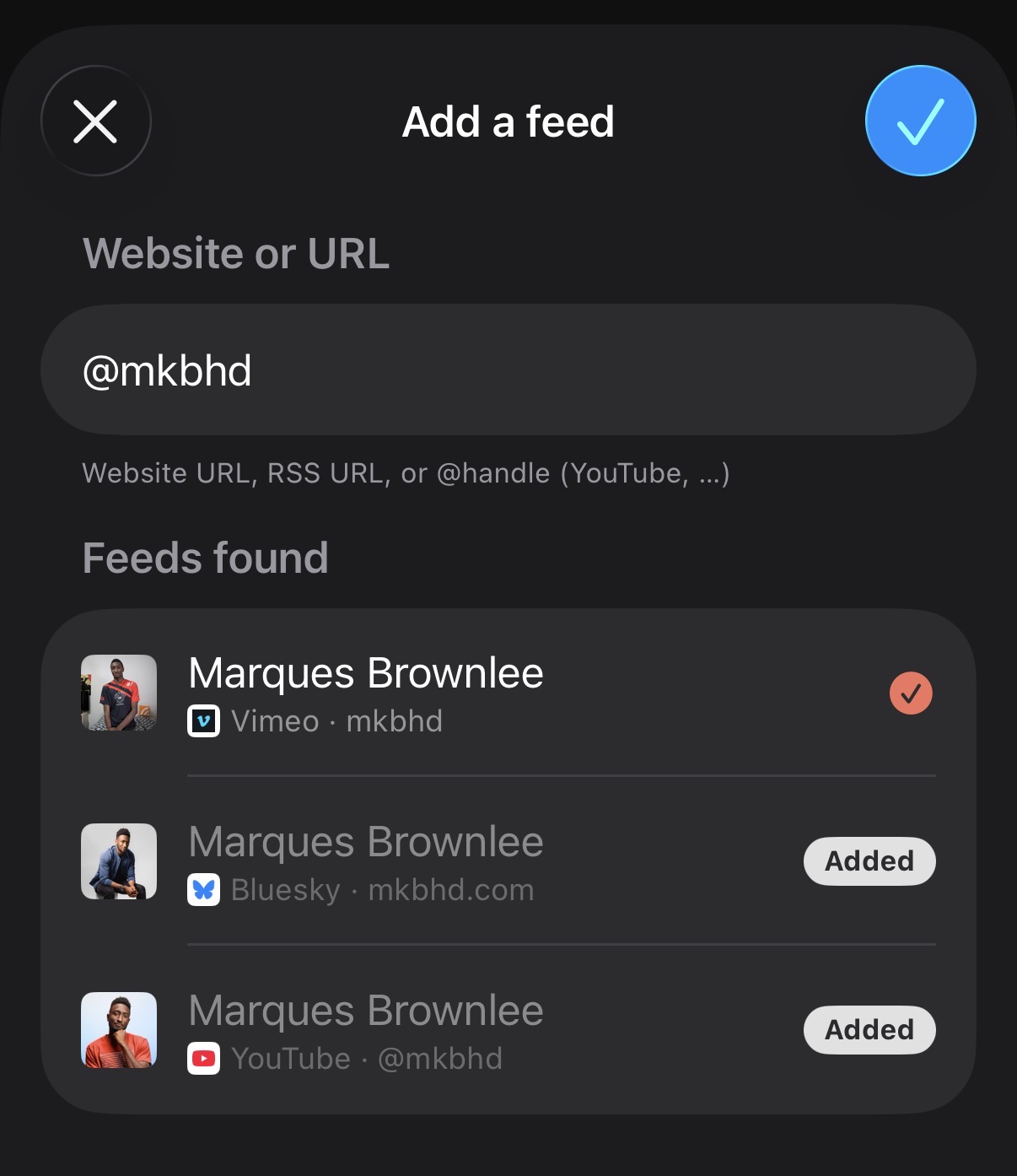
  • One field for everything: paste a website or RSS URL, or type an @handle to find YouTube, Vimeo, GitHub and Bluesky feeds — shown with their name and avatar
Typing @mkbhd finds the creator's YouTube, Vimeo and Bluesky feeds
Type an @handle — creators found with name and avatar

Reading

  • Improved article text and image extraction, image captions, and cleaner layouts on more sites
  • YouTube in the reader: native inline playback, including vertical Shorts
  • Bluesky posts now render as embedded cards

Also

  • Sharper feed icons: real channel avatars (YouTube, Bluesky, X), a smarter icon picker and cleaner single-color icons
  • A reworked Accounts page (switch, add, hide from sync) and an in-app language switch that applies everywhere
  • Smoother navigation and article-dismiss animations
  • Faster sync and a smarter cache that never drops fresh articles

1.4

June 25, 2026
NewsBlur Listen Reading
  • Full two-way NewsBlur sync: feeds, folders, read state and saved stories
  • Listen to Article: a built-in player reads any article aloud, hands-free
  • Bluesky posts now embed inline while you read

NewsBlur

  • Connect your NewsBlur account for full two-way sync — feeds, folders, articles, read/unread and saved stories; free accounts fully supported
  • Add, remove, rename and organize feeds and folders right from Feedler
  • Mark all as read by feed, folder or account, using each service's fast server-side endpoint
  • Un-saving a story on the web now syncs back to the app

Listen to Article

  • A built-in player reads any article aloud (text-to-speech), with lock-screen controls and a mini-player so you can listen hands-free
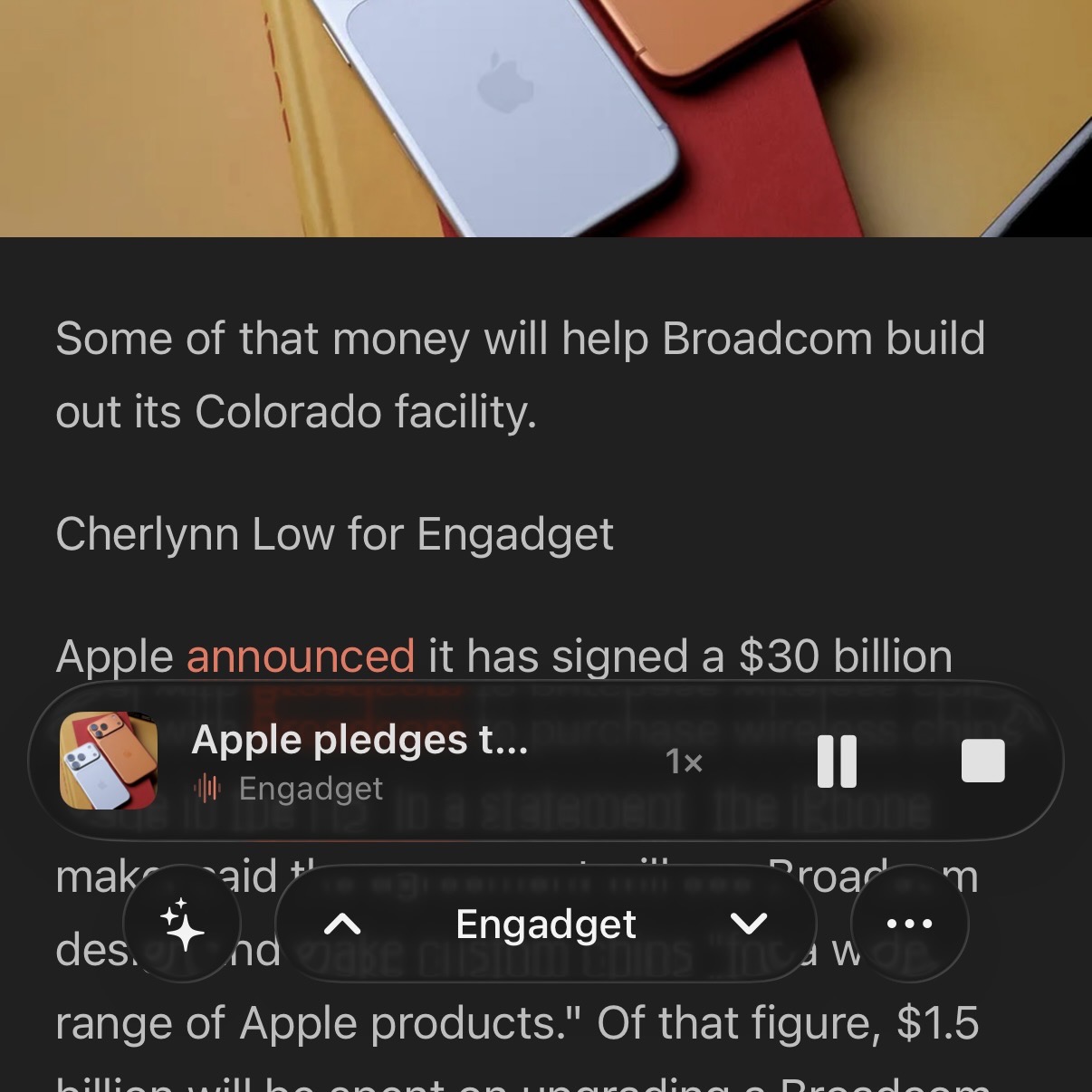
The Listen mini-player over an article, with artwork and playback controls
The mini-player reads articles aloud

Reading

  • Bluesky posts now embed inline while you read, just like X and other social embeds
  • New setting to keep the reading toolbar always visible instead of hiding it as you scroll
  • Videos now play inline, and YouTube players load lazily for smoother scrolling
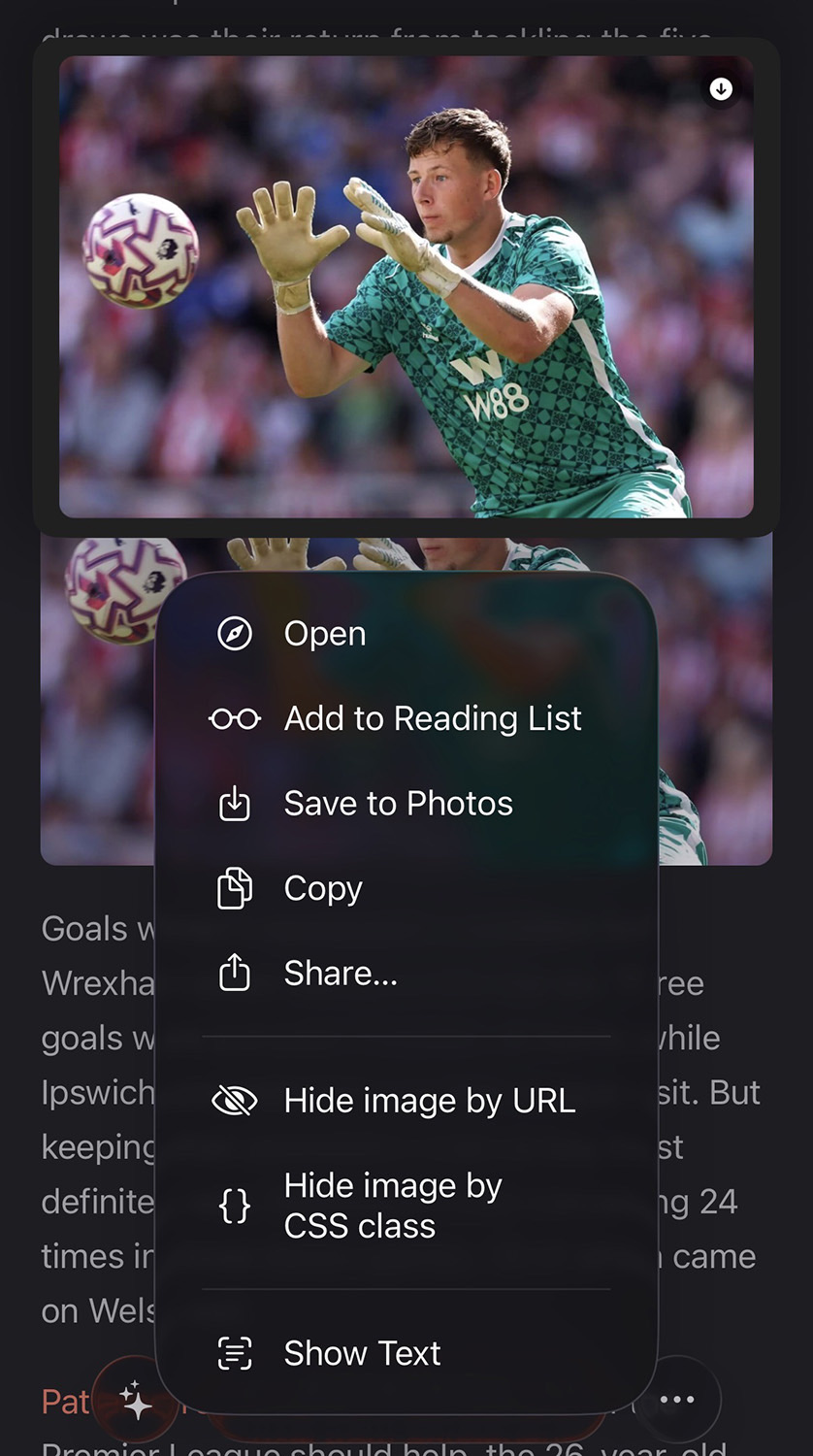
  • Improved tables, a long-press menu on images to Share or Save, and tap-to-zoom — images that weren't cached load on demand

1.3

June 22, 2026
Reader Customization
  • New Parser Customization: fine-tune how any feed's articles are pulled in
  • Create a cleanup rule instantly by selecting text in an article
  • Improved article and image rendering across more sites

Parser Customization

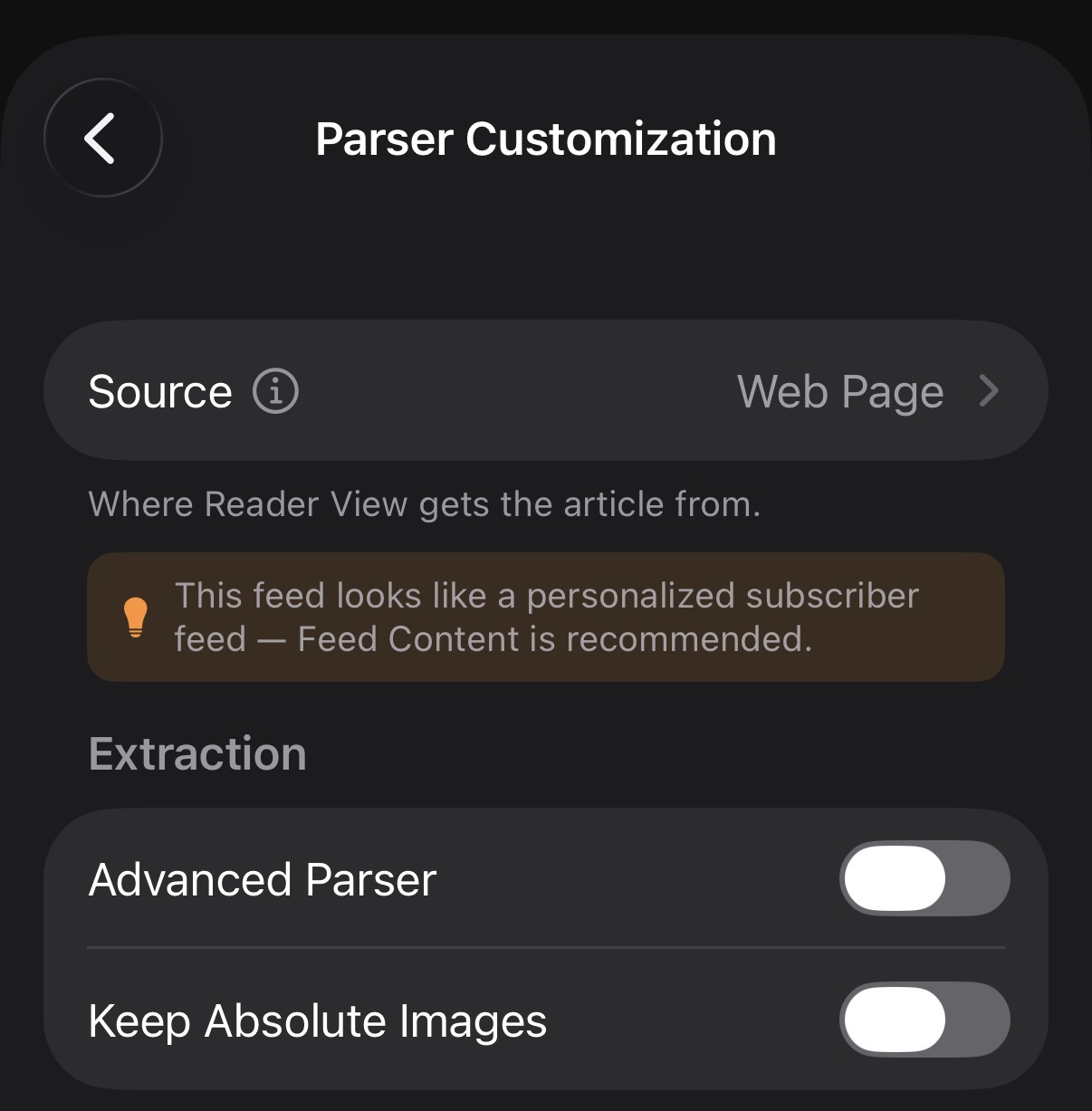
  • Turn on the Advanced Parser for sites that render poorly, and keep article images some sites hide
  • Add rules to hide recurring blocks or trim an article's ending
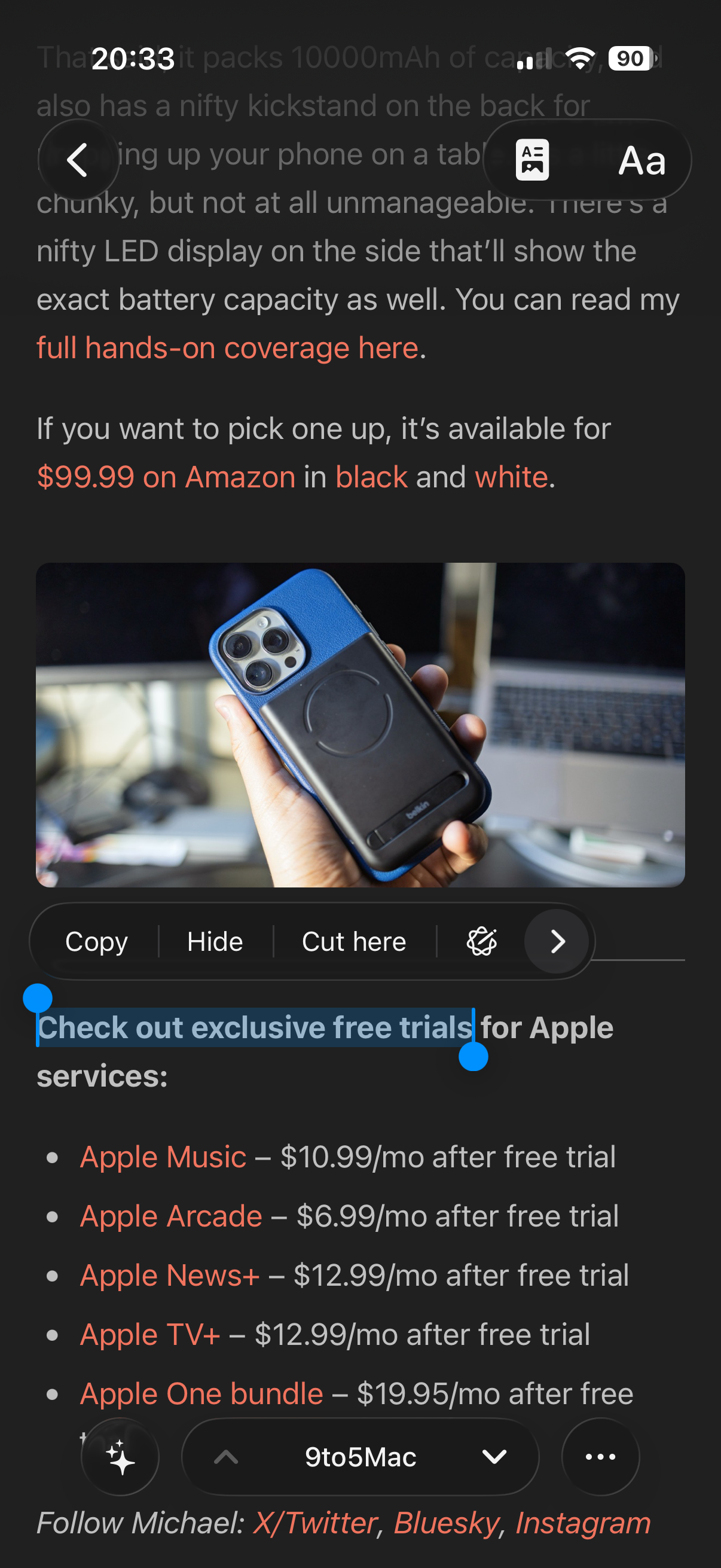
  • Select text in an article and use Hide or Cut here to create a rule instantly
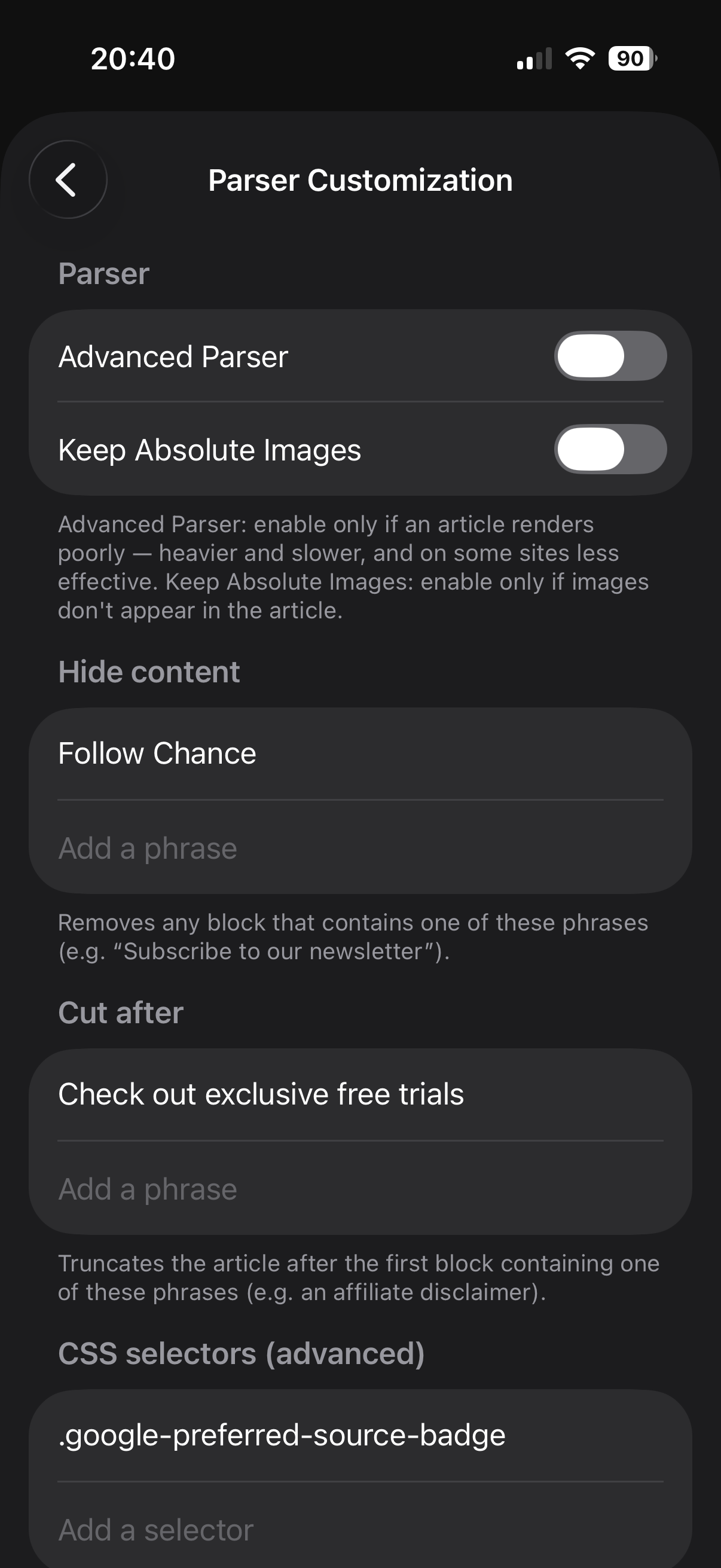
The Parser Customization settings for a feed
Per-feed parser rules
Selecting text in an article to create a Hide or Cut here rule
Select text — create a rule instantly

1.2

June 18, 2026
Polish
  • Improved article and image display — fewer missing images on certain sites
  • Reworked image viewer: smooth zoom on tap, swipe down to dismiss
  • The "articles per day" average is back under each feed

1.1

June 15, 2026
iCloud
  • New "iCloud RSS" account type: feeds, categories and read/starred status sync across your devices
  • Settings now back up to iCloud

1.0

June 9, 2026
  • The first Feedler TestFlight — where it all began
  • Local RSS accounts, a full Reader View, offline reading, favorites, and cloud accounts: Feedbin, FreshRSS, Miniflux, TT-RSS, Inoreader