
1.6
iPad & Mac
Smart sync
Activity Log
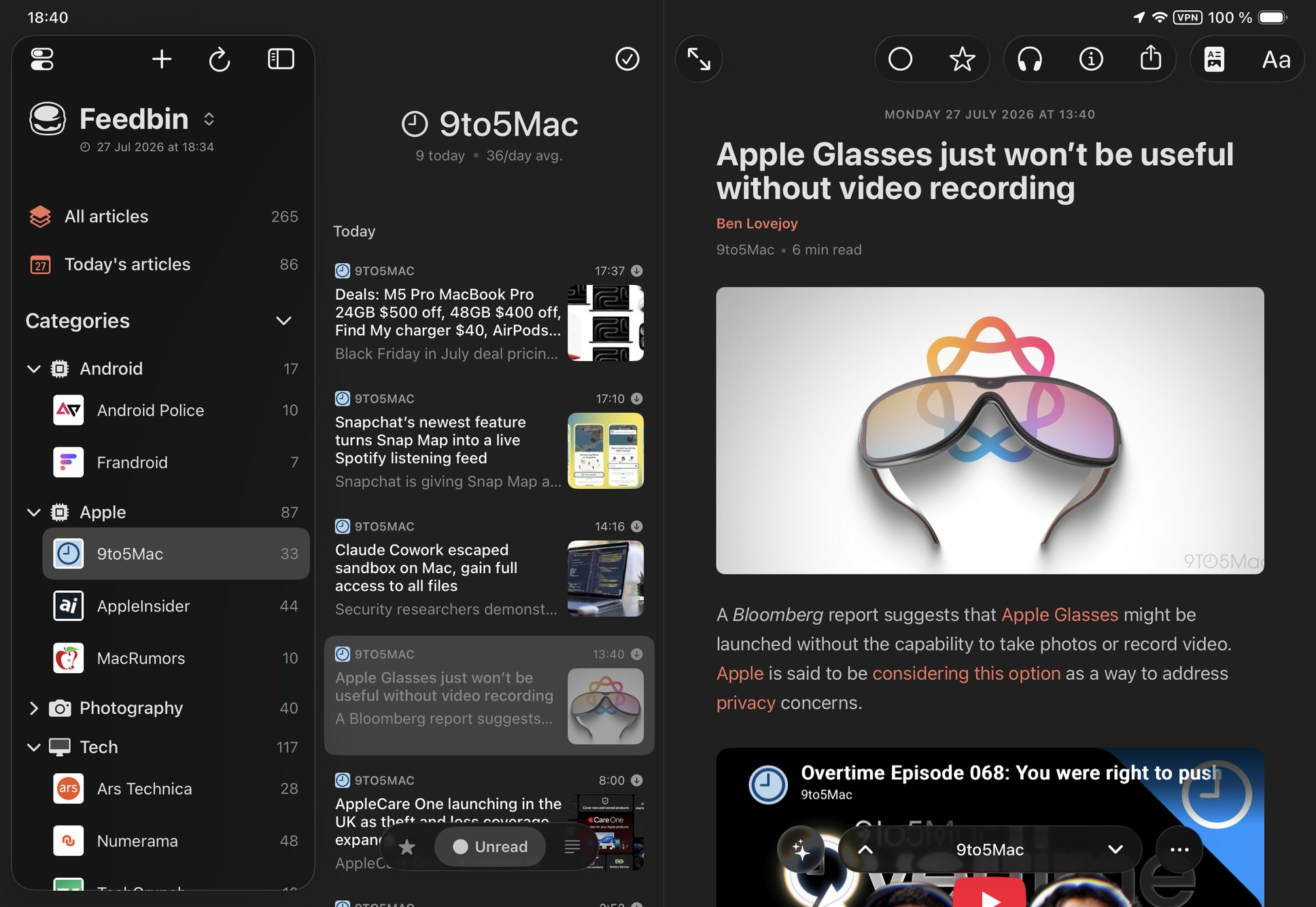
- Feedler comes to iPad: a three-column layout with a persistent reading pane
- A faster, smarter sync: article text first, images follow quietly in the background
- Image downloads: Never, Smart or Always, globally, per account or per feed
- A much richer Activity Log that records exactly what every sync did
An all-new iPad experience
- Three-column layout: feeds sidebar, article list and a persistent reading pane, with smooth column animations and a full-screen reading mode
- Redesigned account hub in the sidebar, with sync status at a glance
- Pull up or down at the end of an article to jump to the next or previous one, with a brand-new indicator animation, now on iPhone too
- Info sheets and popovers properly sized for the big screen
- Display settings are now stored per device, so your iPad and iPhone can each keep their own setup
Feedler also runs better on the Mac: the layout is the same as on iPad, but it isn't fully optimized yet; that's coming in a future update.
A faster, smarter sync, especially on slow networks
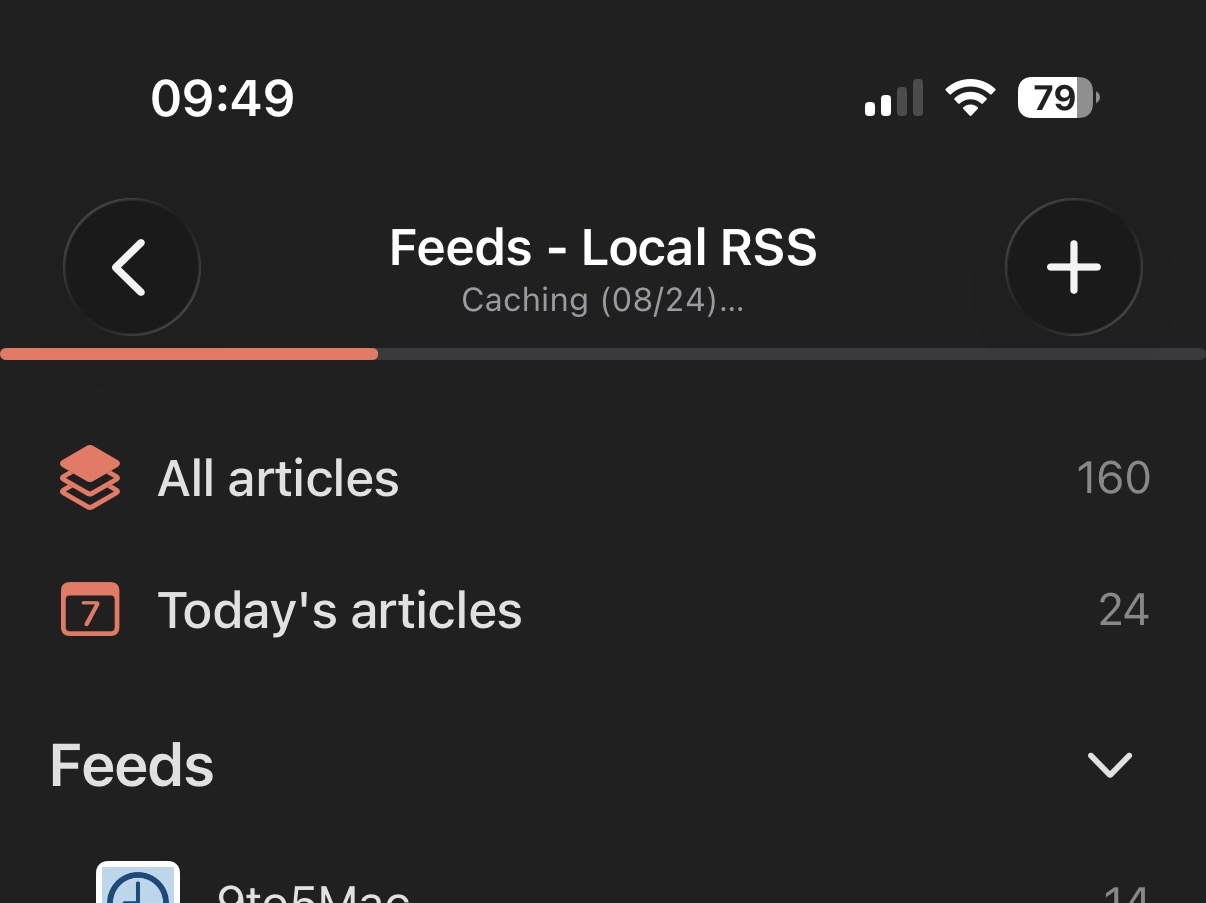
- Sync now saves article text first and fetches images afterwards, so your articles are ready to read much sooner
- Images keep downloading quietly in the background, with a progress indicator and a one-tap cancel
- New image download setting: Never, Smart or Always: globally, per account or per feed. Smart watches your connection and checks with you before starting a heavy download on a slow network
- A sync can now be cancelled at any time
- Smarter disk usage: the cache limit now applies to article content only, and thumbnails get their own separate cap: the oldest ones are cleaned up automatically and simply reload from the network when you're online
This new sync changes how articles are stored. Articles cached by previous versions are converted automatically on first launch: if some older articles still look wrong, clear the cache in Settings and sync again.
A much richer Activity Log
- Every sync now records exactly what it did: new articles, articles cached, and images downloaded with their total size and duration
- The detail page breaks the images down feed by feed, so you can see which feeds fill your cache
- Images skipped on a slow network are counted separately from failures, so you always know why something isn't cached yet
- Cancelled syncs are now marked as such in the history, and unreachable self-hosted servers leave a trace too
And the rest
- Sync All Accounts: refresh every account in one tap, from the account hub or a long press on an account card
- Automatic refresh now also works while the app is open, not just in the background
- Restoring on a new device brings every account back, with content filling in automatically
- Unreachable self-hosted servers now fail fast instead of stalling the sync
- Many stability and performance improvements, especially for large accounts