
Introducing Trending Stories

When big news breaks, half your feeds write about it. A keynote, a major release, an election night: every site you follow publishes its own take, and your timeline fills with variations on the same event, scattered between everything else you meant to read.
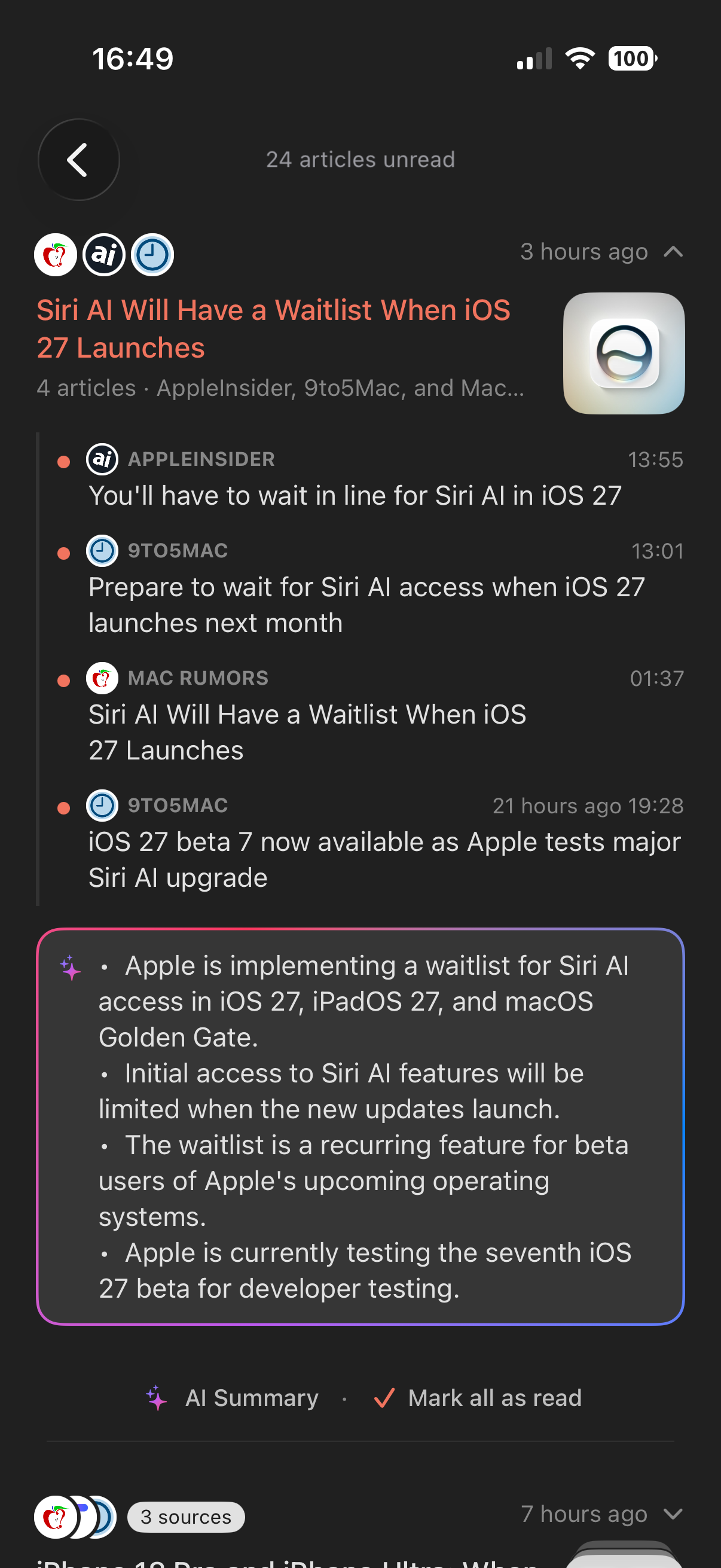
Trending Stories is Feedler's answer: a new smart list where, whenever several of your sources cover the same news, their articles are gathered into one story: the sources' icons stacked together, one headline, and every site's take a tap away. Open it and you see, at a glance, what your feeds are buzzing about.
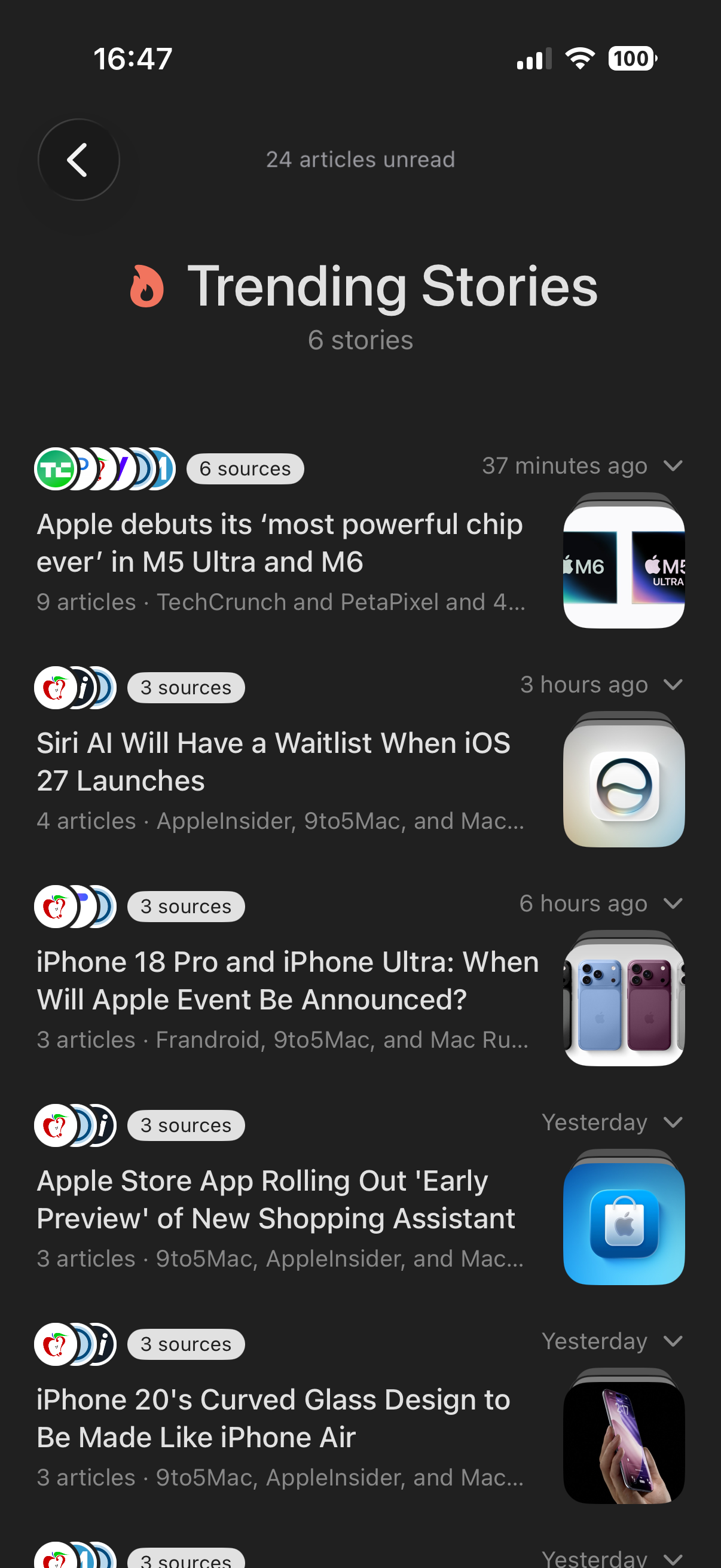
Your feeds, nothing else
Stories are built only from the sources you follow: no editor picking headlines for you, no external news service, no global popularity chart. If a story is trending in Feedler, it's because it's trending in your reading. That makes it a very different signal from any news app's front page.
Every angle, side by side
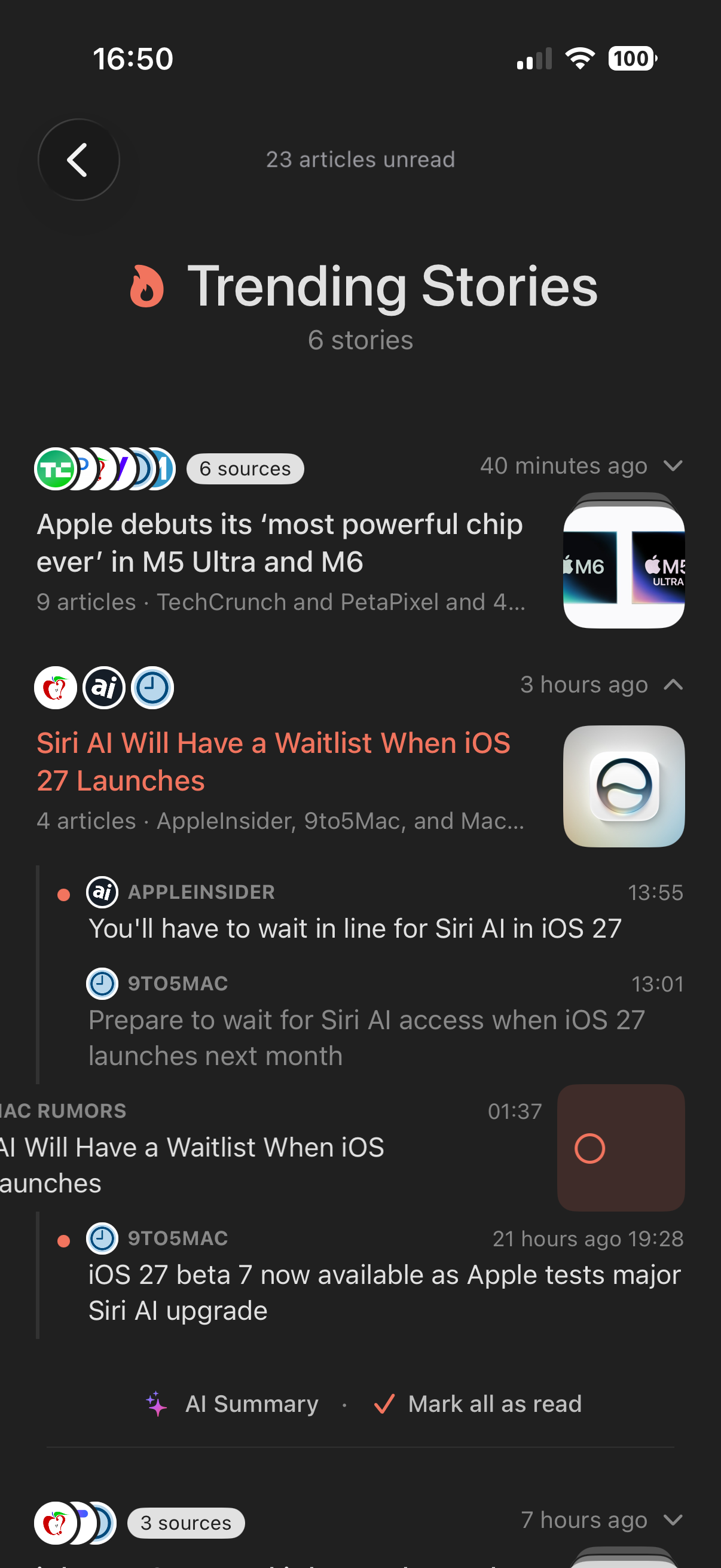
Expand a story and each source's coverage sits under the shared headline, one article after another: read the reporting from one site, the analysis from another, the hot take from a third. Read states work right in place: mark any article read inside the story, as you would in a regular list.
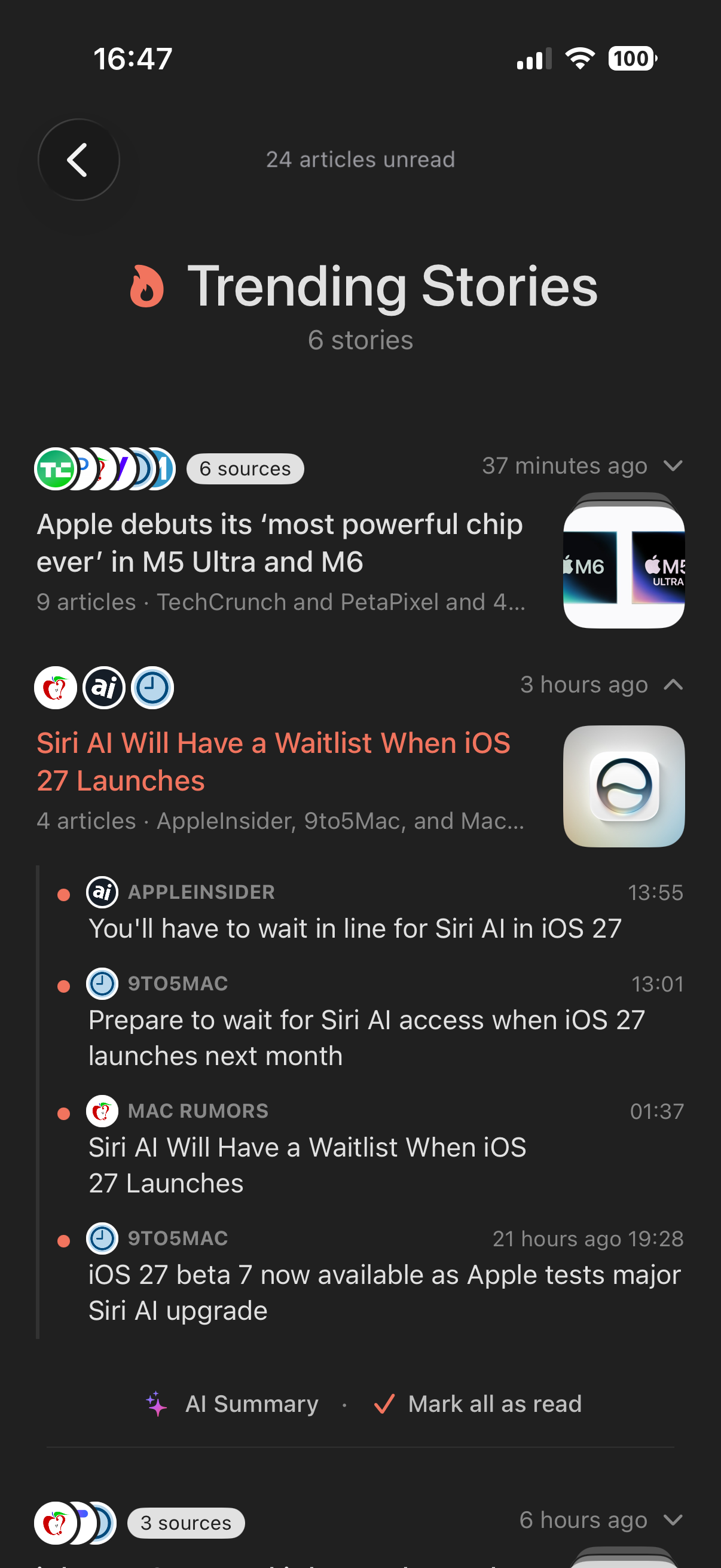
Done with a story? Not interested at all?
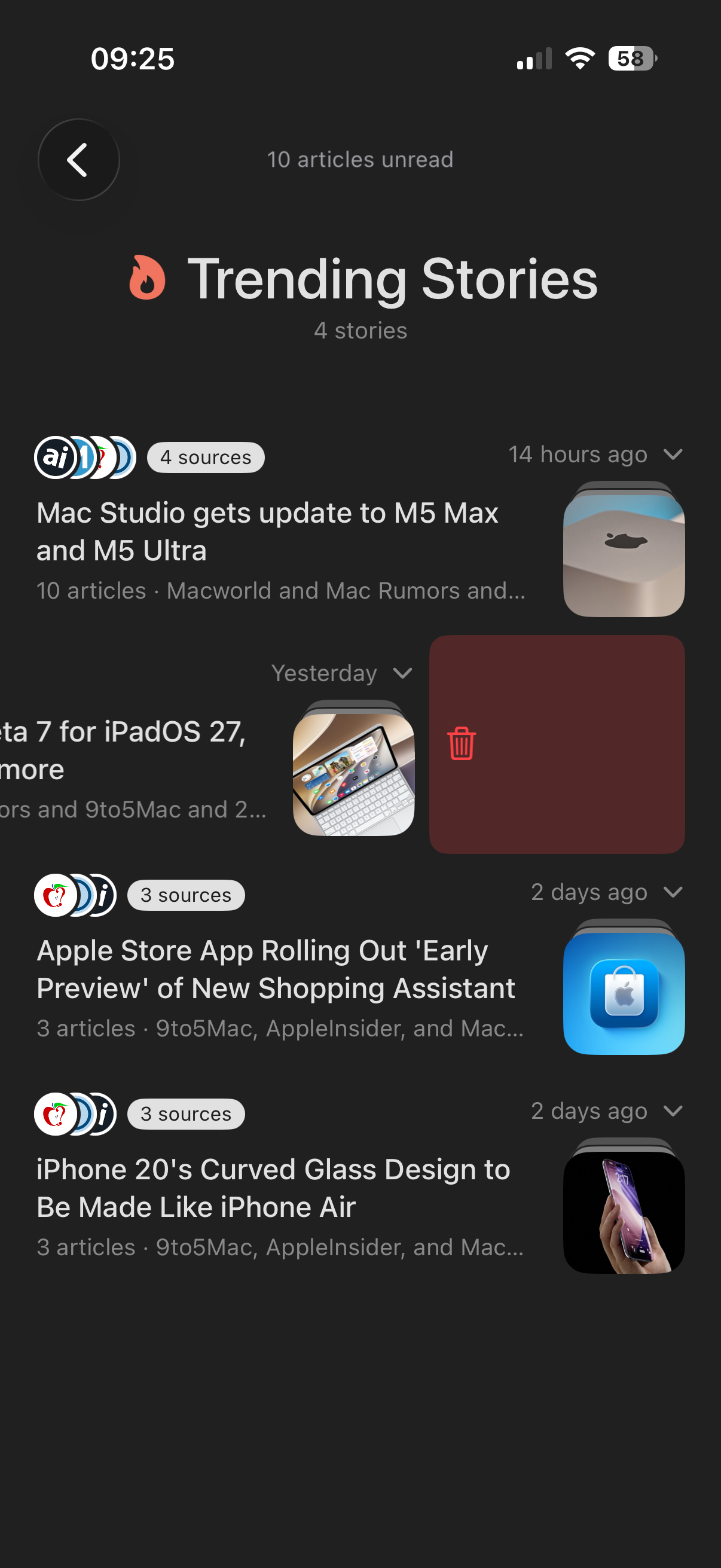
Those are two different gestures. Done reading: tap Mark all as read and every article in the story is cleared. The story leaves the list, but it isn't gone for good: the moment a new article joins the story, it comes back to show it. Not interested: swipe the story left to delete it, and that one is for keeps. It won't return even as new articles are added to it. An Undo appears right after in case of a slip, and you can always bring every deleted story back from the settings.
An algorithm, not AI
Stories are grouped by a matching algorithm that runs entirely on your device. That's a deliberate choice: it works on every iPhone, iPad and Mac, with no Apple Intelligence and no cloud service, and nothing about your reading leaves your device. It's also instant, and nothing is ever invented. Note that simple matching can occasionally group articles that merely share a lot of vocabulary. If a story looks off, swipe it away and it's gone for good.
AI only where you want it
One optional extra does use Apple Intelligence, on devices that have it: tap AI Summary inside a story and the essentials of all its articles are condensed into a few lines, a quick brief before you decide which takes to read in full.
Make it yours
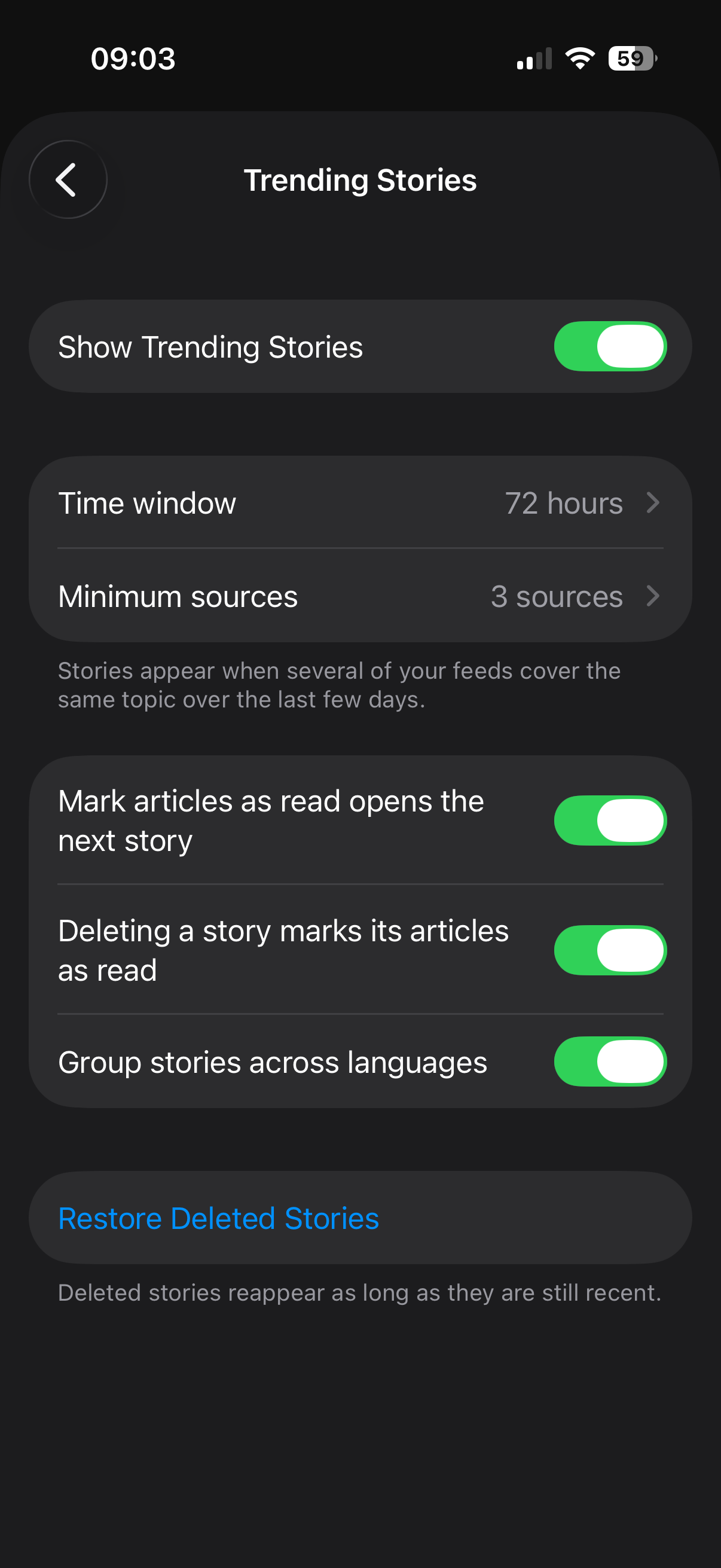
Trending Stories is tunable, in Settings › Lists › Trending Stories: how recent a story must be, how many sources it takes to make one, whether stories can group articles across languages, and a one-tap way to restore the stories you've swiped away.
Trending Stories is rolling out to TestFlight testers now and will be part of the upcoming App Store release. Questions? The FAQ entry covers every detail.