Introducing Feeds Discover
The hardest moment in any RSS reader is the very first one: an empty screen and a field asking for a URL. Which sites? Which feeds? Even seasoned readers hit the same wall in a quieter form — you know your staples, but finding something genuinely good and new takes work.
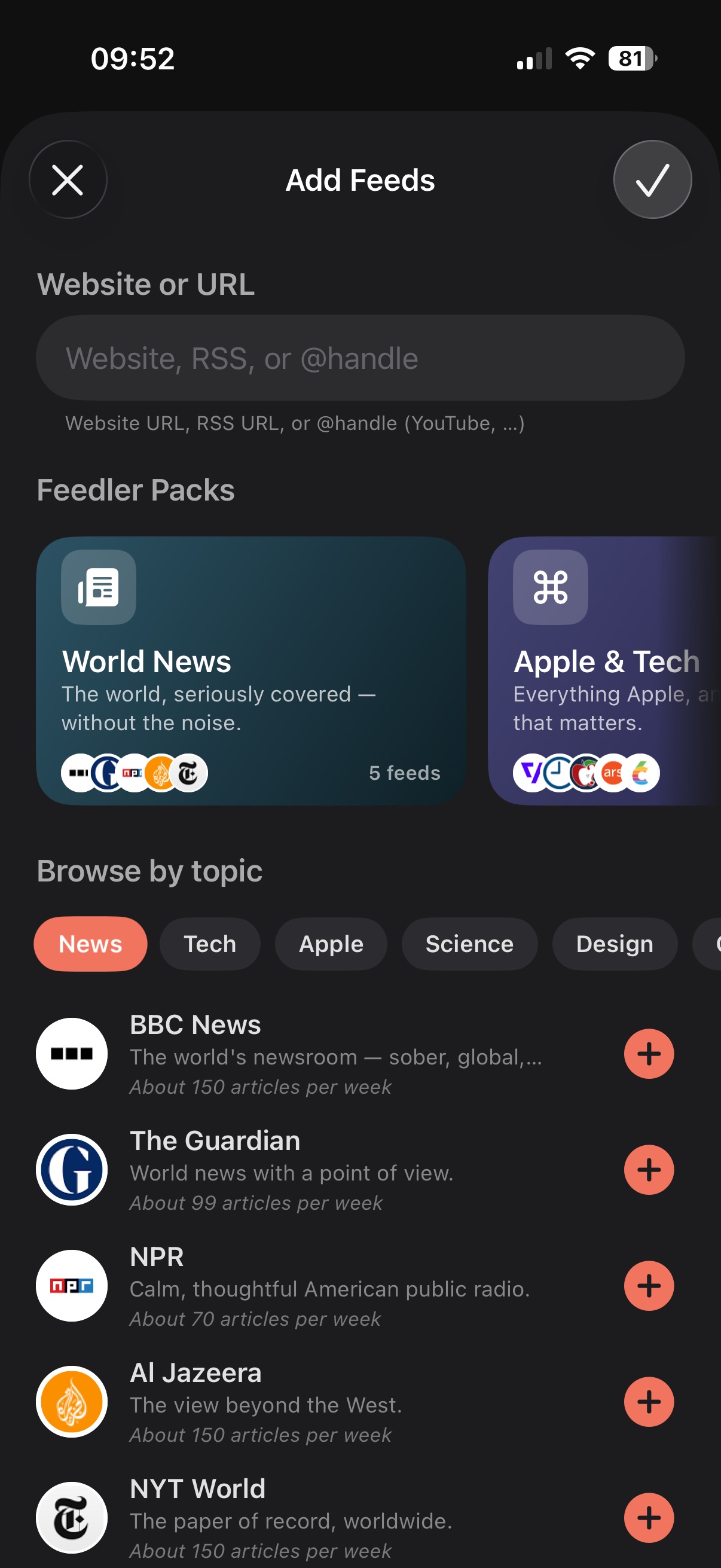
Feeds Discover is Feedler's answer: open Add Feeds and, before you type anything, Feedler greets you with a hand-curated catalog of quality sources — in your language, ready to add in a tap. Start typing and the classic URL field takes over, exactly as before; the catalog simply lives where the blank screen used to be.
Feedler Packs
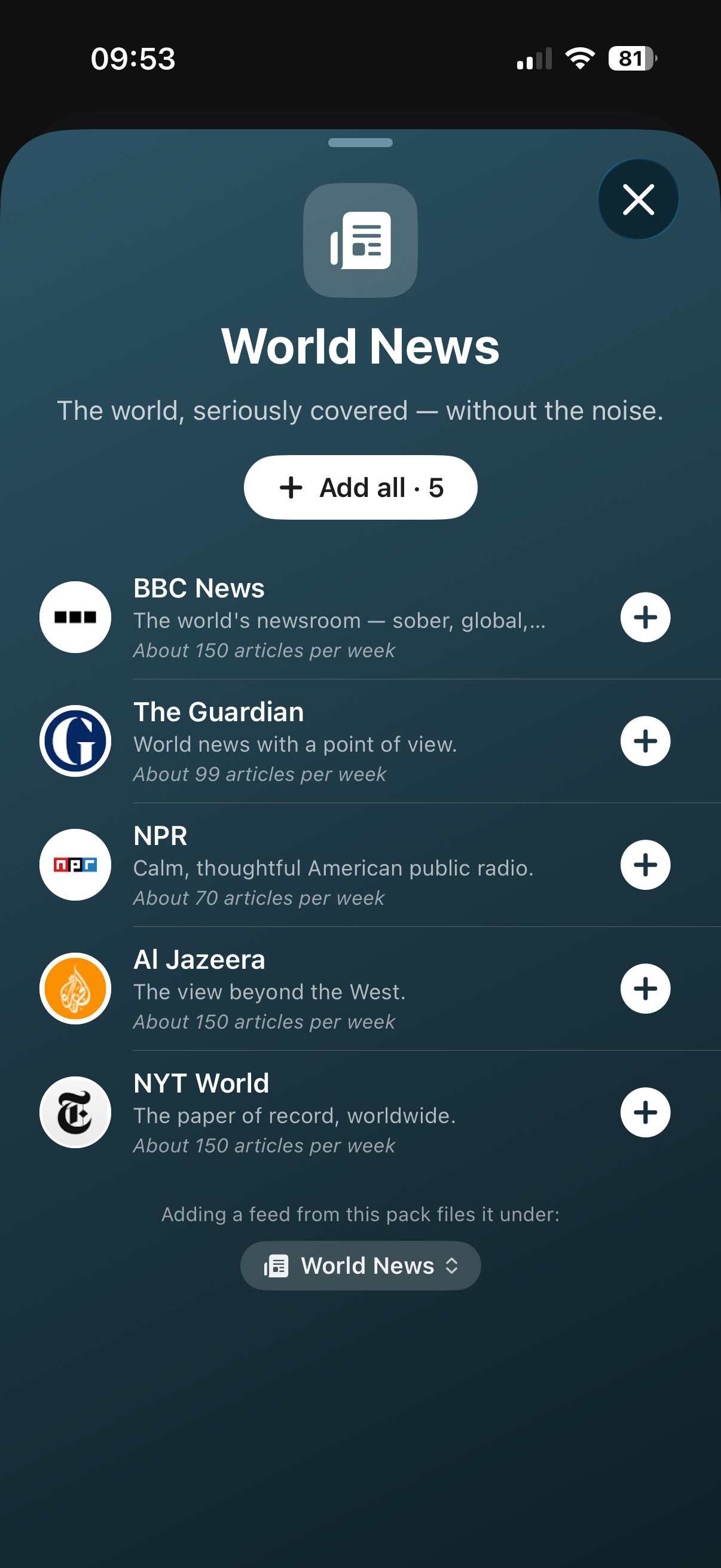
Packs are themed starter collections — world news, Apple & tech, science, gaming, finance, sport and more. Open one and every feed shows a one-line description and how often it publishes, so you always know what you're subscribing to. Add the ones you like — or the whole pack in a single tap — and Feedler files them into a tidy category of your choosing. Changed your mind mid-browse? Tap again to take one back before you leave; nothing syncs until you're done shopping.
Browse by topic
Below the packs, the catalog opens up topic by topic — news, tech, Apple, science, design, gaming, photography and more — and it runs deeper than the packs: plenty of hand-picked sources live here and nowhere else. Tap a topic, skim the suggestions, and the feeds you already follow quietly step aside so there's always something new to find.
In your language
A feed catalog is only as good as it is local — a French reader shouldn't be handed an American starter list and told it's universal. So the Discover catalog is curated separately in English, French, German, Italian and Spanish — not translated: different sources, chosen for each language — and it follows your language and region, with the English essentials included for everyone.
Checked by hand, kept fresh
Every suggestion is verified before it enters the catalog — alive, publishing, worth following — because nothing sours a recommendation like a dead feed. And the catalog quietly refreshes itself over time, so what you see is worth adding today, not the day the app shipped.
Make it yours
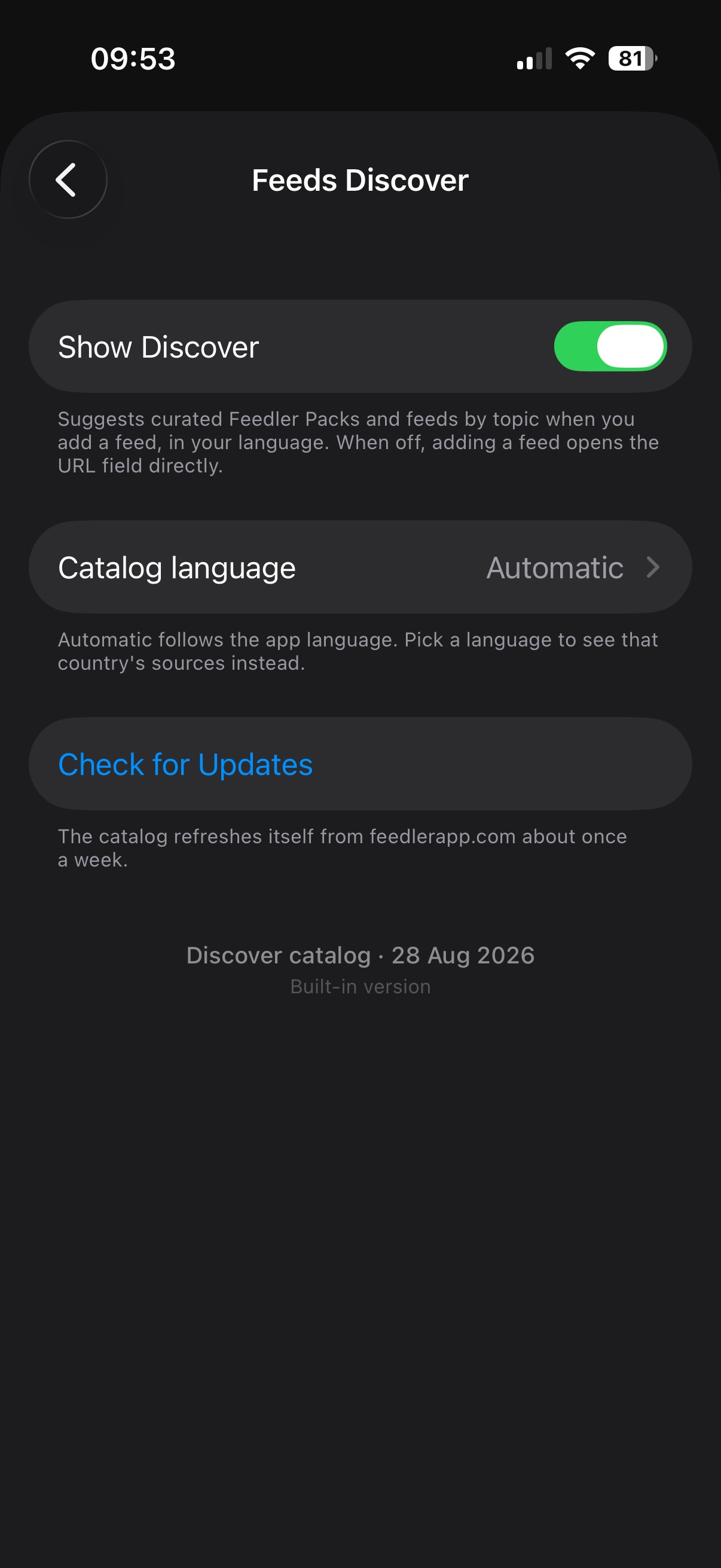
Feeds Discover is yours to tune in Settings › General › Feeds Discover: switch it off to jump straight to the URL field, pick another catalog language, or check for a catalog update on the spot.
Where this is headed
Two things we're already building on top: you'll be able to turn one of your folders — or a hand-picked list of your feeds — into a pack of your own to share, and to suggest a favorite feed for the catalog right from the app — because nobody knows the great sources in your language better than you.
Feeds Discover is rolling out to TestFlight testers now and will be part of the upcoming App Store release. Questions? The FAQ entry covers every detail.